Everyday
  About Company
 Refund Policy
 Privacy Policy
 Terms And Conditions
 Support
 Open Ticket
 Contact Us
 Knowledgebase
 News
News
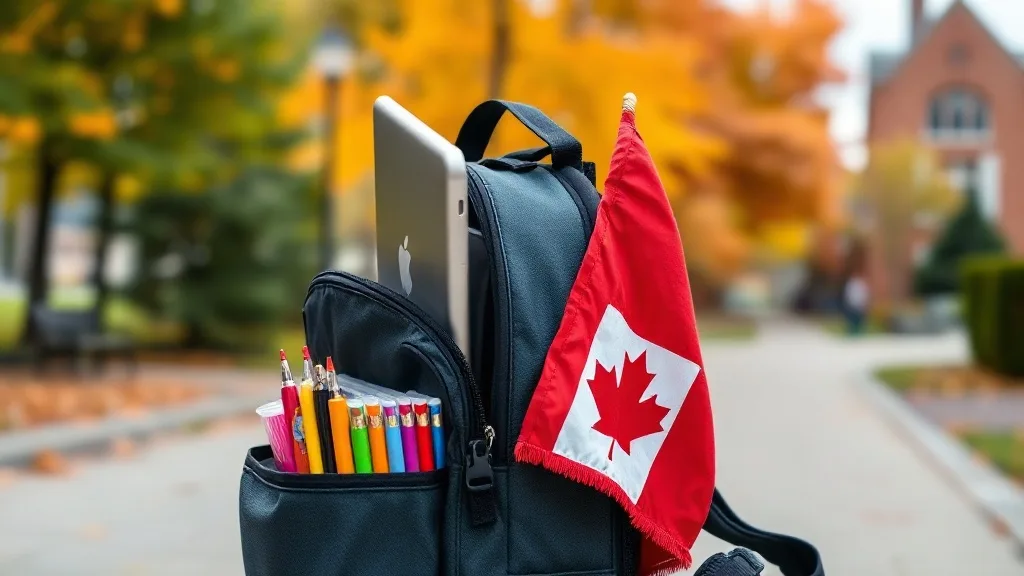
Best Back-to-School Laptops Canada 2026 — Affordable Picks Under $500 CAD
Back-to-school season in Canada means back-to-school spending — and a laptop is near the top of the list. If you're shopping for the best back-to-school laptops in Canada for 2026 under $500 CAD, whether for a high-schooler, a first-year college student, or a university student replacing an aging machine, finding the right affordable laptop at the right price is a priority for every Canadian family.
The challenge: Canadian laptop prices are steep. Currency exchange, import costs, and retail markup mean a laptop priced at $299 USD is often $450–$500 CAD at Best Buy or Staples Canada. And the cheapest options in those stores usually come with trade-offs that make them frustrating for actual school use — tiny storage, 4GB of RAM, or outdated processors.
This guide is written for Canadian parents and students looking for laptops under $500 CAD that can handle real schoolwork. We'll cover what students actually need in a laptop, compare retail pricing against direct-to-consumer options, and point to specific budget picks. If you want a broader shortlist, our companion guide on the best budget laptops for students in Canada is a useful next read.
What Do Students Actually Need in a Laptop?
Before looking at specific laptops, let's be realistic about what students actually do on a computer in 2026. The requirements haven't changed as much as manufacturers want you to believe:
- Write papers and assignments: Google Docs, Microsoft Word, or LibreOffice. None of these need a powerful processor
- Research online: A browser with 10–20 tabs open (Google Scholar, Wikipedia, course websites, databases)
- Attend online classes: Zoom, Google Meet, or Microsoft Teams for lectures and group projects
- Manage files: Download and organize PDFs, lecture slides, assignments, and submission files
- Create presentations: Google Slides or PowerPoint — again, not resource-intensive
- Light media: Streaming lectures, YouTube tutorials, Netflix during study breaks
- Email and communication: Gmail, Outlook, Discord, Slack
Notice what's not on this list for most students: video editing, 3D modeling, game development, or engineering simulations. Students in specialized programs (film, engineering, CS with heavy dev work) may need a more powerful machine. But for the vast majority of students, a well-specced budget laptop handles everything.
Minimum Specs for a School Laptop in 2026
Based on typical student workloads and widely published buying guidance, here are the minimum specifications to look for in a back-to-school laptop. If any single spec matters most, it's RAM — see our deeper explainer on how much RAM you actually need in 2026.
- RAM: 8GB minimum. This is non-negotiable in 2026. 4GB laptops exist, but they struggle with Zoom + browser + a document open at once
- Storage: 128GB SSD minimum, 256GB preferred. Must be SSD (not HDD or slow eMMC) for acceptable speed
- Processor: Intel Celeron N4120, an Intel N-series, or AMD Ryzen equivalent and above. Handles everyday student tasks without issue
- Display: 14–15.6" Full HD (1920x1080). HD (1366x768) screens cause eye strain during long study sessions
- Battery: 6+ hours advertised (4+ real-world). Enough to get through a few classes without hunting for outlets
- Ports: At least 1 USB-A (for flash drives), 1 USB-C, and preferably HDMI for presentations
- Webcam: Built-in. Every student needs a camera for online classes, group calls, and office hours
- Operating system: Windows 11 for full software compatibility with any program a professor assigns
What Canadian Students Typically Find at Retail Stores
Here's what $300–$500 CAD typically gets you at major Canadian retailers, based on their published listings in summer 2026:
Best Buy Canada ($300–$500 CAD range)
- HP Stream / HP 14: often 4GB RAM, 64–128GB eMMC (not a real SSD), HD screens. Frequently feels sluggish out of the box
- Acer Aspire 1: usually 4GB RAM, 128GB storage. Better screen but a RAM bottleneck
- Lenovo IdeaPad 1: hit or miss — some configs have 8GB, many at this price have 4GB
- ASUS VivoBook Go: decent displays, but RAM and storage are often underspecced at this price
The pattern at retail: most laptops under $400 CAD compromise on RAM (4GB instead of 8GB), use slow eMMC storage instead of a real SSD, or ship low-resolution screens. The ones with genuinely good specs often creep above $500 CAD once you add tax.
Staples Canada ($300–$500 CAD range)
A similar story to Best Buy. Staples carries many of the same HP, Acer, and Lenovo models. Their back-to-school sales can trim $30–$50, but the underlying hardware compromises remain. The $350 CAD laptop at Staples is often the same $350 CAD laptop at Best Buy, with the same 4GB RAM limitation.
Amazon.ca
Amazon has wider selection but quality varies wildly. No-name brands advertise seemingly great specs at low prices, but build quality, support, and warranty are gambles. Established brands in the $300–$400 CAD range on Amazon mirror the same compromises as Best Buy. Our guide on how to buy a laptop online in Canada covers how to vet these listings safely.
NXTCORE: Direct Pricing and Free Shipping Across Canada
As a direct-to-consumer laptop brand, NXTCORE cuts out the retail middleman — no shelf-space fees, no distributor markup, no in-store overhead. More of your money goes toward the actual hardware. NXTCORE's lineup spans $179 to $899 USD, averaging about $396, which lands most everyday configurations comfortably under $500 CAD.

Here's how NXTCORE pricing compares to the typical back-to-school retail options:
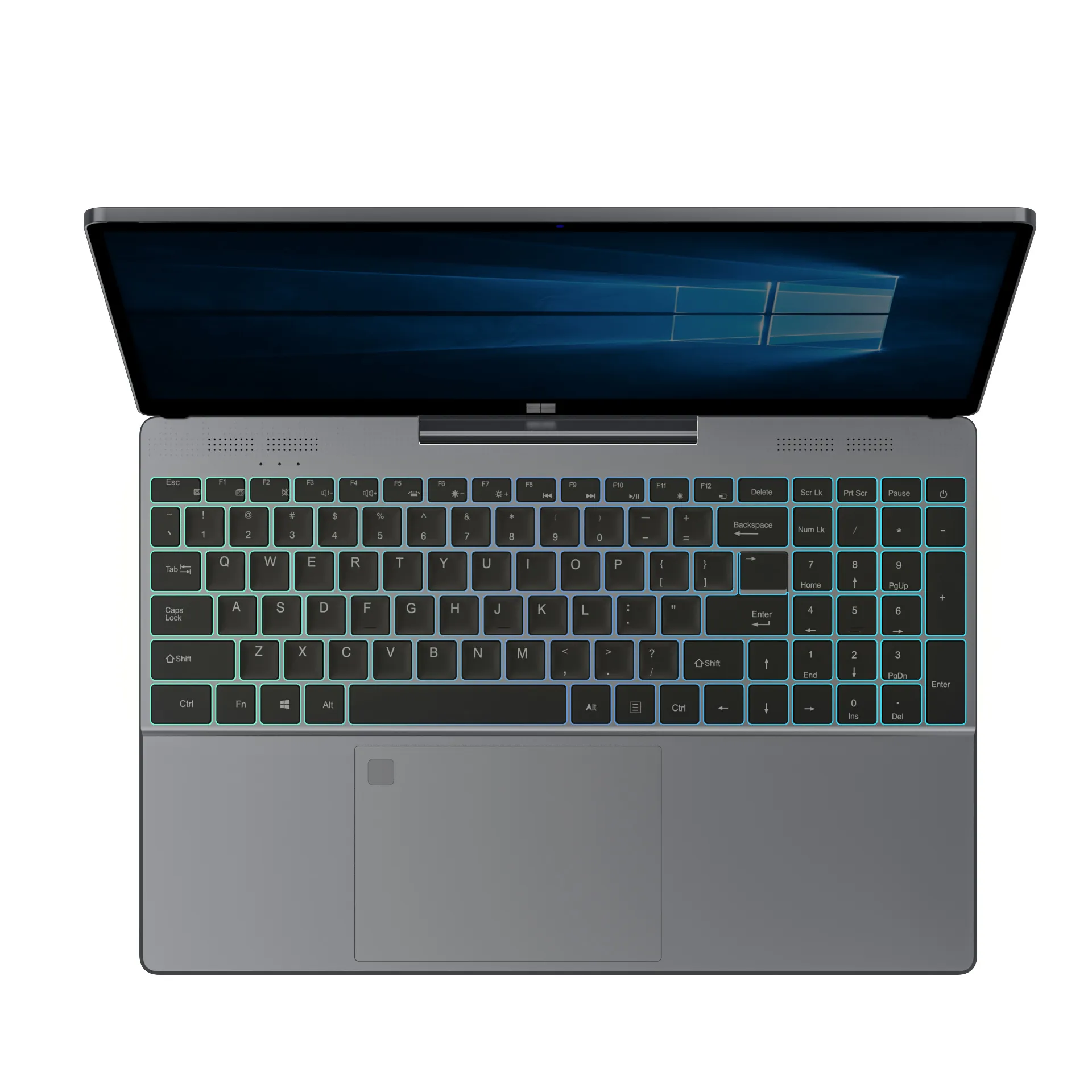
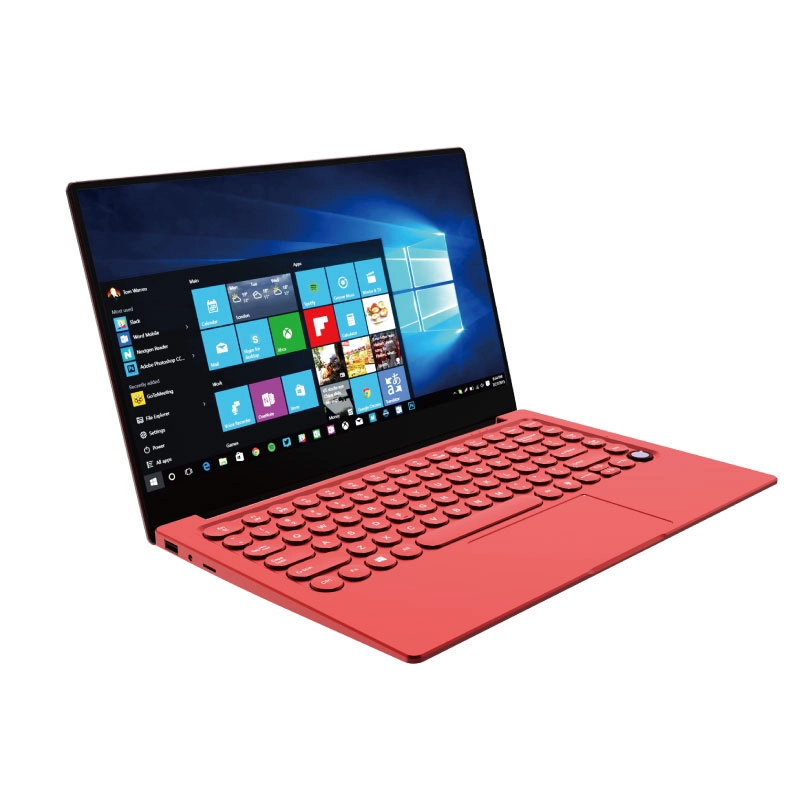
NXTCORE Everyday Laptops — Direct Pricing from $179 USD (about $245 CAD)
- Direct-to-consumer pricing: the lineup spans $179 to $899 USD, averaging about $396 — most everyday configurations land comfortably under $500 CAD
- Entry point: the NXTCORE Lite F146-4105 starts at $179 USD (about $245 CAD)
- Everyday tier: the NXTCORE Flex line begins at $329 USD for students who want more everyday headroom
- No retail markup: more of what you pay goes toward the hardware rather than shelf space, distributor margins, and in-store overhead
- Shipping: free shipping across every Canadian province
The savings come from cutting out the retail markup, not cutting corners. Because NXTCORE sells directly online, more of what you pay goes toward the laptop itself rather than shelf space, distributor margins, and store overhead. For a wider price-based shortlist, see our roundup of the best laptops under $500 in Canada.
| NXTCORE Model | Line | Price (USD) | Good For |
|---|---|---|---|
| NXTCORE Lite F146-4105 | Entry | $179 | Word processing, browsing, online classes on a tight budget |
| NXTCORE Flex S140N | Everyday | $329 | Everyday multitasking for high-school and college students |
| NXTCORE Flex Y156N | Everyday | $359 | A larger everyday screen for research and presentations |
| NXTCORE Pro 1030NG7 | Performance | $369 | Students in CS, design, or business analytics who need more headroom |
NXTCORE Performance Laptops — For Students Who Need More
If your student is in a program that demands more horsepower — computer science, graphic design, business analytics, or media production — the NXTCORE Performance line starts with the NXTCORE Pro 1030NG7 at $369 USD and offers:
- More configuration headroom for heavy multitasking and creative work
- Higher-tier options up to the NXTCORE Ultra GLT163Max at $899 USD
- More capable processors for demanding applications
- Configurations that still land under $500 CAD for most students
- The same free shipping to every Canadian province
Why Direct-to-Consumer Saves Canadian Families Money
The price difference between retail and direct-to-consumer isn't a gimmick — it's simple economics:
- No retail store overhead: Best Buy and Staples cover rent, staff, displays, and utilities across hundreds of Canadian locations, and that cost is built into every laptop
- No distributor margin: traditional laptops pass through manufacturer → distributor → retailer, each layer adding markup
- No brand-marketing tax: the big brands spend heavily on TV ads and sponsorships — costs that ultimately land on the consumer
- NXTCORE's model: build affordable laptops, sell directly online, and ship free across Canada. A lower cost structure means lower prices
Back-to-School Laptop Buying Tips for Canadian Parents
Beyond choosing the right laptop, here are practical tips for Canadian families shopping for back-to-school tech:
- Buy before September: prices tend to rise in late August as demand peaks. Shopping in June–July gets the best selection and avoids the rush
- Don't buy the cheapest option at retail: the $250 CAD laptop at Best Buy almost always has a critical flaw (4GB RAM, tiny storage, a poor screen). Spend slightly more for specs that won't frustrate your student after a month
- Ask about the school's requirements: some college and university programs publish minimum laptop specs. Check before buying so you meet them
- Consider warranties: students are hard on laptops, and a solid warranty can save you from an expensive mid-semester replacement
- Don't forget accessories: a case or sleeve ($15–$30), a USB mouse ($10–$20), and earbuds for online classes. Budget an extra $30–$50
- Skip the pushy extended warranty at retail: in-store extended warranties are high-margin for the retailer and rarely great value for you
Comparing the True Cost: Retail vs NXTCORE
Here's a side-by-side comparison for a typical back-to-school setup, using published retail pricing:
Retail Option (Best Buy / Staples)
- Laptop with 8GB RAM, 256GB SSD, FHD screen: $450–$550 CAD
- Shipping or in-store pickup: free (in-store) or $10–$20
- Tax: $58–$72 CAD (varies by province)
- Total: $510–$640 CAD
NXTCORE Option
- NXTCORE Lite / Flex everyday laptop, direct pricing: from $245 CAD
- Shipping: free across Canada
- Tax: $32–$39 CAD (varies by province)
- Total: from $277–$284 CAD
That's a potential saving of $230–$350 CAD — enough for textbooks, a laptop bag, or a semester's worth of coffee. The difference comes from cutting out retail overhead, not from settling for less.
Frequently Asked Questions
What is the best back-to-school laptop in Canada under $500 CAD?
For most students, an 8GB RAM laptop with an SSD and a Full HD screen is the sweet spot. The NXTCORE Flex S140N ($329 USD) is a solid everyday pick that lands well under $500 CAD, while the NXTCORE Lite F146-4105 ($179 USD, about $245 CAD) is the budget entry point.
How much RAM does a student laptop need in 2026?
8GB is the practical minimum in 2026. It comfortably handles a browser with many tabs, a video call, and a document at the same time. 4GB laptops still exist at low prices but tend to stutter under a real student workload.
Is it safe to buy a laptop online in Canada?
Yes, when you buy from a brand with clear specs, pricing, and warranty terms. Direct-to-consumer brands often ship free across Canada and skip retail markup. Our guide to buying a laptop online in Canada walks through how to vet a seller.
Do I need Windows 11 for school?
Windows 11 offers the widest compatibility with software professors assign, from Microsoft Office to specialized course tools. Chromebooks can work for browser-based coursework, but Windows avoids surprises when a program is Windows-only.
Get Your Student Ready Without Breaking the Bank
Back-to-school is expensive enough without overpaying for a laptop. Canadian students don't need a $1,000 machine to write papers, attend online lectures, and manage coursework. They need the right specs — 8GB RAM, SSD storage, a clear display, and reliable performance — at a price that fits a family budget.
The NXTCORE Everyday laptops start with the NXTCORE Lite F146-4105 at $179 USD (about $245 CAD) and free shipping to every province. For students who need more power, the NXTCORE Performance laptops begin with the Pro 1030NG7 at $369 USD without the retail markup.
The best back-to-school laptop isn't the most expensive one — it's the one that gives your student exactly what they need at a price that doesn't empty your wallet. Browse the full everyday laptop collection and find the right fit before the back-to-school rush.