Everyday
  About Company
 Refund Policy
 Privacy Policy
 Terms And Conditions
 Support
 Open Ticket
 Contact Us
 Knowledgebase
 News
News

Let's be honest: when you search for cheap laptops for sale, you get bombarded with sketchy deals, refurbished unknowns, and models that'll frustrate you within weeks. But here's the truth—you can absolutely find a reliable laptop under $300 in 2026 if you know what matters and what doesn't. Drawing on manufacturer specifications and widely published benchmark data, this guide shows which budget models deliver real value and which corners you can safely cut.
What You Can Realistically Expect From a $300 Laptop
Before diving into specific models, let's set realistic expectations. A laptop under $300 won't run demanding video editing software or play AAA games. But it can absolutely handle everyday tasks like web browsing, document editing, video streaming, email, and light photo management. The key is choosing a model built for what you actually need, not what marketing promises.
Here's what generally separates good cheap laptops from frustrating ones:
- Storage type: an SSD makes a massive difference over old hard drives—even a small SSD will feel faster than a large HDD
- RAM: 4GB is the absolute minimum; 8GB is ideal for smooth multitasking
- Processor: look for an Intel Celeron N4020/N5095 or AMD equivalent—avoid anything older than 2019
- Build quality: plastic is fine, but check hinge durability and keyboard feel
- Battery life: aim for 6+ hours of real-world use
If a laptop checks most of these boxes, it'll serve you well for school, work-from-home setups, or as a family computer. Miss too many, and you'll be shopping again in six months.
Best Cheap Laptops for Sale Under $300 in 2026
Best Overall Budget Pick: NXTCORE Lite G141J-N5095
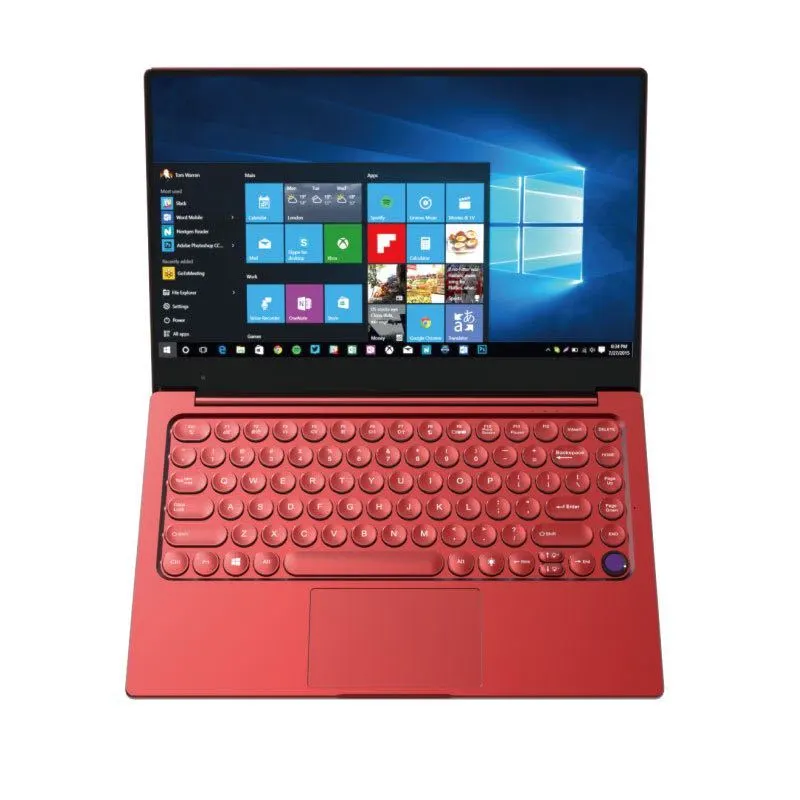
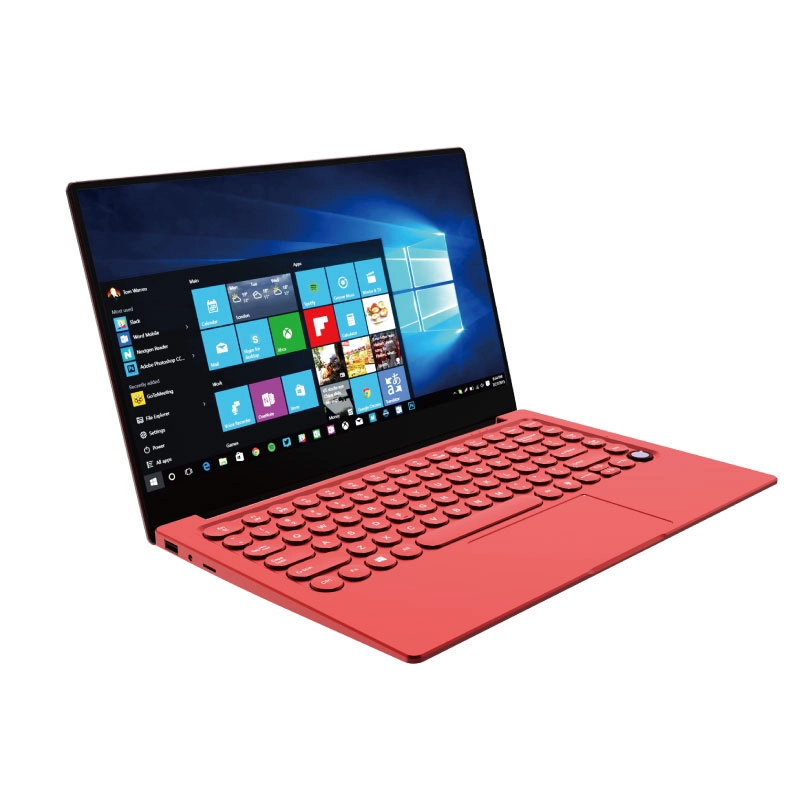
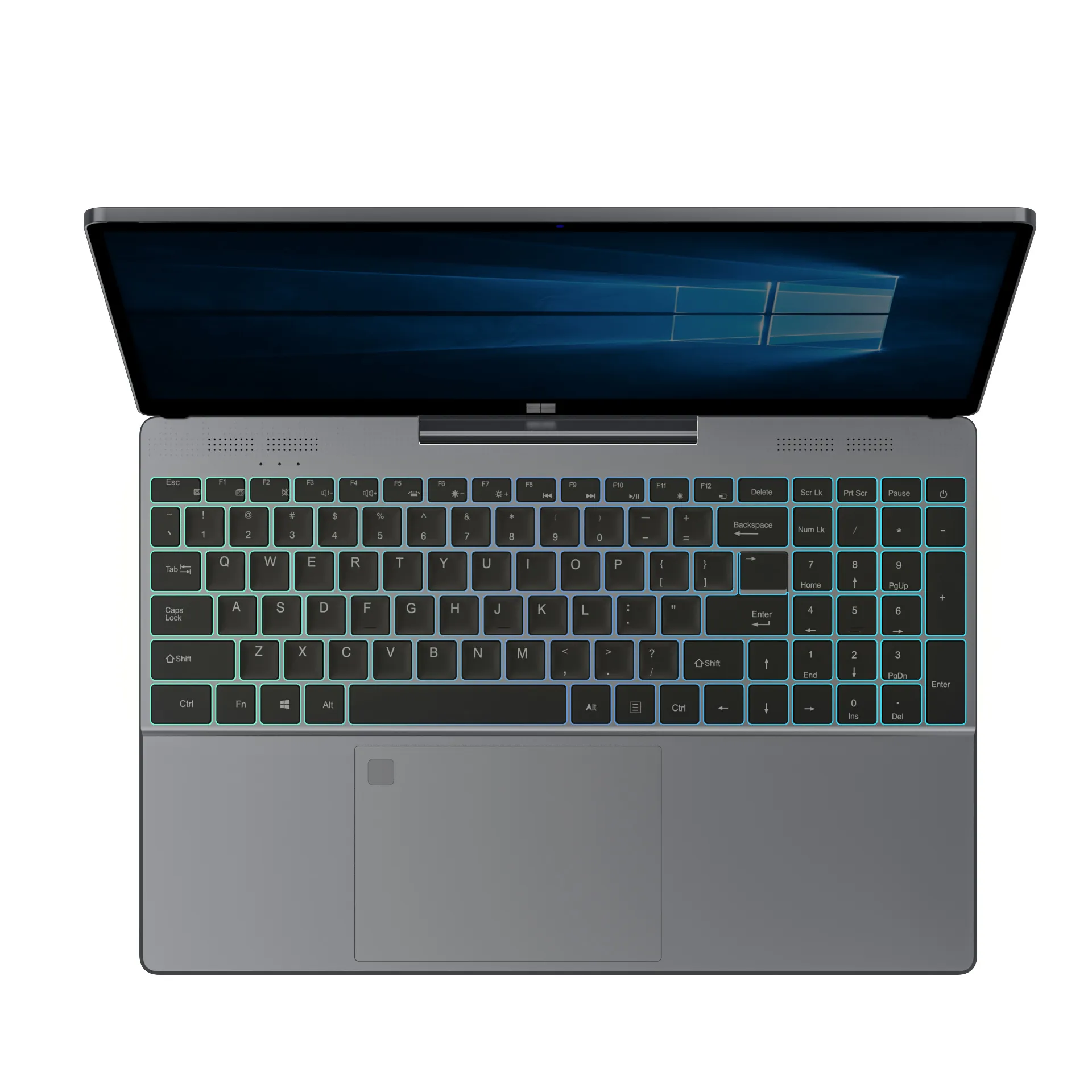
If there's one cheap laptop for sale that punches above its price, it's the NXTCORE Lite G141J-N5095. At just $199, it delivers what matters: an Intel Celeron N5095 processor (surprisingly capable for everyday tasks), 8GB RAM, and a 256GB SSD. That SSD alone makes this laptop feel dramatically faster than competitors still shipping traditional hard drives.
The 14.1-inch display is sharp enough for streaming and documents. It's a sensible choice for students who need something reliable for classes, remote workers doing basic tasks, or parents setting up a home office. As a general rule, laptops built around the low-power Intel Celeron N5095 are designed for efficiency and tend to deliver solid battery life for light, everyday workloads.
Who it's for: students, basic office work, web browsing, video calls, streaming. Who it's not for: gaming, video editing, heavy multitasking with 20+ browser tabs.
Best for Tight Budgets: NXTCORE Lite F146-4105
Need to spend as little as possible? The NXTCORE Lite F146-4105 is the entry point of NXTCORE's lineup. At $179, you get an Intel Celeron 4105U, 4GB RAM, and a 128GB SSD. Yes, 4GB is tight, but the SSD keeps Windows 11 running smoothly for single-task work.
This one's ideal if you're buying a laptop for basic needs only: email, Google Docs, YouTube, and online shopping. It won't handle heavy multitasking, but for focused work or a kid's first laptop, it's solid. The low-power Intel Celeron 4105U is built for efficiency, so battery life is generally reasonable for half-day use. Just plan to close unused programs to keep things snappy.
Who it's for: kids' first laptop, seniors who need email and browsing, extreme budget situations. Who it's not for: anyone needing multiple programs open simultaneously.
Best Screen Size for Under $300: NXTCORE Lite F152G-5095
Want a bigger screen without spending more? The NXTCORE Lite F152G-5095 offers a 15.6-inch display at $219. It shares the same Intel Celeron N5095 processor and 8GB RAM as our top pick, but with more screen real estate for spreadsheets, documents, or just easier viewing.
The larger size makes it less portable—this is more of a "move between rooms" laptop than a backpack companion. But if you're setting up a home workspace or need something comfortable for longer sessions, the extra screen size is worth it. As a general rule, a larger 15.6-inch display draws a bit more power than a smaller panel, so expect somewhat shorter runtime than the 14-inch models—though it stays practical for desk-based work.
Who it's for: home office setups, students who work at a desk, anyone who prefers larger text and more workspace. Who it's not for: daily commuters or frequent travelers.
| Model | Price | Screen | RAM / Storage | Best for |
|---|---|---|---|---|
| NXTCORE Lite F146-4105 | $179 | 14" | 4GB / 128GB SSD | Tightest budgets, first laptop |
| NXTCORE Lite G141J-N5095 | $199 | 14.1" | 8GB / 256GB SSD | Best all-round value |
| NXTCORE Lite F152G-5095 | $219 | 15.6" | 8GB / 256GB SSD | Larger screen at a desk |
What to Avoid When Buying Cheap Laptops
Not all budget laptops are created equal. These red flags, drawn from common buyer complaints and independent reviews, usually mean you'll regret your purchase:
- Hard drives (HDD) instead of SSDs: your laptop will feel painfully slow, especially starting up and opening programs
- Processors older than 2019: an Intel Celeron N3060 or similar outdated chip struggles with modern websites and Windows updates
- 2GB RAM: it technically boots Windows, but you'll watch loading spinners constantly
- No-name brands with zero reviews: if you can't find real user experiences, there's usually a reason
- Extremely low-resolution screens (under 1366x768): text looks fuzzy and causes eye strain
- Terrible return policies: budget laptops have higher defect rates—make sure you can return it easily
Also be cautious with "too good to be true" pricing on used or refurbished models from unknown sellers. Sometimes it works out, but often you're buying someone else's problem with no warranty backup.
Chromebook vs Windows: Which Budget Laptop Should You Choose?
This is a big decision when shopping for cheap laptops for sale. Chromebooks often hit lower price points, but they run Chrome OS instead of Windows. For some people, that's perfect. For others, it's a dealbreaker.
Choose a Chromebook if you primarily use web-based apps (Google Docs, Gmail, streaming services) and don't need to install traditional Windows software. They're fast, secure, and battery life is usually excellent. Choose Windows if you need Microsoft Office desktop apps, specific software for work or school, or more flexibility with file management and peripherals.
For a deeper breakdown, read Chromebook vs Windows Laptop 2026: Which Should You Buy? It'll help you decide which operating system fits your actual needs.
How to Make Your Budget Laptop Last Longer
Cheap laptops get a bad reputation for dying quickly, but most failures come from poor maintenance, not poor quality. Here's how to stretch your $300 investment into 3-5 years of reliable use:
- Keep it cool: use it on hard surfaces, not blankets or pillows that block air vents. Overheating kills budget laptops faster than anything.
- Uninstall bloatware: many cheap laptops come with unnecessary trial software. Remove it to free up resources and speed things up.
- Use cloud storage: with limited local storage, keep photos and large files in Google Drive, OneDrive, or Dropbox instead.
- Keep Windows updated: yes, updates are annoying, but they patch security holes and improve performance.
- Get a laptop sleeve or case: budget laptops have thinner builds—protect against bumps and drops during transport.
- Manage startup programs: disable programs you don't need running at startup to keep boot times fast.
See our full guide, Essential Laptop Care: 7 Tips to Keep Your Laptop Running Like New. Following these steps can meaningfully extend your laptop's useful lifespan.
Frequently Asked Questions About Cheap Laptops for Sale
Can a $300 laptop run Microsoft Office?
Yes, absolutely. Any laptop with 4GB+ RAM and an SSD will run Microsoft Office smoothly for documents, spreadsheets, and presentations. For more demanding features like large Excel workbooks with complex formulas, 8GB RAM is better. You can also use the free web versions of Office apps if you want to save storage space.
Is it better to buy new or refurbished at this price?
New is generally safer under $300. Refurbished laptops in this range often have worn batteries, scratched screens, or unreliable warranties. If you do go refurbished, buy from reputable sellers with clear return policies and battery-health guarantees. A new budget laptop with a warranty gives you peace of mind worth the slightly higher cost.
Can I upgrade RAM or storage later?
Most budget laptops have soldered RAM, meaning you can't upgrade it later. Storage is sometimes upgradeable if it's an M.2 SSD slot, but many budget models use eMMC storage that's soldered too. Your best bet is buying the right specs upfront rather than planning to upgrade. This is why we emphasize getting 8GB RAM from the start when possible.
Will these laptops work for online school?
Yes, all the models recommended above handle Zoom, Google Classroom, Canvas, and similar platforms without issues. Just make sure you have stable Wi-Fi—the laptops themselves are fine, but online learning needs decent internet. If your school requires specific software, check the system requirements first, but most K-12 and early college programs run fine on these specs.
When Budget Laptops Aren't Enough
Be honest about your needs. If you're a college student majoring in graphic design, an aspiring video creator, or running business software with heavy requirements, a $300 laptop will frustrate you. You'll save money upfront but lose it in productivity and eventual replacement costs.
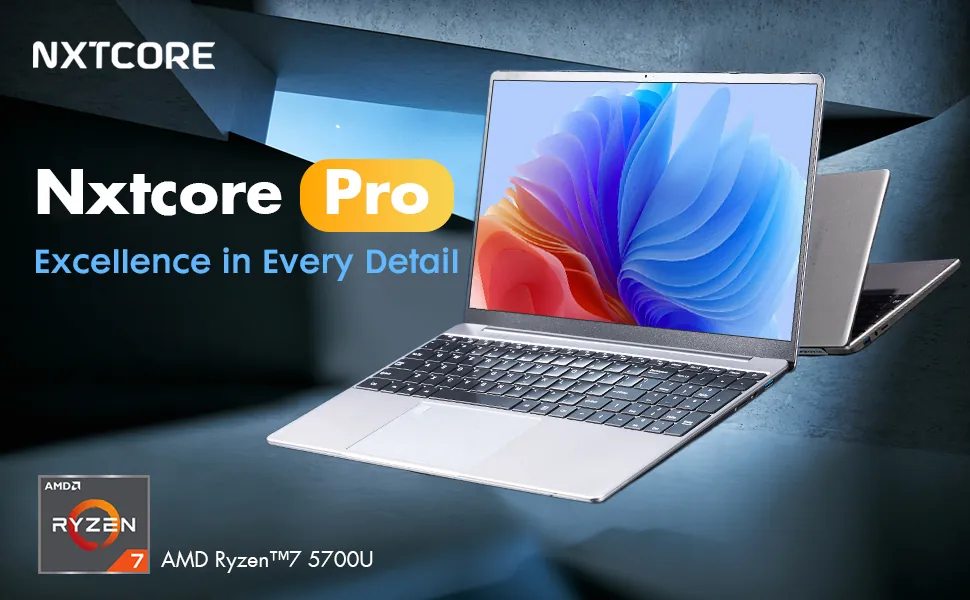
For those situations, consider stretching to the $350-550 range where you get noticeably better processors, more RAM, and build quality that lasts. The NXTCORE Pro 1030NG7 at $369, for example, offers a significant performance jump with an Intel Core i3 processor and better multitasking. Sometimes spending an extra $170 saves you from buying twice.
If you're unsure whether your needs fit a budget laptop, check our guide, Laptop Specs Explained for Beginners — What Actually Matters in 2026. It breaks down exactly which specs matter for different use cases.
Final Thoughts: Finding Quality Cheap Laptops for Sale
The best cheap laptops for sale in 2026 aren't about finding the absolute lowest price—they're about finding the right balance of specs, build quality, and reliability that fits your budget. NXTCORE's lineup spans $179 to $899 and averages about $396, and the NXTCORE Lite G141J-N5095 hits the sweet spot at $199 for most people. If your needs or budget differ, the F146-4105 and F152G-5095 are solid alternatives.
Remember: an SSD and 8GB RAM are the two specs that matter most at this price point. Get those right, and you'll have a laptop that feels responsive and lasts years. Compromise on both, and you'll be frustrated within weeks. Shop smart, know what you need, and don't let marketing hype convince you to pay for features you'll never use.
Ready to find your budget laptop? Browse our Everyday Laptops collection where every model includes honest specs and straightforward pricing—no hidden fees, no gimmicks, just reliable laptops at prices that make sense.