Everyday
  About Company
 Refund Policy
 Privacy Policy
 Terms And Conditions
 Support
 Open Ticket
 Contact Us
 Knowledgebase
 News
News
Best Cheap Fast Laptops 2026: Speed Without the Price Tag
Here's the truth about cheap fast laptops: speed isn't always about the price tag. A $300 laptop with an SSD can feel snappier than a $700 model with a slow hard drive. The key is knowing which specs actually impact day-to-day performance — and which are just marketing fluff. In this guide, we'll show you exactly what to look for, which affordable laptops deliver genuine speed under $600, and how to avoid the common traps that leave budget buyers frustrated.
What Actually Makes a Laptop Fast in 2026?
Before we dive into specific models, let's clear up the confusion. When most people say they want a "fast" laptop, they're talking about responsiveness — how quickly it boots up, opens apps, switches between tabs, and handles everyday tasks without lag. Here's what really matters:
SSD vs HDD — The Single Biggest Speed Factor
This isn't even close. An SSD (solid-state drive) makes a laptop feel dramatically faster than a traditional hard drive for everyday use — think roughly 10-second boot times instead of minute-plus waits. Independent reviewers consistently rank the switch from HDD to SSD as the single biggest real-world speed upgrade you can make. Every laptop worth buying in 2026 ships with an SSD; it's non-negotiable.
RAM: How Much Do You Actually Need?
For most people, 8GB is the sweet spot for an affordable laptop in 2026. It handles web browsing, streaming, documents, and light multitasking without slowdowns. Need more detail? Read our guide on how much RAM you actually need in 2026. If you're a heavy multitasker or run memory-hungry apps, 16GB is better — but it'll cost more.
Processor: Don't Overthink It
For everyday speed, any modern processor from the last three years will do fine if it's paired with an SSD and enough RAM. Intel Core i3/i5, AMD Ryzen 3/5, or even Intel Celeron/Pentium (N5095 or newer) all work well for typical tasks. As a general rule, the difference between an i3 and an i5 matters more for video editing or gaming than for opening Word documents. For a plain-English breakdown, see our laptop specs guide for beginners.
Top Budget Laptop Picks Under $600
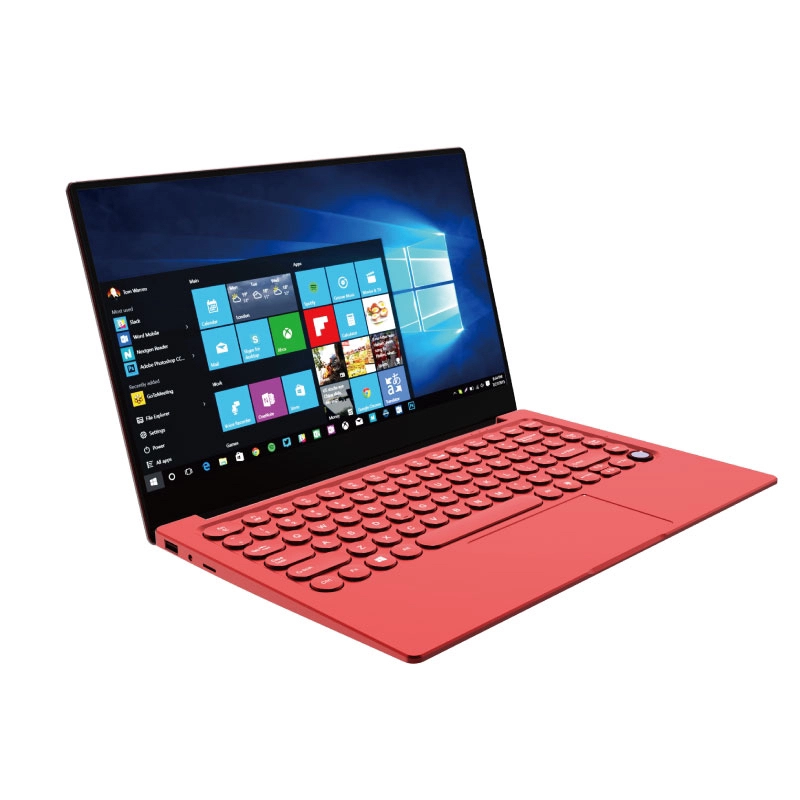
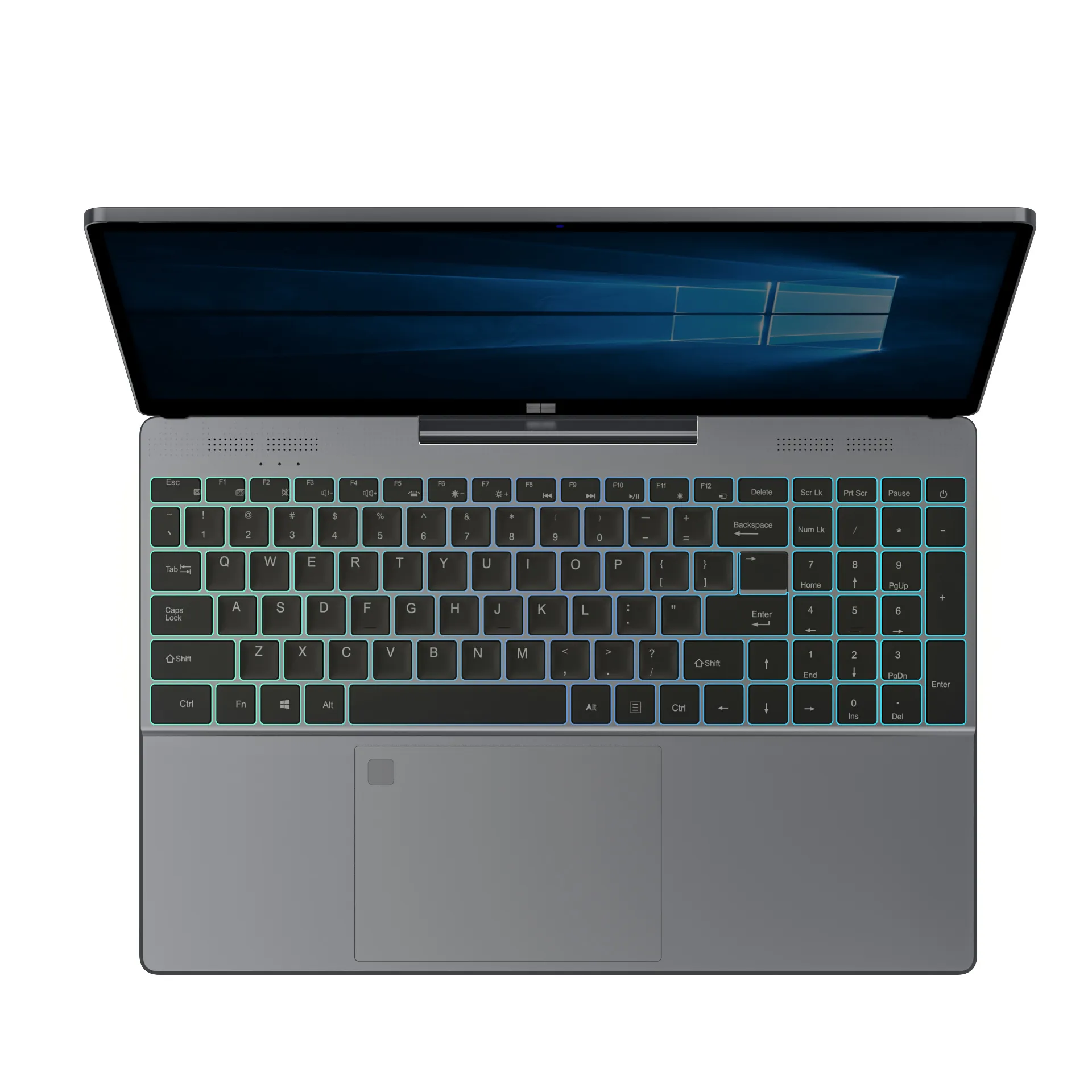
Based on manufacturer specifications and widely published benchmark data, these NXTCORE performance laptops pair the specs that matter most — SSD storage and modern processors — at prices that stay well under $600. All prices are in USD and all models include SSDs.
| Model | Key specs | Price (USD) | Best for |
|---|---|---|---|
| NXTCORE Lite F152G-5095 | Celeron N5095, 8GB RAM, 256GB SSD | $219 | Ultra-budget everyday speed |
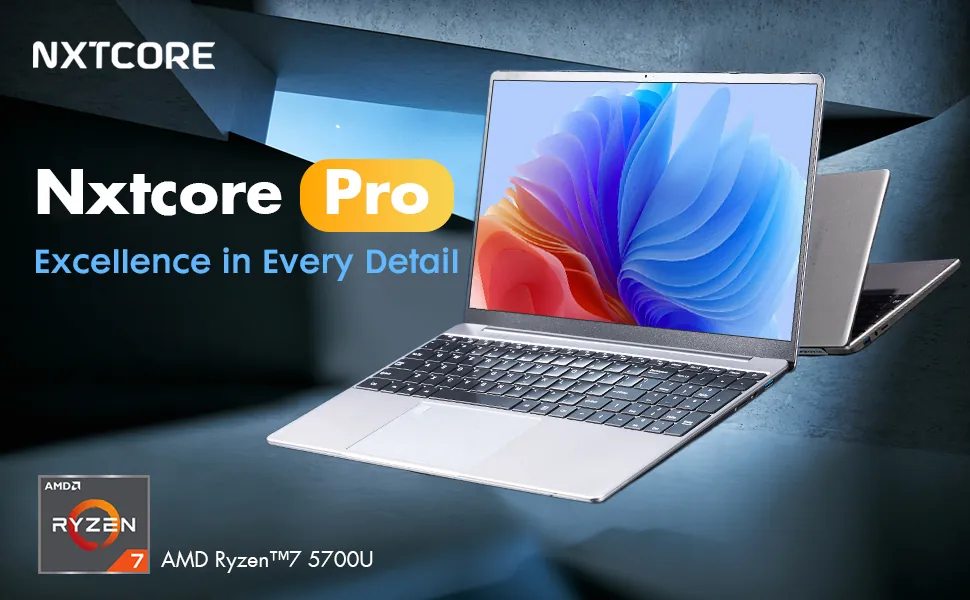
| NXTCORE Pro G1568-R7 | Ryzen 7, 16GB RAM, SSD | $459 | Power users on a budget |
| NXTCORE Pro 1165G7 | Core i5-1165G7, 8GB RAM, 256GB SSD | $549 | Best all-round value |
Best Overall Value: NXTCORE Pro 1165G7
The NXTCORE Pro 1165G7 ($549) hits a strong balance: an 11th-gen Intel Core i5-1165G7, 8GB RAM, a 256GB SSD, and a 15.6" FHD display. On paper and according to independent reviews of the i5-1165G7 platform, that combination boots quickly and handles heavy browser multitasking and everyday office work with ease. It's a sensible choice for college students or small-business owners who want reliable speed without overspending.
Best Ultra-Budget Pick: NXTCORE Lite F152G-5095
If your budget is tight but you still want genuine responsiveness, the NXTCORE Lite F152G-5095 ($219) is hard to beat. The Intel Celeron N5095 isn't a powerhouse, but paired with 8GB RAM and a 256GB SSD it handles everyday tasks smoothly. It's a solid fit for students, remote workers, or anyone who primarily lives in a web browser.
Best for Power Users on a Budget: NXTCORE Pro G1568-R7
Need more horsepower? The NXTCORE Pro G1568-R7 ($459) pairs an AMD Ryzen 7 processor with 16GB RAM. On the strength of its specs, it comfortably covers light video editing, photo work, and demanding multitasking — making it a strong bang-for-buck pick for freelancers, content creators, and heavy spreadsheet users.
What to Avoid When Buying a Budget Laptop
Not all budget laptops are created equal. Here are the red flags that signal you're about to buy something that looks cheap but performs even cheaper:
- Hard drives (HDD) instead of SSDs — instantly makes any laptop feel sluggish
- 4GB RAM or less — you'll hit slowdowns with just a few browser tabs
- Processors older than 2019 — technology moves fast, and older chips struggle with modern web apps
- eMMC storage under 64GB — too slow and too small for real use
- No-name brands with zero warranty — when something breaks, you're stuck
We cover more of these pitfalls in our laptop specs guide for beginners, but the core message is simple: don't sacrifice the essentials (SSD, 8GB RAM) just to save $50.
How to Keep Your Budget Laptop Running Fast
Buying a fast laptop is step one. Keeping it fast requires a few smart habits:
- Uninstall bloatware immediately after setup — manufacturers load junk software that slows things down
- Keep at least 20% of your SSD free — full drives slow down over time
- Run Windows updates regularly — security patches and performance improvements matter
- Use cloud storage or external drives for large files — don't clog your main drive
- Restart weekly — clears memory leaks and keeps things snappy
For more detailed tips, check out our guide on essential laptop care to extend your laptop's lifespan. The same principles that extend lifespan also maintain performance.
Budget Laptops vs. Premium Models — Is the Upgrade Worth It?
Here's the honest answer: for most people, no. A $400 laptop with an SSD, 8GB RAM, and a modern processor feels nearly identical to a $1,000 model for everyday tasks like email, web browsing, streaming, and documents. The premium price mainly buys you:
- Better build quality (aluminum instead of plastic)
- Nicer displays (higher resolution, better colors)
- Longer battery life (sometimes 2-3 hours more)
- Dedicated graphics for gaming or creative work
- Thinner, lighter designs
Those are nice-to-haves, not must-haves for speed. If your budget is tight, put your money toward SSD and RAM first — upgrade the chassis later if you want.
Frequently Asked Questions
What is the cheapest fast laptop you can buy in 2026?
The most affordable genuinely responsive option in the NXTCORE lineup is the NXTCORE Lite F152G-5095 at $219, thanks to its SSD and 8GB of RAM. Entry-level Lite models start at just $179.
Is 8GB of RAM enough for a fast laptop?
Yes. For browsing, streaming, documents, and light multitasking, 8GB is the sweet spot in 2026. Choose 16GB only if you regularly edit video, work with large photo libraries, or keep dozens of tabs and apps open at once.
Does a cheap laptop with an SSD really feel faster than an expensive one with a hard drive?
Often, yes. Storage type has an outsized impact on everyday responsiveness, so a well-specced SSD-equipped budget laptop can boot and load apps faster than a pricier model still using a mechanical hard drive.
Where can I buy affordable fast laptops online?
You can browse NXTCORE's full range of everyday laptops and performance laptops directly at the NXTCORE store, with prices spanning $179 to $899.
Final Thoughts: Speed Doesn't Require Sacrifice
The best affordable laptops in 2026 prove you don't need to compromise on performance just because you're watching your budget. An SSD, 8GB of RAM, and a halfway-decent processor deliver snappy, responsive performance for work, school, and entertainment. Models like the NXTCORE Pro 1165G7 ($549) or the NXTCORE Lite F152G-5095 ($219) give you genuine speed without the premium price tag.
Focus on the specs that actually matter, avoid the common traps, and you'll end up with a laptop that feels far more expensive than it actually was. Ready to shop? Explore the full range at the NXTCORE store.