Everyday
  About Company
 Refund Policy
 Privacy Policy
 Terms And Conditions
 Support
 Open Ticket
 Contact Us
 Knowledgebase
 News
News

Repair vs Replace Your Laptop: The Honest 2026 Guide
Your laptop is slowing down, the battery barely lasts an hour, and it takes forever to boot. You're staring at a decision millions of people face every year: should you repair your current laptop or replace it with a new one?
It's not always obvious. Sometimes a $50 fix gives you another three years. Other times, you pour money into a machine that's fundamentally past its prime. This guide helps you make the right call — honestly, without the sales pressure.
The 50% Rule: Your Starting Point
Here's the simplest framework: if the repair costs more than 50% of what a comparable new laptop costs, replace it. This is the rule most tech professionals use, and it works remarkably well.
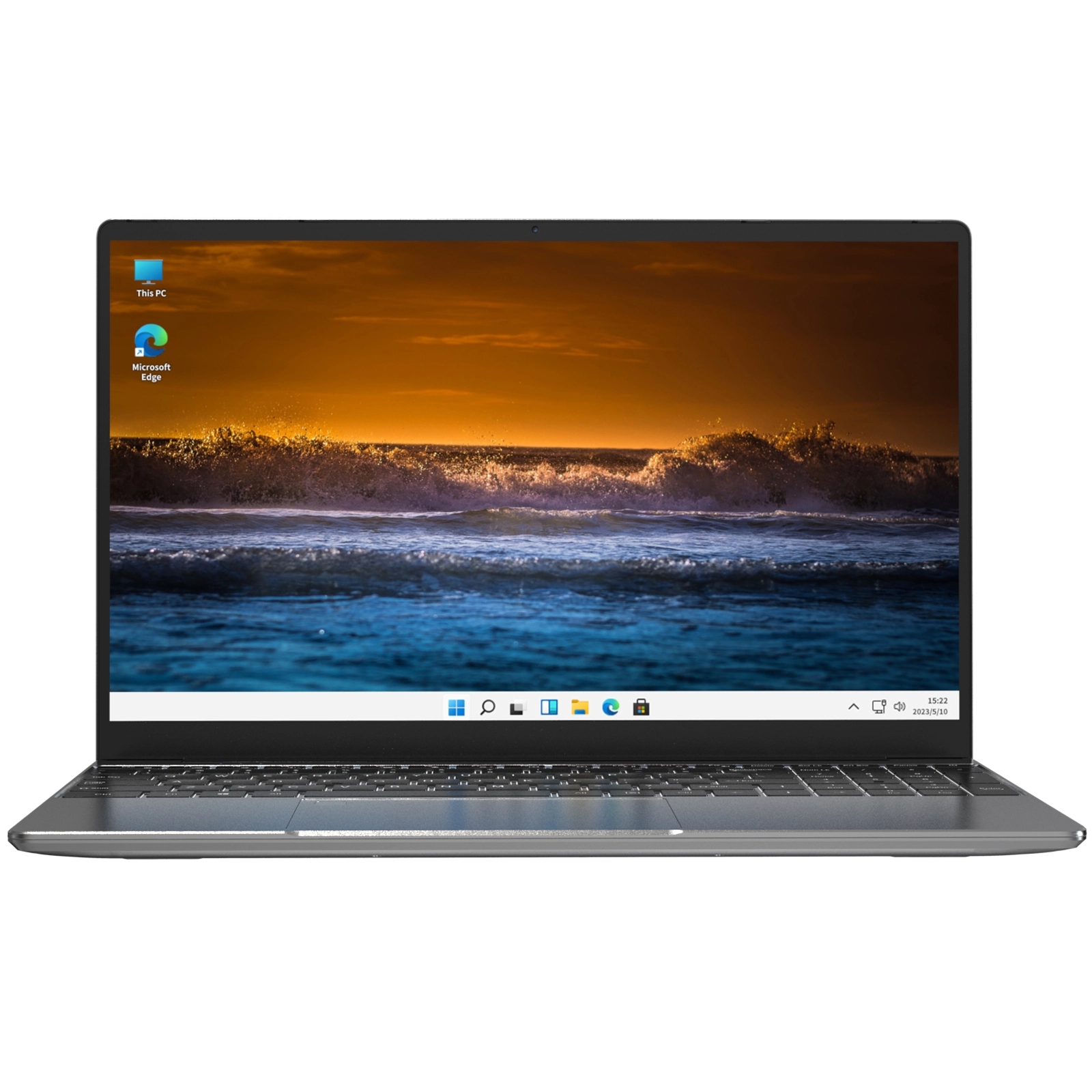
For example, if your laptop needs a new motherboard costing $300, and you can get a solid new laptop like the NXTCORE Lite G141J-N5095 for around $199, the math is obvious. But if you just need a $30 battery replacement on a 2-year-old machine? Fix it and move on.
When Repair Makes Sense
Not every problem means your laptop is dying. Here are the situations where repair is usually the smarter move:
- Battery replacement — Batteries degrade naturally after 2-3 years. A new battery typically costs $40-$80 and gives your laptop a second life. If your laptop is otherwise fast and functional, this is a no-brainer.
- RAM upgrade — If your laptop feels sluggish but the processor is still decent, adding RAM can transform performance. Going from 4GB to 8GB or 8GB to 16GB usually costs $25-$60. See our guide on how much RAM you actually need in 2026.
- SSD upgrade — Replacing an old hard drive with an SSD is the single biggest speed upgrade you can make. A 256GB SSD costs around $25-$40 and can make a 5-year-old laptop feel almost new. We break down the components that matter in our laptop specs explained for beginners guide.
- Screen replacement — Cracked screens look scary but typically cost $60-$150 to replace on most laptops. If the rest of the machine is solid, it's worth fixing.
- Keyboard or trackpad issues — Usually $30-$80 for parts, and plenty of tutorials walk you through the swap.
If your laptop is having battery or overheating issues, review our essential laptop care tips before spending money — sometimes a simple settings change or a good cleaning solves everything.
When Replacement Is the Better Move
Sometimes, no amount of repair can fix the fundamental problem: your laptop is simply outdated. Here's when replacement wins:
- Your laptop is 5+ years old — Technology moves fast. A laptop from 2020 or earlier likely has a CPU that can't handle modern software efficiently, regardless of other upgrades.
- Motherboard failure — This is the big one. Motherboard repairs typically cost $200-$500, and even after repair, you still have an aging machine.
- Multiple things are failing — If the battery is dying AND the screen has issues AND it's slow, the cumulative repair cost will exceed a new laptop quickly.
- It can't run the software you need — If you can't update to the latest OS or run essential apps, no repair will fix that.
- Constant overheating or shutdowns — While good laptop care can reduce heat, chronic thermal issues often indicate deeper hardware degradation.
The Decision Matrix: Repair vs Replace at a Glance
| Issue | Typical Repair Cost | Verdict |
|---|---|---|
| Dead battery | $40–$80 | Repair |
| Slow performance (needs RAM) | $25–$60 | Repair |
| Slow HDD (needs SSD) | $25–$40 | Repair |
| Cracked screen | $60–$150 | Repair (if under 3 yrs old) |
| Motherboard failure | $200–$500 | Replace |
| Multiple issues (5+ yrs old) | $150–$400+ | Replace |
| Can't run needed software | N/A | Replace |
The Hidden Cost People Forget: Your Time
Here's something most repair-vs-replace articles don't mention: your time has value. If you spend 3 hours troubleshooting, watching repair videos, ordering parts, waiting for delivery, and doing the repair — that's time you're not working, studying, or relaxing.
A slow laptop also costs you time every single day. Those extra seconds waiting for apps to open, the spinning wheel when you have too many tabs — they add up across a week and a year. For many people, the daily friction of an aging machine quietly outweighs the one-time cost of replacing it.
When you factor in the time cost, a new affordable laptop often pays for itself faster than you'd think.
The Age Factor: How Old Is Too Old?
Laptop age is the single biggest factor in the repair-vs-replace decision. Here's a realistic breakdown:
- 0-2 years old: Almost always worth repairing. Your laptop is still current-gen technology.
- 2-4 years old: Worth repairing for minor issues (battery, SSD, RAM). Think twice about major repairs over $150.
- 4-6 years old: Only repair if it's a quick, cheap fix under $100. Start shopping for a replacement.
- 6+ years old: Replace. Even with repairs, you're fighting against obsolete hardware and expiring software support.
What If Your Laptop Won't Even Turn On?
Before you panic, run through the basics: try a different charger, hold the power button for 30 seconds to force a reset, and confirm the display isn't simply off or dimmed. A surprising number of "dead" laptops are actually running fine behind a blank screen or a fully drained battery — always worth checking before you pay for any repair.
When a New Laptop Is Surprisingly Affordable
One reason people cling to dying laptops is the assumption that a replacement costs $500+. That was true in 2018. It's not true in 2026.
Today, you can get a genuinely capable new laptop for under $200. The NXTCORE Lite F146-4105 starts at just $179 and handles web browsing, document editing, video calls, and streaming without breaking a sweat. If you want a larger screen, the NXTCORE Lite F152G-5095 at $219 steps up to a 15.6-inch display — still less than many major repair bills.

For a deeper look at what's available, check our best cheap laptops of 2026 roundup.
Our Honest Recommendation
Use the 50% rule as your starting point, factor in your laptop's age, and be honest about your time. If a simple upgrade (battery, RAM, or SSD) solves your problem for under $100, repair it. If the repair is complex, expensive, or your laptop is over 4 years old, you'll almost certainly be happier — and save money long-term — with a new machine.
The sweet spot for most people replacing an aging laptop: browse our everyday laptops collection and look at the $179–$219 range. You'll be genuinely surprised how much laptop you get for repair-bill money.

Frequently Asked Questions
Is it cheaper to repair or replace a laptop?
As a general rule, repair is cheaper when the fix costs less than 50% of a comparable new laptop and the machine is under four years old. Since a new budget laptop can start around $179, major repairs like a motherboard swap rarely make financial sense.
How long should a laptop last before replacing it?
Most laptops deliver reliable everyday performance for four to six years. After that, expiring software support and aging hardware usually tip the balance toward replacement, even if the machine still powers on.
What laptop repairs are worth doing?
Battery, RAM, and SSD upgrades typically cost $25–$80 and deliver the biggest improvement per dollar. For guidance on memory specifically, see how much RAM you actually need in 2026.
Where can I find an affordable replacement laptop?
You can compare current models in our best cheap laptops of 2026 roundup, or browse the full everyday laptops range, where prices span $179 to $899 (averaging about $396).