Everyday
  About Company
 Refund Policy
 Privacy Policy
 Terms And Conditions
 Support
 Open Ticket
 Contact Us
 Knowledgebase
 News
News
SSD vs HDD: Why It's the Biggest Speed Difference in Your Laptop
When people compare SSD vs HDD, the takeaway is almost always the same: if there's one single upgrade that makes the biggest difference in how fast your laptop feels, it isn't the processor and it isn't the RAM. It's the storage drive. Switching from an HDD (hard disk drive) to an SSD (solid state drive) is like going from a bicycle to a sports car.
This isn't marketing hype. According to manufacturer specs and independent reviews, an SSD can take a laptop from booting in 90 seconds to booting in 10, from apps bouncing in the taskbar for half a minute to opening instantly, and from files copying in minutes to copying in moments. Let's break down exactly why, and what it means for your next laptop purchase.
HDD vs SSD: The Fundamental Difference
A hard disk drive (HDD) is mechanical. It has spinning metal platters and a tiny arm that physically moves across them to read and write data – think of a record player. An SSD has zero moving parts. It stores data on interconnected flash memory chips, similar to the memory in your phone.
This mechanical-versus-electronic difference is why SSDs are dramatically faster. An HDD's arm can only move so fast across the platter, while an SSD accesses any piece of data almost instantaneously because there's nothing physical to move.
Speed Comparison: What the Benchmarks Show
The figures below are typical values drawn from widely published independent benchmarks and manufacturer specifications – your exact numbers will vary by model, but the pattern is consistent across the industry.
| Task | HDD (5400 RPM) | SATA SSD | NVMe SSD |
|---|---|---|---|
| Boot to desktop | 60–90 seconds | 15–20 seconds | 8–12 seconds |
| Open Word/Excel | 8–15 seconds | 2–3 seconds | 1–2 seconds |
| Copy 10GB file | 3–5 minutes | 30–45 seconds | 10–15 seconds |
| Sequential read speed | 80–160 MB/s | 500–550 MB/s | 2,000–7,000 MB/s |
| Random read (IOPS) | 75–100 | 80,000–100,000 | 500,000–1,000,000 |
Look at those random-read numbers. An SSD can be hundreds to thousands of times faster than an HDD at random reads – which is exactly what your laptop does when loading Windows, opening apps, and switching between programs. This is why a laptop with an SSD feels so much snappier than the specs alone suggest.
Why Your Old Laptop Feels So Slow (It's Probably the HDD)
Here's a common scenario: someone has a laptop from 2018–2020 with a decent Intel i5 processor, 8GB of RAM... and a 5400 RPM hard drive. They assume the whole laptop is outdated because it's painfully slow. In reality, that CPU and RAM are often still perfectly adequate – the HDD is the bottleneck dragging everything down.
If your current laptop has an HDD and is otherwise working fine, a $30–$40 SSD upgrade can make it feel like a completely different machine. A drive swap is widely regarded as one of the best-value repairs you can make before deciding to replace a laptop entirely.
SATA SSD vs NVMe SSD: Does the Type Matter?
Both are SSDs, but they use different connections. SATA SSDs use the older SATA interface (the same one HDDs use) and top out around 550 MB/s. NVMe SSDs connect directly via PCIe and can reach 3,500–7,000+ MB/s.
For everyday use – browsing, documents, streaming, even light photo editing – you won't notice the difference between SATA and NVMe. The jump from HDD to any SSD is night and day. The jump from SATA SSD to NVMe SSD is more like going from "fast" to "slightly faster for large file operations."
NVMe matters most if you regularly transfer huge files, edit 4K video, or compile large codebases. For most people, any SSD is a massive win.
But HDDs Are Cheaper for Storage, Right?
Yes, and that's the one area where HDDs still make sense – but probably not in your laptop. Here's a typical retail cost comparison:
| Capacity | HDD Price | SSD Price |
|---|---|---|
| 256GB | $20 | $20–$25 |
| 512GB | $25 | $35–$45 |
| 1TB | $35–$45 | $60–$80 |
| 2TB | $50–$60 | $110–$140 |
At 256GB and 512GB, the price gap is so small that there's zero reason to choose an HDD for your laptop in 2026. At higher capacities, HDDs are still cheaper per gigabyte, but for most laptop users 256–512GB is plenty when combined with cloud storage.
Reliability: SSDs Win Here Too
Because HDDs have spinning platters and a moving read/write head, they're vulnerable to physical shock. Drop your laptop or bump it while the HDD is spinning, and you risk a head crash – which can destroy your data permanently.
SSDs have no moving parts. You can jostle, vibrate, or even drop a laptop with an SSD (within reason) and the drive shrugs it off. SSDs also run cooler and use less power, which generally means better battery life and less heat. A typical SSD lasts 5–10 years of normal use, comparable to or better than an HDD.
How Much SSD Storage Do You Need?
Here's a practical breakdown for choosing an SSD capacity:
- 128GB: Very tight. Fine for a secondary laptop or someone who lives in the cloud. Windows plus essential apps take about 60–70GB, leaving roughly 60GB for files.
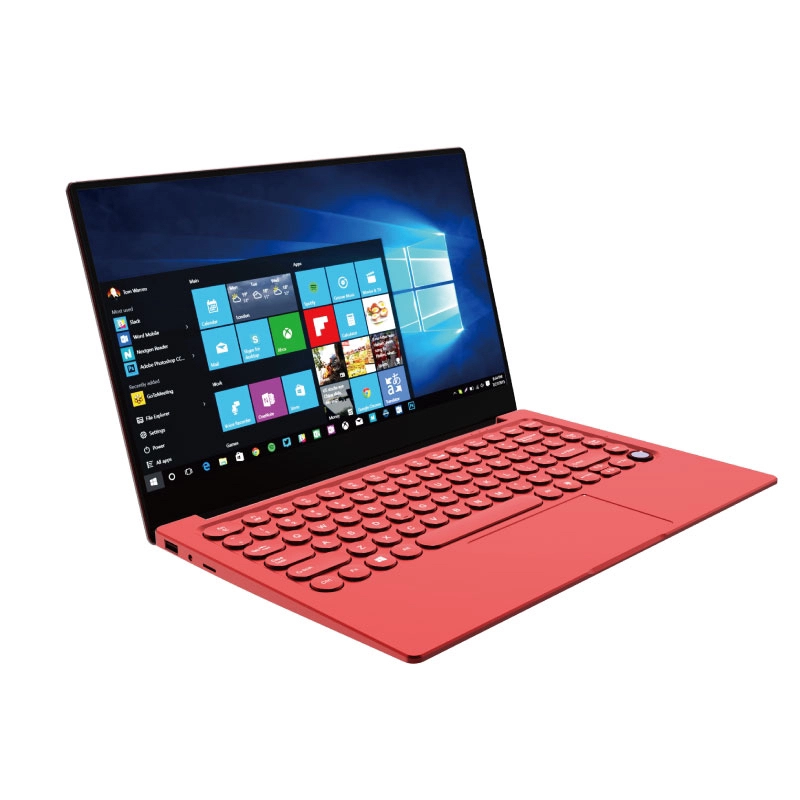
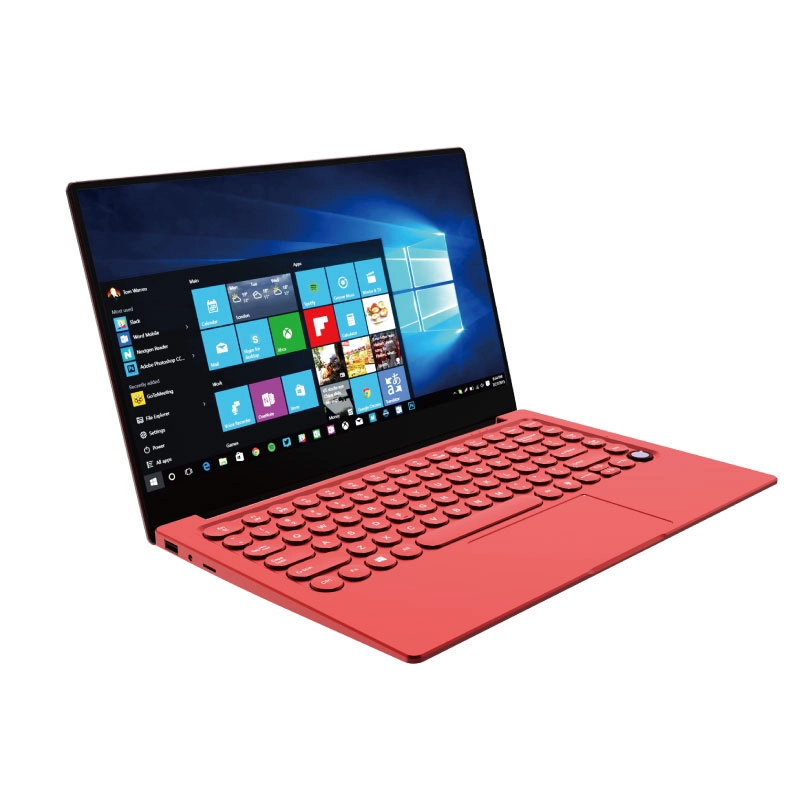
- 256GB: The sweet spot for most people – enough for Windows, your apps, documents, photos, and a modest media library. If you're shopping in this budget-friendly range, the NXTCORE Lite G141J-N5095 ($199) is one affordable everyday option to consider – check its listing for the exact storage configuration.
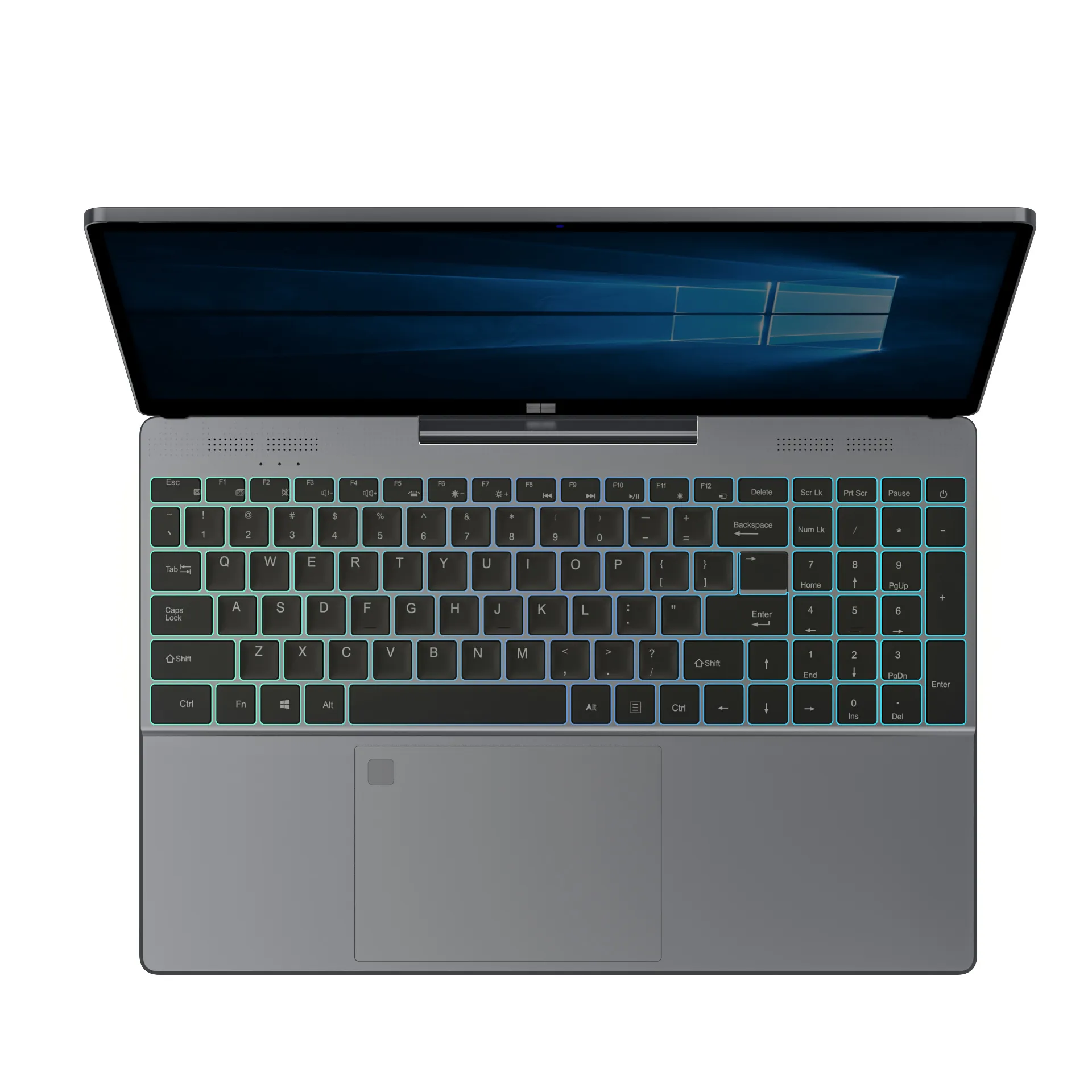
- 512GB: Comfortable for power users and anyone with larger media libraries. For a step up in performance hardware, the NXTCORE Pro G1568-R7 ($459) is worth a look – see its product page for its exact storage size.
- 1TB+: Needed for video editors, gamers with big libraries, or anyone storing large datasets locally.
What About Chromebooks?
Chromebooks almost universally use eMMC or SSD storage (never HDDs), which is one reason they feel snappy despite modest specs. However, Chromebooks typically come with very limited storage (32–64GB). If you're choosing between a Chromebook and a Windows laptop, see our full Chromebook vs Windows laptop comparison for 2026.
The Bottom Line: Always Choose SSD
In 2026, there is no scenario where a new laptop should come with an HDD as its primary drive. The price gap has shrunk to almost nothing at common capacities, and the performance gap is enormous. An SSD doesn't just make your laptop faster – it makes it more reliable, more power-efficient, and quieter.

NXTCORE's everyday laptop range spans $179 to $899 and averages about $396, so whether you need a basic budget machine for light use or a roomier drive for heavier workloads, there's an affordable option to fit – see our best cheap laptops of 2026 roundup for the full range, and check each product listing for its exact storage configuration.
And if you're thinking about how much RAM to pair with that SSD, our guide to how much RAM you actually need has you covered. The combination of sufficient RAM and SSD storage is what makes a modern laptop feel fast – get both right and even a $200 laptop handles everyday tasks beautifully.
Frequently Asked Questions
Is an SSD really faster than an HDD?
Yes – dramatically so. Based on widely published benchmarks, SSDs read and write data far faster than HDDs, especially for the small, random reads involved in booting Windows and opening apps. It's the single most noticeable speed upgrade for most laptops.
Can I upgrade my old laptop from HDD to SSD?
In many cases, yes. A 256GB or 512GB SSD typically costs $30–$45, and swapping it into an older laptop with a healthy CPU and enough RAM can make the machine feel new again. Check whether your laptop's drive is user-replaceable before buying.
SATA SSD or NVMe SSD – which should I choose?
For everyday browsing, documents, and streaming, you won't notice a difference – both feel instant next to an HDD. Choose NVMe if you routinely move very large files or edit 4K video; otherwise any SSD is a big win.
Do NXTCORE laptops come with SSD storage?
NXTCORE's lineup of affordable laptops spans $179 to $899, from the entry NXTCORE Lite up to the NXTCORE Ultra GLT163Max, across the performance range and everyday lineup. As a general rule, modern laptops in this price class use fast solid-state storage rather than old mechanical hard drives – for the exact storage type and capacity of any model, check its individual product listing.