Everyday
  About Company
 Refund Policy
 Privacy Policy
 Terms And Conditions
 Support
 Open Ticket
 Contact Us
 Knowledgebase
 News
News
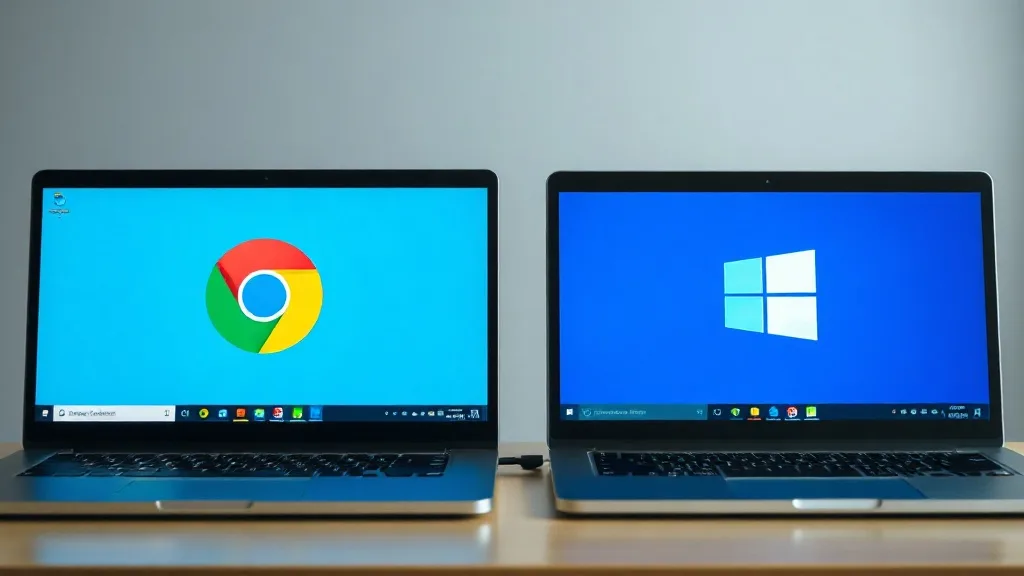
Chromebook vs Windows Laptop 2026: Which Should You Buy?
The Chromebook vs Windows laptop question is one of the most-searched laptop decisions every year — and for good reason. Chromebooks and Windows laptops sit in the same price range, show up side by side on store shelves, and both promise to handle your everyday computing needs. But they are fundamentally different machines built on different philosophies, and choosing the wrong one can leave you frustrated for years.
In 2026, the gap between Chromebooks and Windows laptops has shifted again. ChromeOS has gained features, Windows 11 has gotten leaner, and budget Windows laptops have dropped to prices that genuinely compete with Chromebooks — some starting as low as $179 USD. So the old advice of "just get a Chromebook if you want something cheap" doesn't hold up anymore.
This guide breaks down every meaningful difference — offline capability, software ecosystem, performance, longevity, and total cost of ownership — so you can make the right call for how you actually use a computer.
Chromebook vs Windows Laptop: Quick Comparison
| Factor | Chromebook (ChromeOS) | Windows Laptop (Windows 11) |
|---|---|---|
| Works offline | Limited (a few Google apps) | Yes — nearly everything |
| Desktop software (Office, Photoshop) | No .exe support | Full compatibility |
| Peripherals & USB devices | Hit or miss | Broad support |
| Entry price | ~$150–$300 | From $179 (NXTCORE Lite) |
| Update lifespan | Fixed AUE expiry date | Usable well beyond update window |
What Is a Chromebook, Really?
A Chromebook is a laptop that runs ChromeOS, Google's lightweight operating system. It was originally designed as a browser-first device — essentially a laptop built around the Chrome web browser. Everything you do lives primarily in the cloud: Google Docs, Gmail, Google Drive, YouTube, and web apps.
Over the years, Google added support for Android apps (from the Play Store) and Linux apps (through a built-in Linux container). These additions expanded what Chromebooks can do, but they come with caveats — Android apps are often phone-sized and awkward on a laptop screen, and Linux support requires some technical comfort.
What Is a Windows Laptop?
A Windows laptop runs Microsoft Windows — the same operating system that has powered most of the world's computers for decades. Windows 11, the current version, runs the full spectrum of desktop software: Microsoft Office (the real, full-featured desktop versions), Adobe Photoshop, video editors, accounting software, games, developer tools, and millions of other programs.
Windows laptops come in every price range — from budget machines under $200 all the way to $3,000+ workstations. The key difference from Chromebooks is that Windows gives you full local software capability. Your files, programs, and work don't depend on an internet connection. If you're new to reading a spec sheet, our guide to laptop specs explained for beginners covers what actually matters.

Offline Capability: The Biggest Real-World Difference
This is where the rubber meets the road for most people. Chromebooks were designed for always-connected use. While Google has added offline modes for Google Docs, Sheets, and Gmail, the experience is limited. You can't install most desktop software, and many web apps simply don't work without internet.
With a Windows laptop, virtually everything works offline by default:
- Microsoft Office: Word, Excel, and PowerPoint work fully offline with local file saving
- File management: Full access to your local files, USB drives, and external storage
- Media playback: Play any video or music file without streaming
- Software: Run locally installed programs — photo editors, accounting apps, games — no connection needed
- Printing: Connect directly to printers without needing cloud print services
If you ever work from a coffee shop with unreliable Wi-Fi, travel in areas without service, or simply don't want your productivity to depend on your internet connection, a Windows laptop is the safer choice.
App Ecosystem: What Software Can You Actually Run?
This is the second-biggest differentiator, and it's not close.
Chromebook Software
- Web apps (anything that runs in Chrome)
- Google Workspace (Docs, Sheets, Slides, Drive)
- Android apps from the Google Play Store (variable quality on laptop screens)
- Linux apps via Crostini (requires technical setup)
- No support for standard Windows .exe programs
Windows Laptop Software
- Every web app a Chromebook can run (Chrome, Firefox, Edge all available)
- Full Microsoft Office suite (desktop versions with complete features)
- Adobe Creative Cloud (Photoshop, Illustrator, Premiere Pro)
- All major accounting and business software (QuickBooks Desktop, Sage, etc.)
- Games (Steam, Epic, direct installs)
- Development tools (VS Code, IntelliJ, full IDEs)
- Industry-specific software (AutoCAD, medical billing, POS systems)
- Every USB peripheral works — printers, scanners, drawing tablets, external monitors
The bottom line: if a piece of software exists for desktop computers, it almost certainly runs on Windows. You'll never run into a situation where a required program isn't compatible with your machine. The same cannot be said for ChromeOS.
Performance at the Same Price Point
Here's where the Chromebook argument used to be strongest: "ChromeOS is lighter, so a $250 Chromebook runs smoother than a $250 Windows laptop." That was true in 2018. In 2026, it's much less clear-cut.
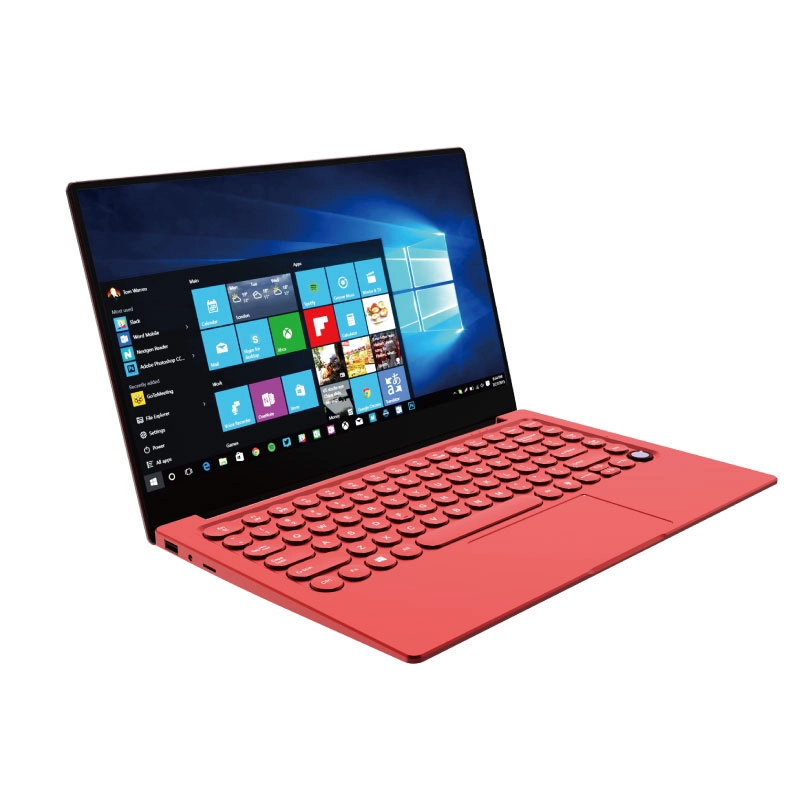
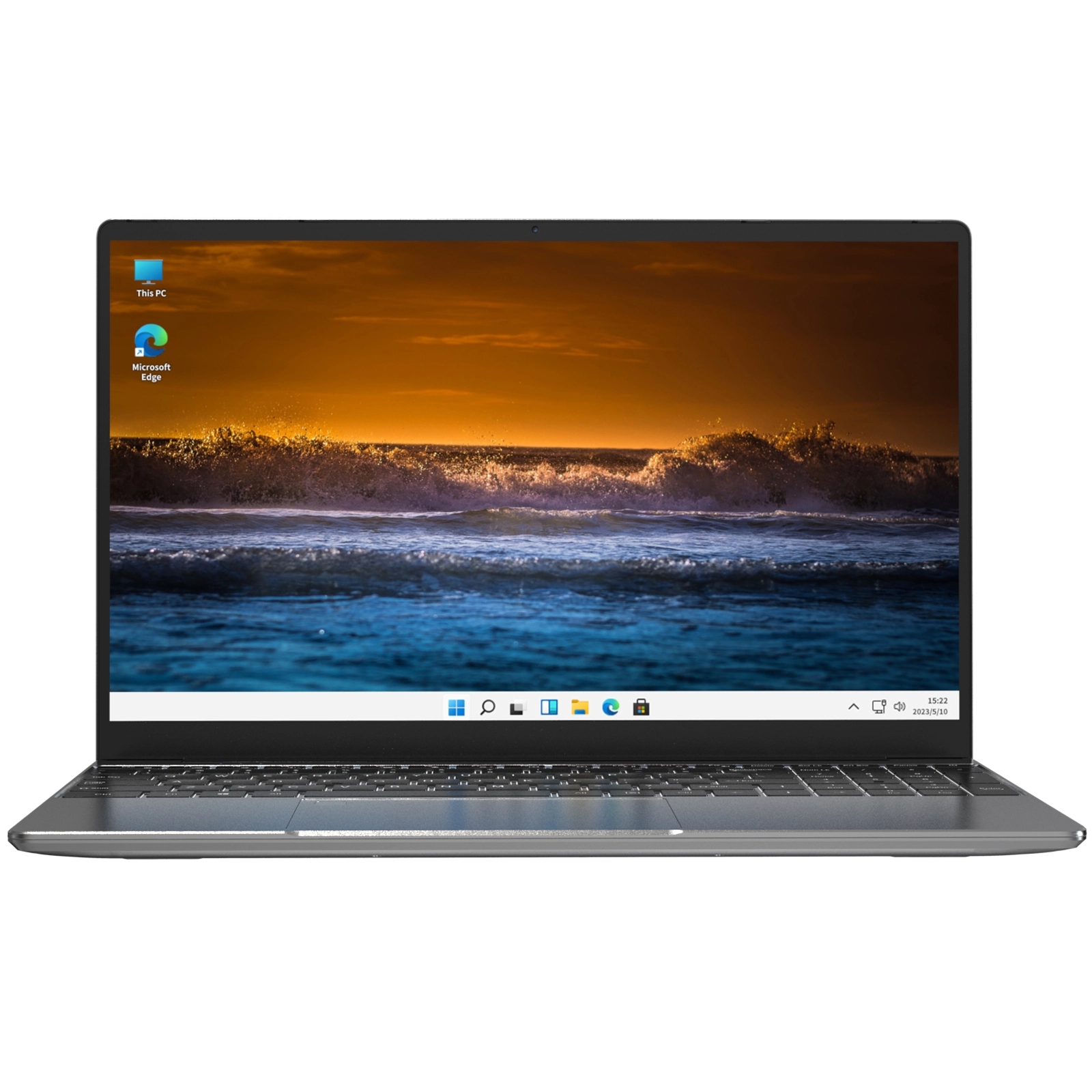
Modern budget Windows laptops — like the NXTCORE Lite F146-4105 at $179 or the everyday NXTCORE Flex S140N at $329 — use efficient processors that handle Windows 11 smoothly for everyday tasks. Windows 11 has also gotten significantly better at managing resources on lower-end hardware compared to Windows 10. If you're weighing memory, our breakdown of how much RAM you actually need in 2026 is a useful companion read.
Meanwhile, Chromebook performance has hit its own ceiling. As ChromeOS has added features (Android app support, Linux containers, background services), it has gotten heavier. A budget Chromebook in 2026 doesn't feel noticeably faster than a budget Windows laptop doing the same tasks. For a realistic look at entry-level expectations, see what a $200 laptop can actually do in 2026.
Longevity and Software Updates
This is a critical factor that many buyers overlook. Chromebooks have an Auto Update Expiration (AUE) date — a fixed date after which the device stops receiving ChromeOS updates, including security patches. For most Chromebooks sold in 2026, this is roughly 8-10 years from launch, but older models on sale may have only 3-5 years left.
Windows laptops don't have a built-in expiration date in the same way. Windows 10 support ended in October 2025, and Windows 11 support extends well into the 2030s. You can also continue using a Windows laptop long after it stops receiving updates — it still runs all your software. A Chromebook past its AUE date becomes increasingly risky to use, and many web services begin to drop support for outdated Chrome versions.
From a longevity standpoint, a Windows laptop gives you more years of useful life — especially if you buy one with upgradeable RAM and storage.
Price Comparison: The Playing Field Has Leveled
Five years ago, the cheapest usable Chromebook was around $200 and the cheapest usable Windows laptop was $350+. That gap justified the Chromebook for budget buyers. In 2026, the picture looks very different:
- Budget Chromebooks: $150-$300 (Best Buy, Amazon)
- Budget Windows laptops: $179-$359 (NXTCORE everyday laptops start with the Lite F146-4105 at $179 and the Flex S140N at $329)
- Mid-range Chromebooks: $350-$600
- Mid-range Windows laptops: $369-$899 (NXTCORE performance laptops, up to the Ultra GLT163Max at $899)
For a fuller list of value options across brands, our roundup of the best budget laptops of 2026 is a good next step. When a Windows laptop costs the same as a Chromebook — or even less — the value proposition of ChromeOS weakens considerably. You're getting a more capable machine for the same money.
Who Should Buy a Chromebook in 2026?
Chromebooks still make sense for a narrow set of users:
- Young children (under 10): ChromeOS is harder to break, simpler to manage, and integrates with school Google Classroom accounts
- Secondary/spare devices: If you have a primary Windows or Mac laptop and want a lightweight couch browser
- Users who genuinely live 100% in Google's ecosystem: All your work is in Google Docs, all your files are on Drive, all your communication is Gmail
Who Should Buy a Windows Laptop?
Virtually everyone else — and that's not an exaggeration. Windows makes sense for:
- Students: Need Microsoft Office, specific school software, or offline access during commutes
- Remote workers: Video calls (Zoom, Teams), VPN clients, and productivity software all run better on Windows
- Small business owners: QuickBooks, invoicing software, POS systems, and industry-specific tools require Windows
- Casual users: Web browsing, streaming, email — a budget Windows laptop does all of this just as well as a Chromebook
- Anyone who values flexibility: Windows doesn't lock you into a single ecosystem
The Verdict: Windows Wins for Flexibility and Value
In 2026, the Chromebook's main advantage — low price — has been neutralized by budget Windows laptops. And Windows still has every other advantage: full software compatibility, offline capability, longer useful life, peripheral support, and no ecosystem lock-in.
If you're shopping for an affordable laptop and trying to decide between a $200 Chromebook and a Windows laptop, consider that the NXTCORE Lite F146-4105 sells for just $179 USD. You get a real Windows 11 laptop — full software compatibility, offline capability, upgradeable specs — at a price that matches or beats most Chromebooks.
Don't settle for a limited operating system when a full-featured Windows laptop costs the same. Browse everyday laptops or performance laptops and find the right fit for your needs.
Frequently Asked Questions
Is a Chromebook or a Windows laptop better for students?
For most students, a Windows laptop is the safer choice because it runs the full desktop Microsoft Office suite and any school-specific software, and it works offline during commutes or exams. A budget Windows model like the NXTCORE Lite at $179 covers schoolwork without the software limits of ChromeOS.
Can a Chromebook run Microsoft Office or Photoshop?
Not the full desktop versions. Chromebooks can use the web-based versions of Office and simple photo editors, but they cannot install the complete desktop Office suite or Adobe Photoshop. A Windows laptop runs both natively with every feature.
Why are budget Windows laptops now as cheap as Chromebooks?
Efficient low-power processors and a leaner Windows 11 have pushed entry Windows laptop prices down to the Chromebook range. NXTCORE's lineup spans $179 to $899, averaging about $396, so you no longer have to trade software compatibility for a low price.
Do Chromebooks stop working after a certain date?
Chromebooks keep running after their Auto Update Expiration (AUE) date, but they stop receiving security updates, which makes them riskier to use over time. Windows laptops remain usable well beyond their update window and still run all installed software.