Everyday
  About Company
 Refund Policy
 Privacy Policy
 Terms And Conditions
 Support
 Open Ticket
 Contact Us
 Knowledgebase
 News
News

Budget Laptops That Actually Last: Longevity & Build Quality in 2026
A cheap price tag and a cheaply built machine are not the same thing. The budget laptops worth buying in 2026 are the ones you are still using in 2029 — not the throwaway plastic that hinges loose and slows to a crawl inside a year. This guide is about longevity: which affordable NXTCORE models are built to last, which specs let a laptop age gracefully, and how to think about cost across three years instead of on day one. Every pick is a real, in-stock NXTCORE model at its real price.
Cheap vs. Cheaply Made: What Longevity Really Costs
The trap in the budget aisle is buying for the sticker and paying for it later. A flimsy laptop that dies in 14 months forces a second purchase; a well-built machine you specced with room to breathe keeps earning its keep. Longevity comes down to three things you can actually check before you buy: build quality (hinges, chassis, keyboard deck), configuration headroom (whether the model can be ordered with more RAM or a bigger SSD so it is not maxed out on day one), and spec headroom (enough memory and storage that the laptop still has margin a few years in).
The Durability & Configuration Checklist
Before you spend a dollar, run any budget laptop through this checklist. It separates the machines that last from the ones that only look like a bargain:
- SSD, not a mechanical drive — NVMe SSDs have no moving parts to fail from a knock, and they keep the machine feeling fast years in. Every NXTCORE model ships with one.
- Storage headroom — models that can be configured “up to” a larger NVMe SSD (up to 1TB or 2TB across the range) let you order enough capacity up front to last, instead of the bare minimum you will outgrow.
- RAM headroom — models configurable up to 16GB give the laptop room to absorb heavier software down the road; ordering above the bare minimum keeps it from feeling maxed out on day one.
- A modern, efficient processor — a current Intel N-series, Core i5/i7, or Ryzen chip stays comfortable with everyday work for years; a barely-adequate chip feels slow within months.
- A hinge or connection you can trust — the hinge is the single most common failure point on cheap laptops, so look for a sturdy chassis. A detachable 2-in-1 like the Flex S140N sidesteps hinge wear entirely by letting the screen separate from the keyboard.
- Warranty and returns that back the build — every NXTCORE laptop includes a 1-year warranty and 90-day returns, so a bad unit is a swap, not a loss.
Total Cost Over Three Years, Not Day One
The honest way to compare budget laptops is cost-per-year of useful life. A durable, well-specced machine you keep for three years quietly beats a fragile one you replace annually — even when the fragile one looked cheaper up front. Spread across a realistic three-year lifespan, here is what the longevity-minded picks work out to (simple price ÷ 3, not a hidden fee):
| Model | Price | Config headroom | Cost / year over 3 yrs |
|---|---|---|---|
| NXTCORE Lite F146-4105 | $179 | SSD up to 1TB | ~$60 |
| NXTCORE Lite G141J-N5095 | $199 | RAM up to 16GB, SSD up to 1TB | ~$66 |
| NXTCORE Pro 1030NG7 | $369 | 16GB RAM, SSD up to 2TB | ~$123 |
| NXTCORE Pro 1165G7 | $549 | Core i7-class, SSD up to 2TB | ~$183 |
| NXTCORE Ultra GLT163Max | $899 | Top-tier build & components | ~$300 |
Read those figures against the alternative: replacing a throwaway laptop every year or so means buying two or three machines in the span a single durable one would have covered — money poured into hardware that was never built to reach year three. Buying once, and buying something with real spec headroom, is usually the cheaper path. For the broader value picture, see our 10 best cheap laptops from $179.
Most Durable Pick Under $200
The NXTCORE Lite G141J-N5095 at $199 is the standout for longevity at the low end, because it refuses to box you in. It pairs an Intel Celeron N5095 with an NVMe SSD, but the reason it lasts is headroom: it can be configured up to 16GB of RAM and up to 1TB of storage, so you can order enough capacity up front to stay comfortable for years rather than outgrowing it in months. The NXTCORE Lite F146-4105 at $179 is the even-cheaper sibling — an NVMe SSD configurable up to 1TB — and its lowest-in-catalog price makes it the easiest to justify keeping for three full years.
Best-Built 2-in-1 for the Long Haul
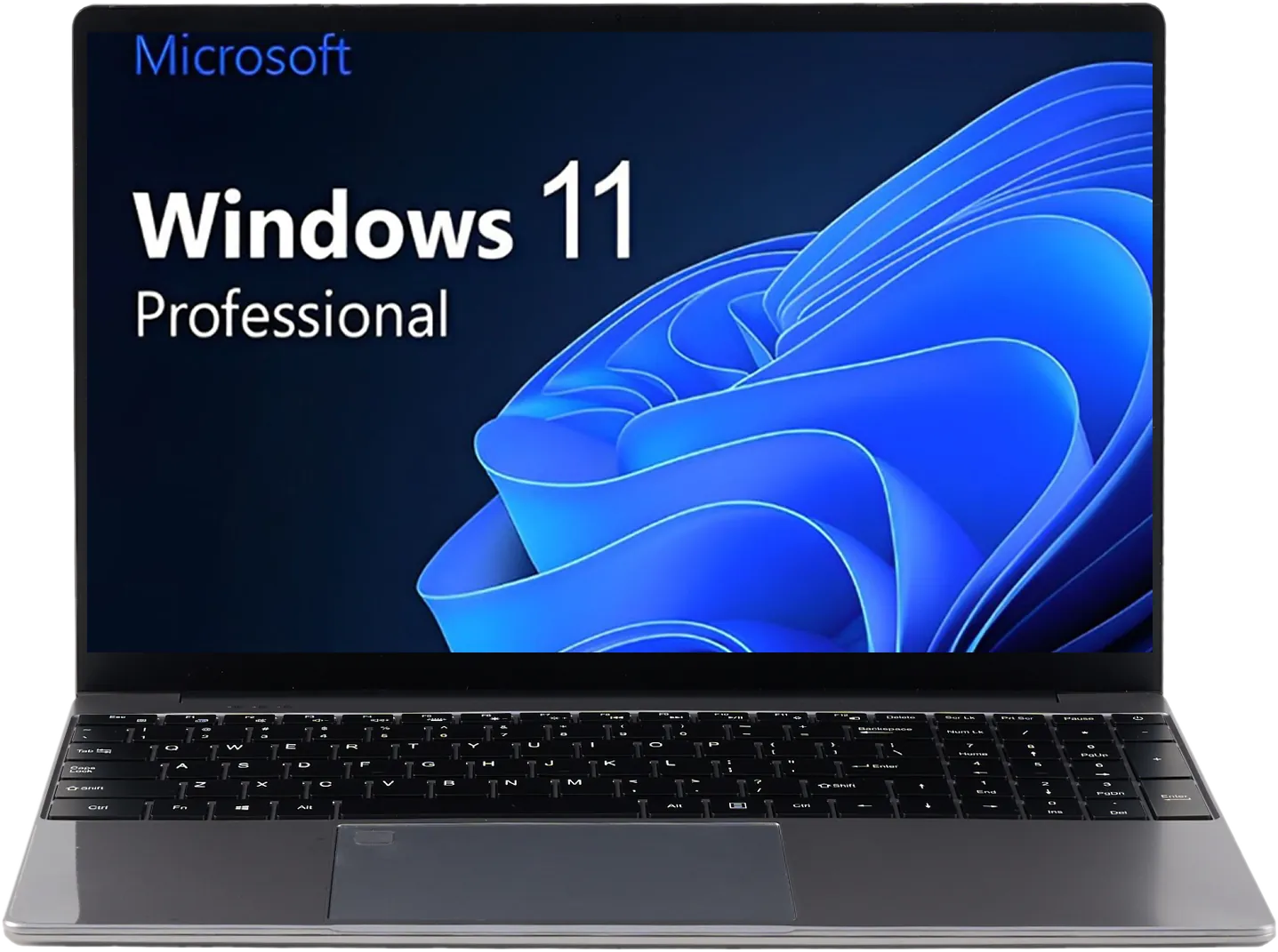
A 2-in-1 lives or dies by the mechanism that makes it flexible. The NXTCORE Flex S140N at $329 is a detachable design — the screen lifts off the keyboard to become a standalone tablet — which sidesteps the hinge wear that fells cheaper folding 2-in-1s first. With an Intel N95 (12th Gen), 12GB of LPDDR5 memory, and an NVMe SSD configurable up to 1TB, it is built to stay useful through years of note-taking, calls, and everyday work rather than becoming a wobbly relic by the second semester.
Spend a Little More, Replace a Lot Less
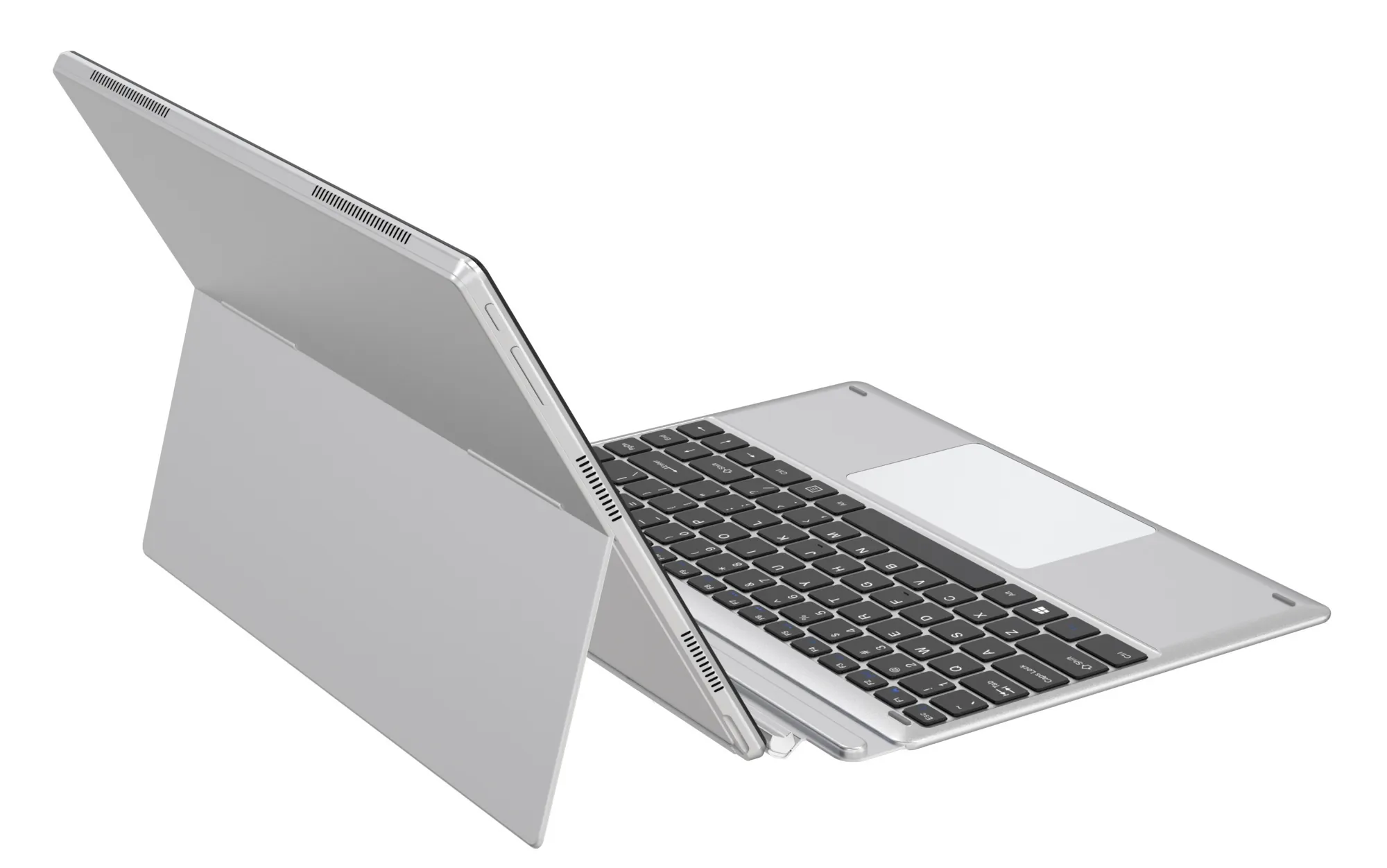
If you expect to lean on this laptop for real work, the NXTCORE Pro 1030NG7 at $369 buys longevity through a stronger foundation: an Intel Core i5-1035G4, 16GB of RAM, and an SSD configurable up to 2TB. A machine that is comfortable today has margin to stay comfortable in three years. For heavier workloads that need to age even more slowly, the NXTCORE Pro 1165G7 at $549 steps up to a faster Core i7-class chip, and the NXTCORE Ultra GLT163Max at $899 tops the range on both build and components for buyers who want the longest runway. Compare configurations in our budget laptops for small business owners guide.
The Bottom Line on Buying Once
Longevity is the cheapest feature a budget laptop can have. For the lowest cost-per-year, the NXTCORE Lite G141J-N5095 at $199 wins on configuration headroom; for a detachable 2-in-1 built to survive daily use, the NXTCORE Flex S140N at $329 is the pick; and for work that needs to stay quick for years, the NXTCORE Pro 1030NG7 at $369 is the safe long-term bet. Browse the full range of everyday laptops and performance laptops at NXTCORE.
Frequently Asked Questions
How long should a budget laptop realistically last?
With an SSD, adequate RAM, and reasonable care, a well-built budget laptop should serve three years or more of everyday use. The models most likely to reach that mark are the ones with configuration headroom — like the NXTCORE Lite G141J-N5095 ($199), which can be ordered with up to 16GB RAM and up to 1TB of storage — because buying enough capacity up front keeps them from feeling maxed out early.
How much RAM and storage can I configure on NXTCORE laptops?
Check each model's “up to” configuration limits when you order. The Lite G141J-N5095 can be configured up to 16GB RAM and a 1TB NVMe SSD, while the Pro 1030NG7 ($369) ships with 16GB RAM and storage configurable up to 2TB. Choosing enough capacity at purchase is the reliable way to keep a budget laptop comfortable for years.
Is it cheaper to buy one durable laptop or replace a cheap one?
Usually the durable one. Two throwaway laptops over three years can cost more than a single well-specced machine that reaches year three intact — and you avoid the hassle of migrating your data twice. Compare cost-per-year, not just the opening price.
What part of a cheap laptop fails first?
On traditional laptops it is usually the hinge or a mechanical hard drive. NXTCORE models avoid the drive problem entirely by shipping NVMe SSDs, and the detachable Flex S140N ($329) sidesteps hinge wear altogether — the screen separates from the keyboard rather than folding on a hinge that can loosen over time.
Does the warranty cover build or wear-out problems?
Every NXTCORE laptop includes a 1-year warranty plus 90-day returns and free US and Canada shipping. That covers hardware faults out of the gate; pairing it with a well-specced model is the best way to protect the investment beyond the warranty window.
Last updated: August 2026. Prices in USD. Longevity guidance is drawn from published NXTCORE product specifications and independent reviews of comparable hardware, not in-house durability testing.