Everyday
  About Company
 Refund Policy
 Privacy Policy
 Terms And Conditions
 Support
 Open Ticket
 Contact Us
 Knowledgebase
 News
News
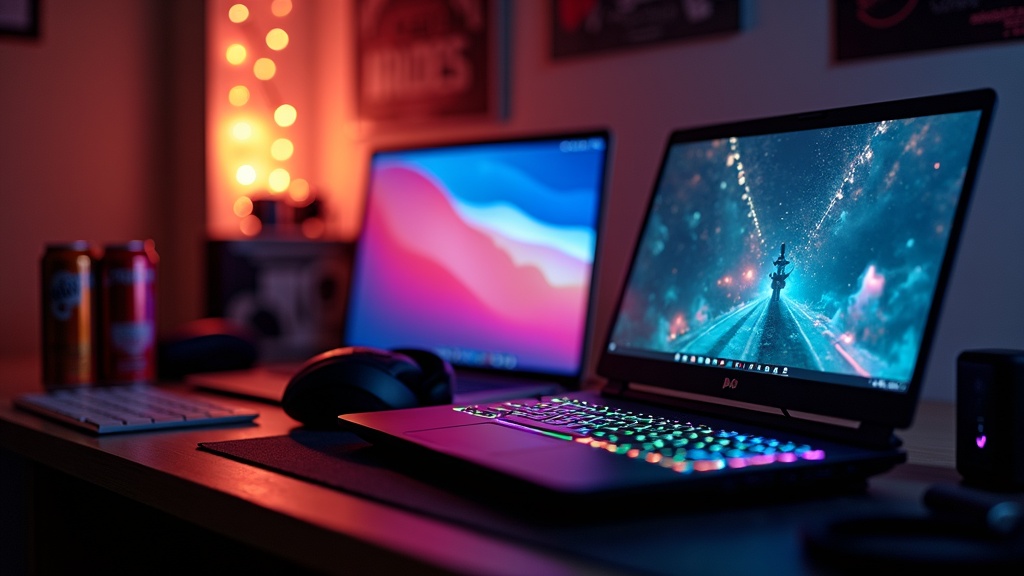
Let's skip the hype and answer the only question that matters when you shop cheap laptops for gaming under $600: which games will actually run, and at what settings? Not a vague "it can game" — a straight, title-by-title picture. The honest version is that an entry gaming laptop in this bracket is an esports-and-back-catalog machine: Valorant, League, Fortnite, CS2, Minecraft and Rocket League run genuinely well, older AAA hits are playable if you dial settings down, and brand-new maxed-out AAA releases are simply off the table. This guide draws the line clearly so you buy with your eyes open.
Below you'll find a game-by-game expectations table, the exact settings worth turning down for each kind of title, the three specs that decide your frame rate, and a short curated shortlist of laptops under $600 that fit this reality — including where NXTCORE's own performance laptops land. If your library is competitive shooters, MOBAs, indies and games a few years old, keep reading — this is exactly the tier for you.
What's on this page
- What "actually performs" honestly means at this budget
- What runs well under $600 — the game-by-game table
- Realistic settings: what to dial down for each type of game
- The three specs that decide your frame rate
- Best entry gaming laptops under $600 (curated picks)
- Side-by-side spec comparison
- Under $400 vs $400–$600: how expectations shift
- Free tweaks that buy you extra frames
- Honest FAQ for budget gamers
What "Actually Performs" Honestly Means at This Budget
"Actually performs" is a phrase that gets thrown around a lot, so here's a plain definition for the sub-$600 tier: a smooth, consistently playable experience in esports titles at medium settings and older AAA games at low-to-medium — usually at 1080p, sometimes at 900p. It does not mean high frame rates in 2024–2026 blockbusters, and it does not mean ultra presets. Modern integrated graphics (Intel Iris Xe, AMD Radeon) have closed a lot of the gap, but they haven't repealed physics.
The single most useful thing you can do before buying is match the laptop to your actual library, not a theoretical one. If most of your hours go to competitive multiplayer, indies and games from roughly 2020 or earlier, a $400–$600 laptop delivers real value. If you're chasing the latest AAA releases at high settings, this isn't your tier — that's a higher-tier conversation about proper gaming laptop performance. Everything below is written for the first reader.
What Runs Well Under $600 — The Game-by-Game Table
This is the heart of the guide. The table below sets honest expectations title by title on a typical modern integrated-graphics laptop in this range (think Intel Core i5/i7 with Iris Xe, or Ryzen 7 with Radeon graphics, paired with up to 16GB RAM). The verdicts reflect how this class of hardware generally handles each title based on manufacturer specs and widely published, independent reviews — treat them as "what to expect," not guarantees, since real-world results shift with the specific chip, drivers and thermals.
| Game | Settings that actually work | Honest verdict |
|---|---|---|
| Valorant | 1080p medium | Runs great — a genuine strength of this tier |
| League of Legends | 1080p high | Effortless, with headroom to spare |
| CS2 | 1080p medium | Very playable for casual and ranked |
| Rocket League | 1080p medium | Smooth; cap the frame rate for consistency |
| Minecraft (vanilla) | 1080p high | Fine; heavy shader packs are another story |
| Fortnite | 1080p medium (or Performance mode) | Playable; Performance mode is a big help |
| Apex Legends | 1080p low | Playable but tight; drop to 900p if needed |
| PUBG | 1080p low | Borderline — lower the resolution scale to help |
| GTA V | 1080p low | Enjoyable; a dedicated GPU helps here |
| Skyrim | 1080p medium | Great for single-player back-catalog |
| The Witcher 3 | 900p–1080p low | Playable with settings discipline |
| Stardew Valley / Terraria | 1080p max | Zero concern |
| Cyberpunk 2077 / Starfield | n/a locally | Out of scope — use cloud streaming instead |
Read the table as a whole and the shape of this tier is obvious: competitive and older titles are the sweet spot, battle royales are the tension point where a dedicated GPU or a resolution drop earns its keep, and the newest AAA releases belong to cloud services or a higher budget. If your most-played games sit in the top two-thirds of that list, an entry gaming laptop under $600 will not disappoint you.
Realistic Settings: What to Dial Down for Each Type of Game
The frame rates above assume you set things up sensibly. Budget hardware punishes players who leave the in-game auto-detect on — it almost always guesses too high. The fix is the same everywhere: start on the low preset, then raise only the settings you'll actually notice. What to prioritize depends on the kind of game.
Competitive esports (Valorant, CS2, LoL, Rocket League)
Chase consistency, not eye candy. Turn shadows to low, disable anti-aliasing or use FXAA, and cap your frame rate a touch below what the laptop can sustain so frame times stay flat during fights. These titles are CPU- and RAM-friendly, which is exactly why they thrive on integrated graphics — you're leaving performance on the table if you crank visuals here.
Battle royale (Fortnite, Apex, PUBG)
This is where you'll feel the budget the most, because big maps and distant players stress the GPU. Reduce view distance and foliage/effects first, use each game's performance/low preset, and don't be proud about resolution — dropping to 900p on a 15-inch screen buys a meaningful frame boost for minimal visible loss. Fortnite's Performance mode is the single biggest win on integrated graphics.
Older AAA (GTA V, Skyrim, Witcher 3, Far Cry 5)
These reward a little patience. Keep texture quality moderate (it barely costs frames if you have 16GB RAM) but cut shadows, ambient occlusion, volumetric fog and screen-space reflections hard. A dedicated entry-level GPU helps most here; on integrated graphics, aim for a steady, locked frame rate rather than chasing a number that will only dip during busy scenes.
Indie & casual (Stardew Valley, Hades, Terraria, vanilla Minecraft)
Barely a settings conversation — almost any quad-core laptop with 8GB RAM maxes these out, including plenty of everyday laptops never marketed for gaming. Here you optimize for battery life and portability instead of graphics, since the hardware isn't the limiting factor.
The Three Specs That Decide Your Frame Rate
RAM: get 16GB — it's the biggest single upgrade
Modern games plus Windows 11 plus Discord and a browser eat 6–7GB before your game even loads. On 8GB total, the system swaps to storage and you get micro-stutters that don't show up in average FPS but absolutely show up in feel. Independent reviews repeatedly find that moving from 8GB to 16GB barely changes the average frame rate, yet it holds frame times far steadier — where 8GB systems tend to stutter whenever a background scan or notification fires, 16GB stays smooth. If you upgrade one thing, upgrade this.
Graphics: integrated is fine — until it isn't
Intel Iris Xe and AMD Radeon integrated graphics handle the top two-thirds of the table above comfortably. An entry dedicated GPU (NVIDIA MX450, GTX 1650) adds a modest boost in GPU-bound scenes — meaningful only for battle royales and older AAA. The trap: at a given budget you often choose between a dedicated GPU paired with less RAM or integrated graphics paired with more RAM, and for the games most people in this tier play, the extra RAM wins. Buy the dedicated GPU only if a specific game on your list demands it.
CPU: quad-core minimum, and generation over model number
You need a quad-core chip with boost above ~3.5 GHz (Intel Core i5-1035G4 / Ryzen 5 5500U and newer). Dual-core "gaming" laptops stutter once anti-cheat, voice chat and Windows background tasks pile on. And never let a bigger number fool you: a newer-generation chip with modern integrated graphics beats an older-generation chip that lacks it. For heavier multitaskers, an eight-core Ryzen 7 has the headroom to run a 720p OBS stream while a game runs in front of it — something quad-core budget chips manage far less gracefully.
Best Entry Gaming Laptops Under $600 (Curated Picks)
Rather than list every model on the market, here's a tight shortlist that matches the reality above — starting with the three NXTCORE performance laptops that land inside this budget, then two mainstream alternatives worth knowing about.
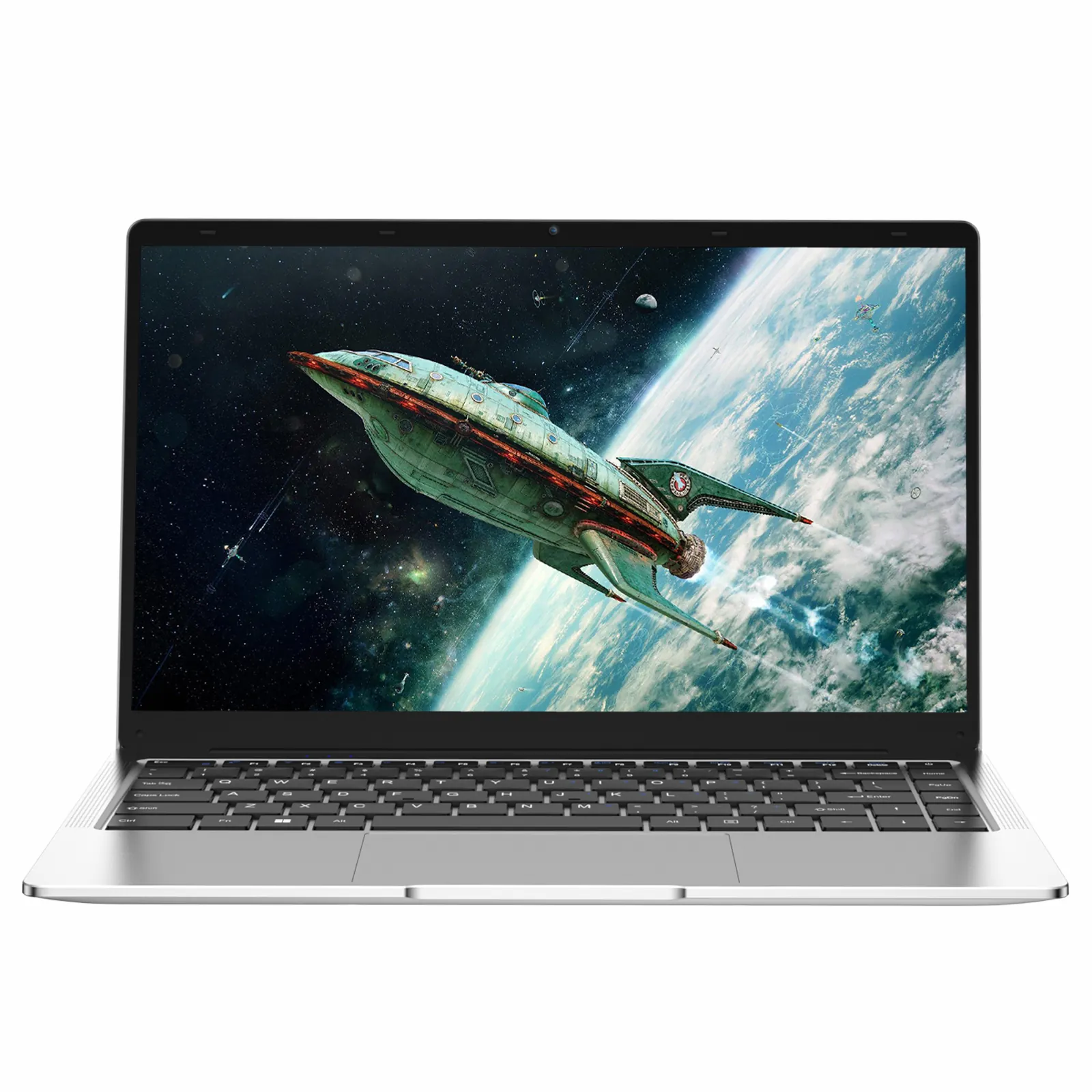
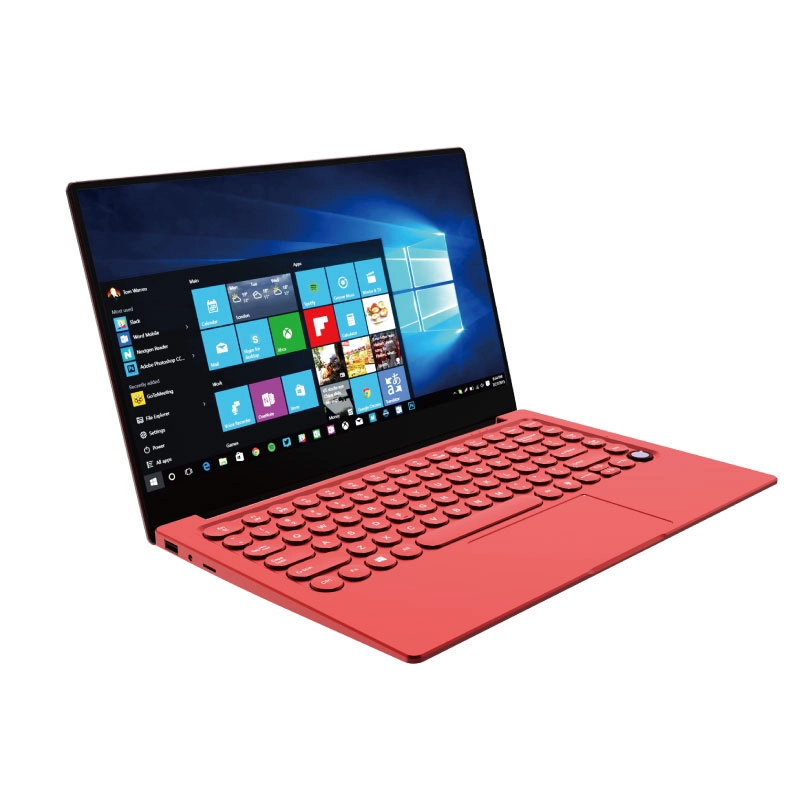
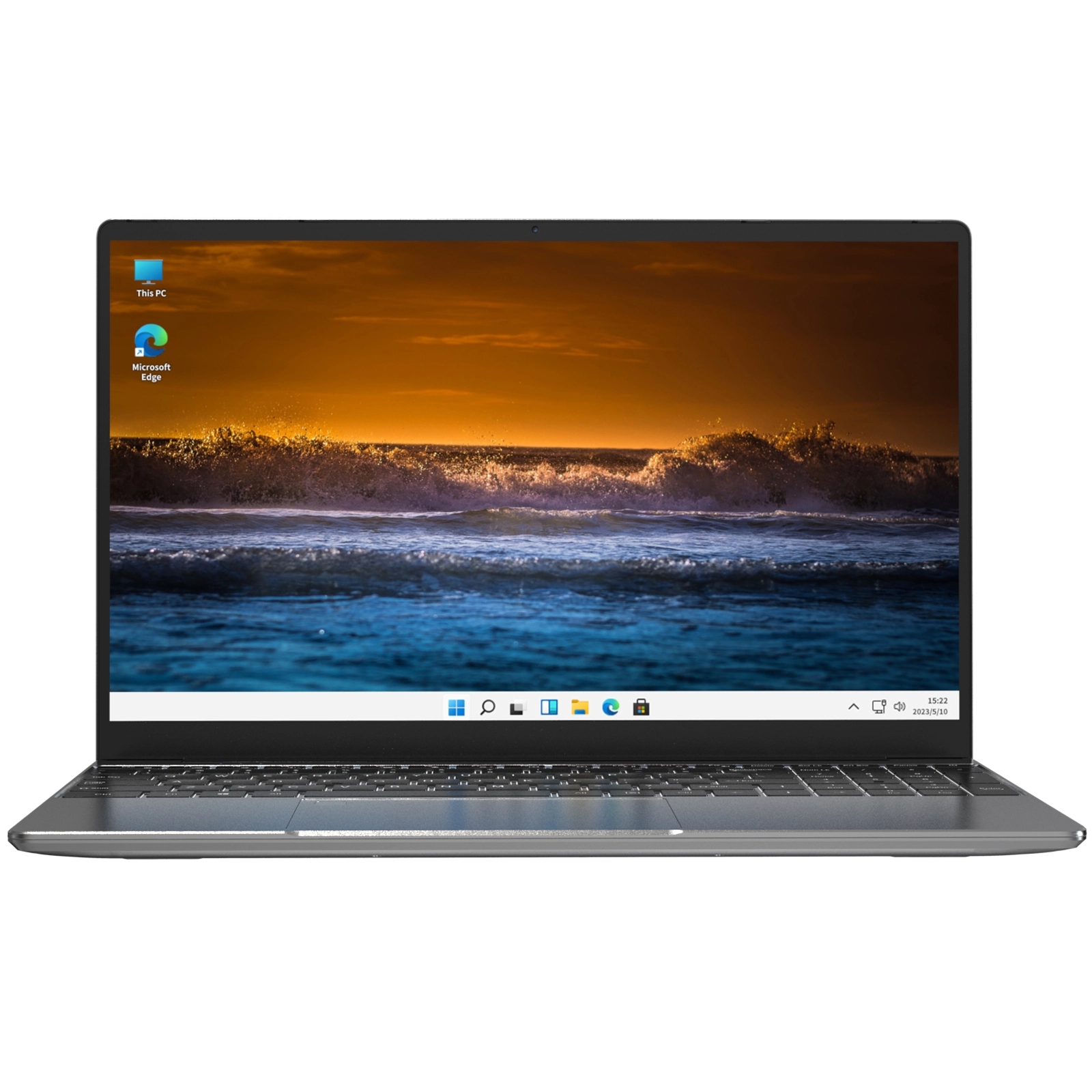
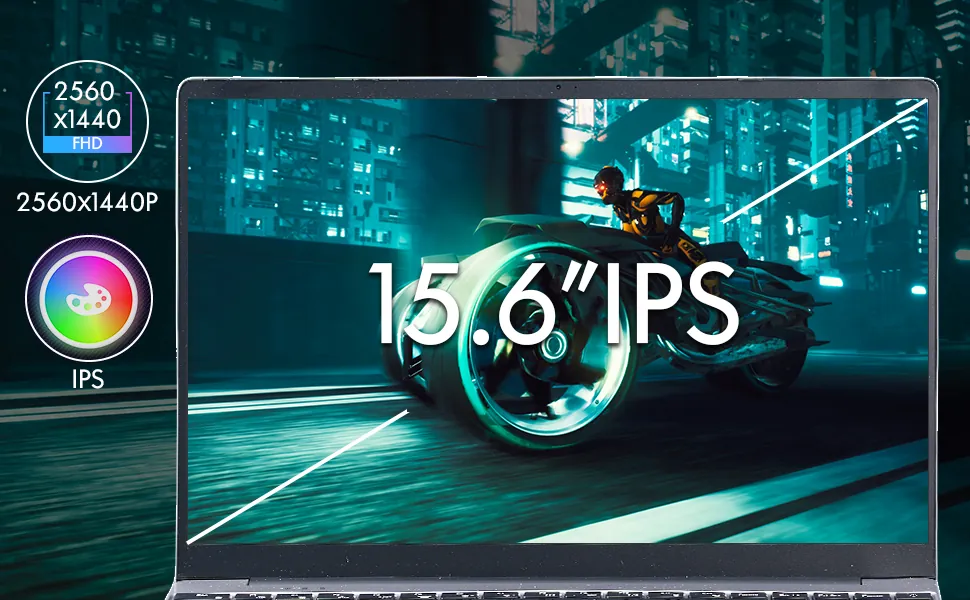
Best all-round under $600 — NXTCORE Pro 1165G7 ($549): Intel Core i7-1165G7, Iris Xe graphics, configurable up to 32GB RAM and up to a 2TB NVMe SSD. This is the configuration the table was practically written for — strong integrated graphics plus the RAM headroom that keeps esports frame times flat while Discord, a game client and browser tabs stay open. If you want one laptop that handles the widest slice of that game list, start here.
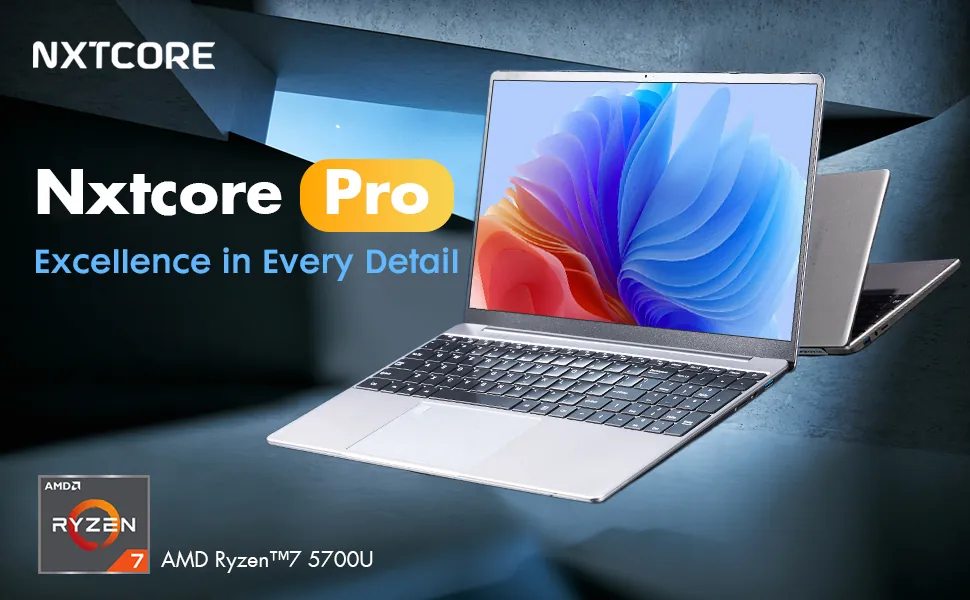
Best value / stream-while-you-play — NXTCORE Pro G1568-R7 ($459): eight-core AMD Ryzen 7 5700U, Radeon graphics, up to 32GB RAM and up to a 1TB NVMe SSD. The extra cores are the story — this is the pick if you want to run a 720p OBS stream over your gameplay, and at $459 it's the strongest price-to-capability ratio in the bracket.
Best under $400 entry point — NXTCORE Pro 1030NG7 ($369): the most affordable of NXTCORE's Pro gaming picks, built around a quad-core Intel Core i5-1035G4 with 16GB DDR4 and a fast NVMe SSD — a realistic way into casual and competitive esports on a tight budget. Expect the lower-to-medium end of the table — Fortnite and Valorant stay in genuinely playable 1080p-low territory — and it doubles as a dependable everyday laptop the rest of the time.
How they compare to big-brand options: at this price, many name-brand machines in the same bracket ship with less memory — the exact spec that hurts frame-time consistency — or trade gaming headroom for a thinner chassis and longer battery on lighter titles. A dedicated entry GPU can pull ahead in the narrow older-AAA lane where the extra graphics muscle matters, but for the games most people in this tier actually play, RAM-for-the-money is where the NXTCORE picks hold their edge.
Side-by-Side Spec Comparison
How the shortlist stacks up on the specs that actually move your frame rate, based on manufacturer specs and widely published benchmark data:
| Model (Price) | CPU | GPU | RAM / Storage | Where it shines |
|---|---|---|---|---|
| NXTCORE Pro 1165G7 ($549) | Intel Core i7-1165G7 | Intel Iris Xe | Up to 32GB / up to 2TB NVMe | Best all-round; widest game coverage |
| NXTCORE Pro G1568-R7 ($459) | AMD Ryzen 7 5700U (8-core) | AMD Radeon | Up to 32GB / up to 1TB NVMe | Best value; streaming while gaming |
| NXTCORE Pro 1030NG7 ($369) | Intel Core i5-1035G4 | Intel integrated | 16GB DDR4 / up to 2TB NVMe | Cheapest realistic entry point |
Takeaway: the NXTCORE Pro 1165G7 covers the broadest range of titles on our list, the Pro G1568-R7 ($459) is the value standout, and the Pro 1030NG7 ($369) is the cheapest realistic way in. Across the board the theme repeats — RAM headroom and a modern architecture do more for real-world smoothness than a spec-sheet GPU name, which is why so many big-brand machines at this price stumble by shipping too little memory.
Under $400 vs $400–$600: How Expectations Shift
Under $400 is expectation-management territory. You're buying the minimum viable hardware for casual gaming alongside real work — a quad-core chip and enough memory to keep Windows and a game running side by side. That covers esports and older games at low-to-medium and reduced resolutions — the lower half of the table — but not much beyond. The NXTCORE Pro 1030NG7 ($369) is a fair benchmark for what's realistic here: a quad-core Intel Core i5-1035G4 with 16GB DDR4, which is unusually generous memory at this price. Plan to game near an outlet, since battery life is short under gaming load.
$400–$600 is the genuine sweet spot. This is where 16GB RAM, roomy NVMe SSDs and strong integrated graphics (or an occasional dedicated GPU) turn "technically runs" into "comfortably plays." The consistent lesson at this budget is that a newer architecture paired with ample RAM does more for real-world smoothness than a low-end dedicated GPU bolted onto an older chip with less memory — spec-sheet GPU names oversell themselves here. The NXTCORE Pro G1568-R7 ($459) and Pro 1165G7 ($549) both sit squarely in this zone.
Free Tweaks That Buy You Extra Frames
- Enable Game Mode and set the power plan to High Performance while plugged in
- Disable startup programs and cloud sync (OneDrive, Google Drive) during sessions
- Close Chrome before playing — it can free a couple of gigabytes of RAM on its own
- Keep Intel/AMD/NVIDIA graphics drivers current; Iris Xe drivers have improved noticeably over the past year
- Drop resolution to 900p on demanding titles for a solid frame boost with little visible loss
Thermals matter as much as settings on cheap hardware. Elevate the laptop's rear edge an inch or two to improve intake airflow, game only on hard flat surfaces (beds and laps choke the vents), and clean the intakes monthly. Budget laptops that advertise dual-fan cooling hold their frame rate far better under sustained load than ultra-thin single-fan designs — NXTCORE's performance range is built for everyday reliability rather than thin-and-light styling, which leaves more room for cooling.
Honest FAQ for Budget Gamers
What settings should I realistically expect to run at under $600?
Plan on medium for esports and low-to-medium for older AAA, mostly at 1080p and occasionally at 900p for demanding titles. Ultra presets and modern AAA maxed out are not realistic in this tier. The good news is that competitive games look and feel excellent at medium, and that's where you'll spend most of your hours — so the compromise lands exactly where it hurts least.
Which specific games run genuinely well versus just "technically playable"?
Genuinely well: Valorant, League of Legends, CS2, Rocket League, vanilla Minecraft and most indies — these are the tier's strength. Playable-but-tight: Fortnite, Apex Legends, PUBG and older AAA like GTA V and Witcher 3, where you lean on lower settings, a resolution drop, or a dedicated GPU. Not happening: Cyberpunk 2077, Starfield and similar 2024–2026 blockbusters locally — use cloud streaming for those.
Should I pay for a dedicated GPU or spend that money on 16GB RAM?
For the games most people in this budget play, take the 16GB RAM. A dedicated MX450 or GTX 1650 only pulls meaningfully ahead in battle royales and older AAA; everywhere else, the extra memory does more for smoothness and multitasking. Buy the dedicated GPU only if a specific title on your list — say GTA V or Far Cry 5 at higher settings — actually needs it.
Can I stream while I game on a sub-$600 laptop?
Yes, at 720p, if you buy for it. Streaming leans on CPU cores, so an eight-core chip like the Ryzen 7 5700U in the NXTCORE Pro G1568-R7 ($459) can run a 720p OBS stream over a lighter game far more comfortably than a quad-core budget laptop. Don't expect flawless 1080p60 streams of demanding titles — that's a higher tier — but casual esports streaming is realistic here.
How do I stop my frame rate from tanking mid-session?
Two culprits: RAM pressure and heat. Get 16GB and close background apps to fix the first; elevate the laptop, keep vents clean and favor dual-fan designs to fix the second. Many thin budget laptops start thermal-throttling under sustained load, so a slightly thicker chassis with real cooling often delivers better sustained frames than a thinner one with identical specs on paper.
Gaming laptop or a regular laptop plus cloud streaming?
If you game 3+ hours a week, buy an entry gaming laptop like the NXTCORE Pro 1165G7 that doubles for schoolwork or productivity. If you play only occasionally, a standard laptop plus a cloud service (Xbox Cloud Gaming, GeForce NOW) can cover the odd AAA session and save you money on hardware you'd rarely stress. Our back-to-school guide digs into the dual-purpose angle.
The Honest Bottom Line
Entry gaming under $600 performs — as long as "performs" means smooth esports at medium and playable older AAA at low-to-medium, not maxed-out blockbusters. Match the laptop to the games you actually open, set the visuals honestly, and this tier delivers real value. For most readers that means the NXTCORE Pro 1165G7 ($549) for the broadest coverage, the Pro G1568-R7 ($459) for value and streaming, or the Pro 1030NG7 ($369) if you're holding the line under $400.
You can browse the full range on the performance laptops page, and Canadian shoppers can check region pricing in our affordable laptops in Canada guide. Buy for the settings and titles you'll really play, and a cheap laptop for gaming will do exactly what this page promised — no more, and no less.