Everyday
  About Company
 Refund Policy
 Privacy Policy
 Terms And Conditions
 Support
 Open Ticket
 Contact Us
 Knowledgebase
 News
News

The $300-$500 Laptop Sweet Spot in 2026 - Why Stretching Past $300 Pays Off
There is a curious cliff in the laptop under $500 market, and once you see it you cannot unsee it. Below about $300, every extra dollar buys a little. Then somewhere around the $320-$360 mark, the same dollar suddenly buys a lot - the RAM grows, the storage ceiling climbs, the screen picks up a touch panel or a sharper IPS display, and the processor jumps a whole tier. This guide is about that non-linear jump: the $300-to-$500 sweet spot where a modest stretch in budget returns disproportionately more machine. We will put a $300-class laptop and a $500-class laptop side by side, spell out exactly what improves, and show which real NXTCore models sit right on the sweet spot.
Why the Curve Bends Right After $300
Under roughly $300, a laptop's bill of materials is dominated by the fixed costs every machine carries - the chassis, the display panel, the battery, Windows licensing, packaging and shipping. Those costs do not shrink much on a cheaper laptop, so the components that actually decide how fast the thing feels - the processor, the memory, the SSD - get squeezed to whatever is left over. Push the price up by even $100-$150 and those fixed costs stay flat while nearly all of the extra money flows straight into the parts that matter. That is why the leap from a $219 machine to a $329 machine feels far bigger than the $110 gap on the sticker suggests, and why $459 buys a genuinely different class of laptop rather than just a slightly nicer one.
$300 vs $500, Side by Side: What Actually Improves
Here is the heart of it. This table lines up a representative $300-tier NXTCore machine against a $500-tier one and shows, component by component, where the extra roughly two hundred dollars lands - based on the published specifications for each model:
| What you're buying | ~$300 tier (Flex S140N, $329) | ~$500 tier (Pro G1568-R7, $459) | What the stretch gets you |
|---|---|---|---|
| Processor | Efficient everyday chip, fine for browsing and office work | AMD Ryzen 7 - a full performance tier up | Handles photo edits, many tabs and light creative work without stalling |
| RAM | 12GB | Configurable up to 32GB DDR4 | More comfortable headroom for heavy multitasking |
| SSD | Fast NVMe, up to 1TB | Fast NVMe, up to 2TB | Both use quick NVMe storage - you are not paying to escape a slow drive |
| Screen | 14.1-inch 2K detachable touchscreen | Larger 2K QHD work surface | Bigger, sharper canvas for spreadsheets, timelines and split-screen work |
| Best suited to | Everyday use, notes, video calls, detachable tablet mode | Light content creation and demanding multitaskers | You grow into it instead of out of it |
Notice what does not change in kind: both tiers already give you a fast NVMe SSD, so you are not paying the stretch to escape a slow drive - you are paying it for a stronger processor, more memory and a larger, sharper screen. The storage ceiling does climb (the Pro is configurable up to 2TB versus up to 1TB on the Flex), but the drive is quick NVMe either way. That is the useful thing to understand about the sweet spot: by around $330 the storage type is no longer a compromise, and the money above that goes into raw capability. If you were comparing this to the sub-$300 rung, the jump is even starker - a $219 machine gives you fast NVMe storage too, but a plainer CPU and a non-touch screen. Not sure how much memory you actually need first? Our RAM buying guide for 2026 breaks it down.

The Four Laptops That Live in the Sweet Spot
NXTCore has exactly four models priced between $300 and $500, and each one stakes out a different corner of the range. This is the subset worth your attention if you have decided to stretch past $300 rather than list every laptop in the catalog:
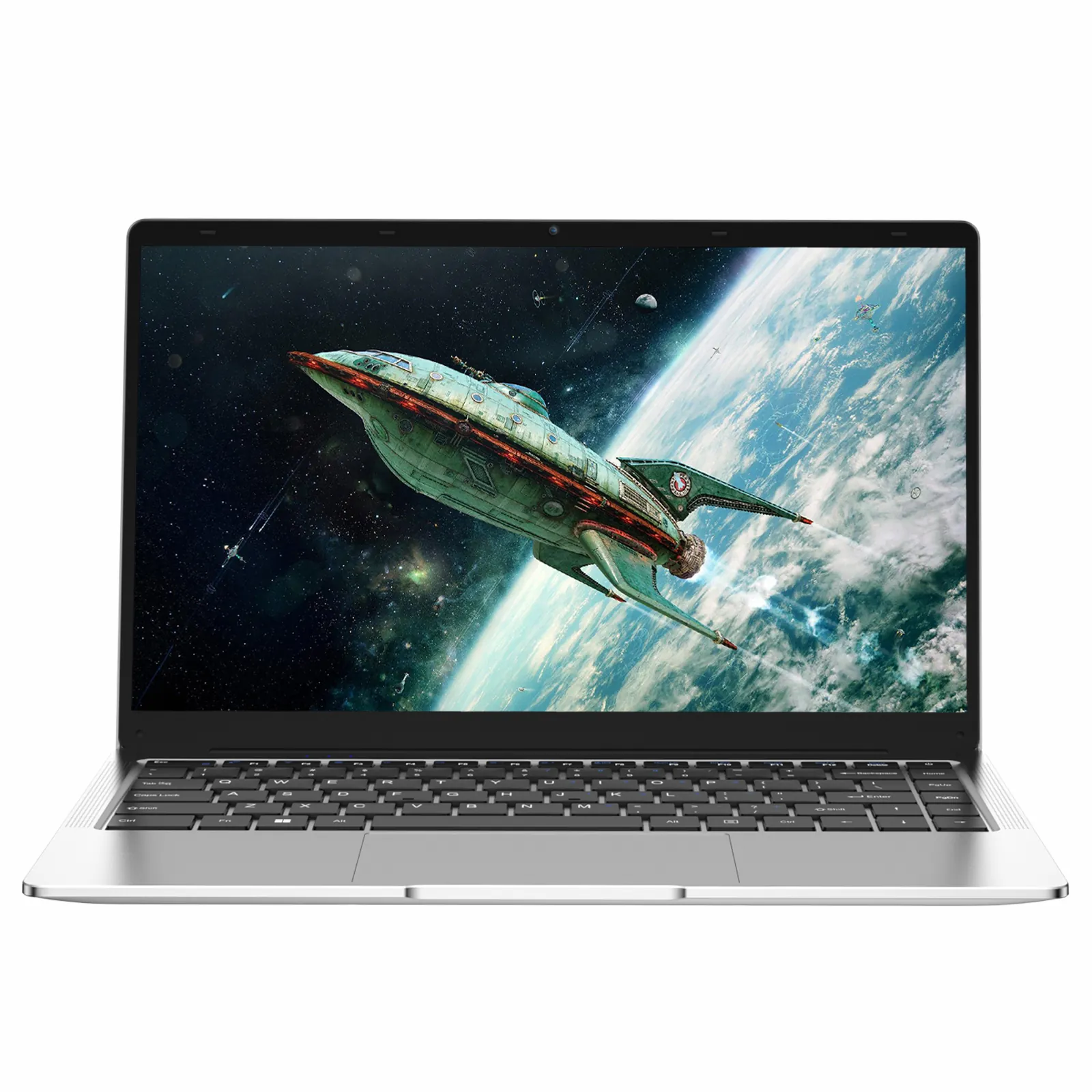
- NXTCore Flex S140N - $329 - 14.1-inch 2-in-1 detachable (the screen pops off into a tablet), 2K touchscreen, 12GB RAM, fast NVMe SSD up to 1TB. The doorway into the sweet spot: the moment storage stops being a compromise.
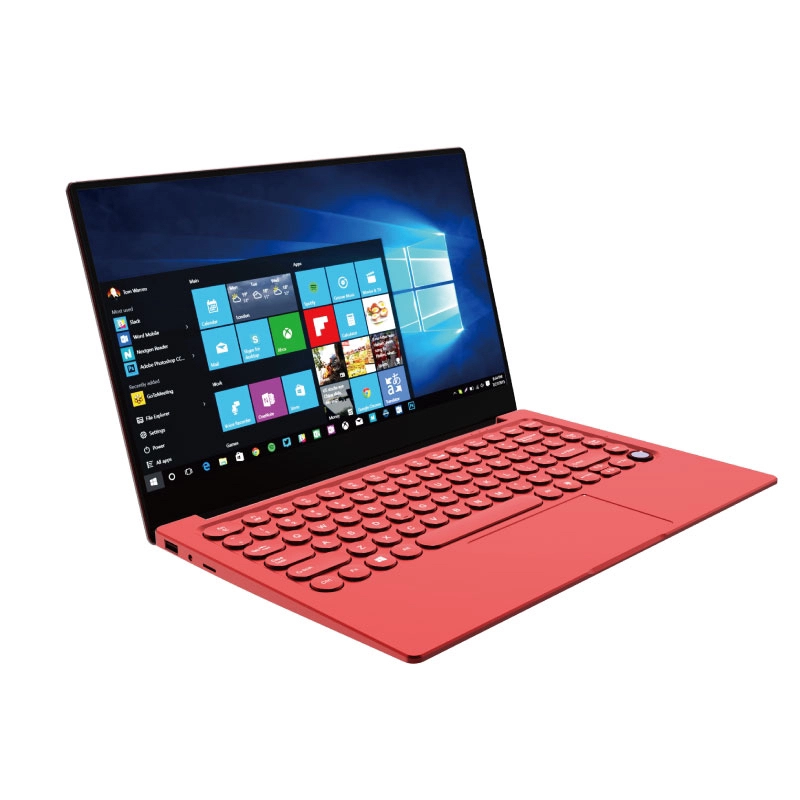
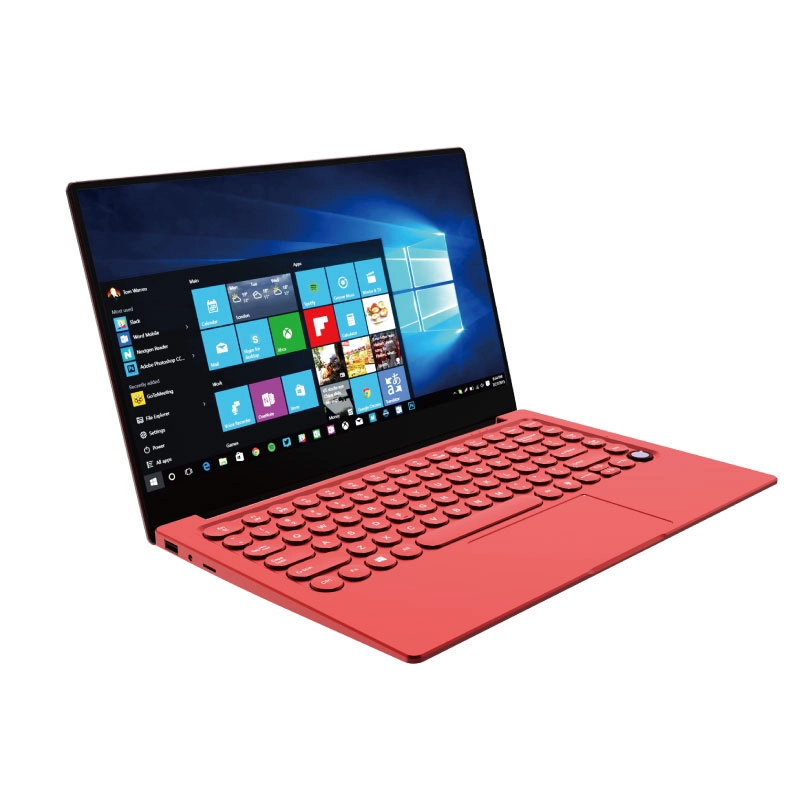
- NXTCore Flex Y156N - $359 - 15.6-inch 4-in-1 convertible with a 360-degree hinge, touchscreen, 12GB RAM, fast NVMe SSD up to 1TB. The true fold-flat convertible of the range, on a bigger screen for $30 more.
- NXTCore Pro 1030NG7 - $369 - 15.6-inch, Intel Core i5-1035G4, 16GB RAM, NVMe SSD up to 2TB. Trades the touchscreen for a step up to 16GB and a Core i5.
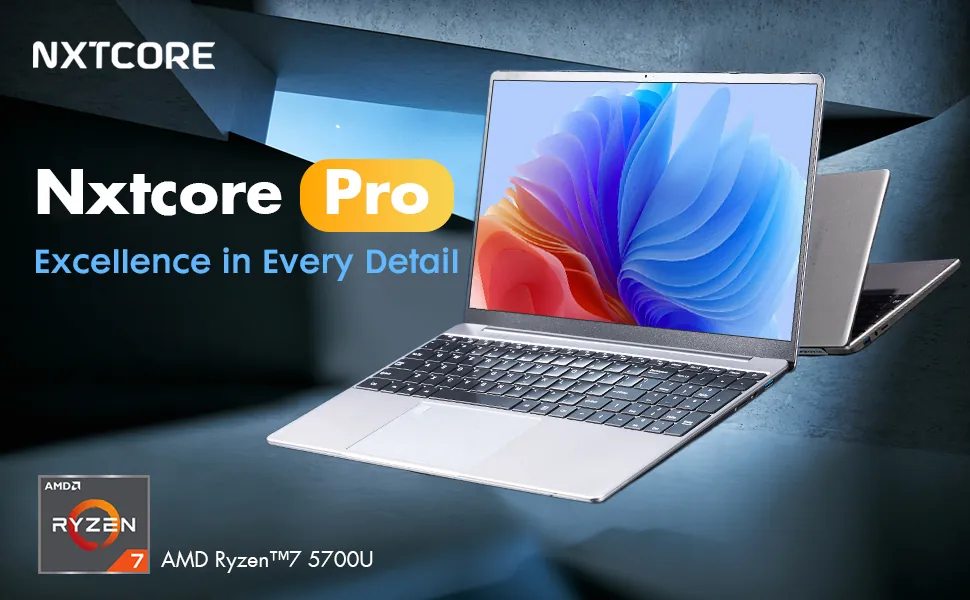
- NXTCore Pro G1568-R7 - $459 - AMD Ryzen 7 (8 cores / 16 threads), 2K QHD display, RAM configurable up to 32GB, NVMe SSD up to 2TB. The top of the sweet spot and the most capable laptop you can get before crossing $500.
How Far Up the Sweet Spot Should You Go?
The honest answer is that it depends on which improvement you actually feel. If you mostly browse, take video calls and want the option of detaching the screen into tablet mode, the Flex S140N at $329 already delivers the big storage and RAM jumps that define the sweet spot - there is little reason to spend more. If you keep dozens of tabs open, live in spreadsheets, or dabble in Lightroom and light video, the extra $130 to the Pro G1568-R7 at $459 buys the Ryzen 7 that keeps those workloads smooth. Between them, the Pro 1030NG7 at $369 is the value pivot: it drops the touchscreen but steps up to 16GB of RAM and an Intel Core i5, which for most productivity users is the more useful trade.
Why the Sweet Spot Ends at $500
The same curve that bends sharply upward after $300 flattens out again once you clear $500. Cross that line and the next increments tend to buy refinements - a nicer keyboard, a higher-resolution panel, a thinner chassis - rather than the tier-jumping gains in CPU, RAM and storage you get inside the $300-$500 band. A well-configured Ryzen 7 machine like the top of this band already covers the everyday and light-creative work that many pricier mainstream laptops are built for, which is why the top of this sweet spot punches above its price. Spend more if you specifically want those refinements; if you want the most capability per dollar, the money works hardest below $500.
Sweet-Spot Questions People Actually Ask
Is stretching from $300 to $500 really worth it, or am I paying for a badge?
It is worth it when you feel the upgrade. The extra money in this band goes into a stronger processor and more RAM, not into branding - the Pro G1568-R7 at $459 moves you up a whole CPU tier to Ryzen 7 versus a $329 everyday chip. If your workload never taxes the cheaper machine, though, the stretch buys headroom you may not use.
What's the single biggest thing that improves between a $300 and a $500 laptop?
The processor. Storage is fast NVMe at every tier (configurable up to 1TB on the Flex, up to 2TB on the Pro) and RAM climbs modestly, but the CPU makes the largest jump - from an efficient everyday chip to an AMD Ryzen 7 or Intel Core i5. That is what turns a browsing-and-office laptop into one that also handles light creative work.
I only browse and take calls - can I stop at the bottom of the sweet spot?
Yes. The Flex S140N at $329 already clears the cliff - it has the fast NVMe storage and 12GB of RAM that make everyday use smooth, plus a 2-in-1 detachable touchscreen for video calls and note-taking. Paying up to $459 only makes sense if you have a heavier workload that will actually use the stronger CPU.
Detachable or 360-hinge convertible - which flexible screen should I pick in this range?
For roughly the same money you can have two different kinds of flexibility. The Flex S140N at $329 is a 2-in-1 detachable - the 14.1-inch screen pops off to become a standalone tablet. The Flex Y156N at $359 is a 4-in-1 convertible whose 15.6-inch screen folds back on a 360-degree hinge into tent and presentation modes without ever separating. If you want a true tablet in the hand, pick the detachable S140N; if you want a bigger screen that flips into stand modes, pick the convertible Y156N. Prefer raw speed over either? The Pro 1030NG7 at $369 drops the touch panel but adds 16GB of RAM and an Intel Core i5.
Do all these sweet-spot models use real SSDs?
Yes. Every NXTCore model in the $300-$500 range ships with a fast NVMe SSD - not eMMC, not a mechanical drive - and each is configurable to a large capacity (up to 1TB on the Flex models, up to 2TB on the Pro models). That is a big part of why the storage question is effectively solved by the time you reach the bottom of the sweet spot, leaving your extra dollars free to buy CPU and RAM.
The Bottom Line on the Sweet Spot
Between $300 and $500 the math tilts in your favor: fixed costs stay flat and almost every extra dollar goes into the parts that decide how fast the laptop feels. The Flex S140N at $329 is where the cliff ends and the fast storage and comfortable RAM begin; the Pro G1568-R7 at $459 is where the band tops out with a Ryzen 7. Compare the four sweet-spot models side by side in the everyday and performance collections and stop stretching the moment the upgrade stops being one you will feel.
Last updated: August 2026. All prices in USD.