Everyday
  About Company
 Refund Policy
 Privacy Policy
 Terms And Conditions
 Support
 Open Ticket
 Contact Us
 Knowledgebase
 News
News
Chromebook vs Windows Laptop: An Honest 2026 Comparison
The Chromebook vs Windows laptop question comes up every time someone shops for an affordable machine. Chromebooks are everywhere — in schools, coffee shops, and best-seller lists. They're cheap, they boot fast, and Google makes them sound like the answer to everything. But are they? Or are you better off with a Windows laptop?
This isn't a one-sided takedown of either platform. Both have genuine strengths, and the right choice depends entirely on what you need. The breakdown below is based on manufacturer specifications, widely published benchmarks, and how each platform behaves in everyday use — not marketing spin.
The Core Difference in 30 Seconds
A Chromebook runs Chrome OS, which is essentially the Chrome browser as an operating system. Almost everything happens in the browser or through web apps and Android apps. A Windows laptop runs Windows 11 (or 10), which can run virtually any software — browsers, desktop applications, games, professional tools, and everything in between.
Think of it this way: a Chromebook is a specialized tool optimized for web-based work. A Windows laptop is a general-purpose computer that can do almost anything.
Head-to-Head Comparison
| Feature | Chromebook | Windows Laptop |
|---|---|---|
| Price range | $150–$600 | $179–$2000+ |
| Boot time | 5–8 seconds | 10–20 seconds (SSD) |
| Software compatibility | Web apps + Android apps | Everything |
| Offline capability | Limited | Full |
| Virus risk | Very low | Moderate (use antivirus) |
| Setup complexity | Minimal | Moderate |
| Gaming | Web/Android games only | Full PC gaming |
| Storage | 32–128GB (cloud-dependent) | 128GB–2TB |
| Battery life | 8–12 hours | 5–10 hours |
| Updates | Automatic, fast | Can be disruptive |
| OS support lifespan | 8–10 years (AUE date) | 10+ years typical |
Where Chromebooks Win (Honestly)
Simplicity and Speed
Chromebooks are fast to start, fast to use, and almost impossible to mess up. There's no antivirus to manage, no driver issues, no registry cleaning, no defragmenting. You sign in with your Google account and you're working within seconds. For people who just want a machine that works with zero maintenance, this is a genuine advantage.
Security
Chrome OS is inherently more locked-down than Windows. It runs apps in sandboxed containers, updates automatically in the background, and is largely immune to traditional PC viruses. If you're buying for a relative who clicks on suspicious email links, a Chromebook is genuinely safer out of the box.
Battery Life
Chrome OS is extremely lightweight, so Chromebooks often deliver strong battery life for the price. Many models are rated for 10+ hours on a single charge — a real advantage for students and travelers who spend all day away from an outlet.
Where Windows Laptops Win (Clearly)
Software Compatibility
This is the big one. Need Photoshop? Windows. AutoCAD? Windows. QuickBooks? Windows. Visual Studio? Windows. Any specialized software for work, school, or hobbies? Almost certainly Windows (or Mac, but not Chrome OS).
Yes, Chromebooks can run Android apps and Linux apps (in beta), but the experience isn't the same. Android apps are designed for phones and often feel awkward on a laptop. Linux support requires technical setup and isn't always stable.
Offline Capability
Chromebooks have improved their offline support, but they're still fundamentally built for an always-connected world. If you lose Wi-Fi, your options shrink fast. A Windows laptop works the same whether you're online or off — your files are local, your apps run locally, and everything just works.
Storage and File Management
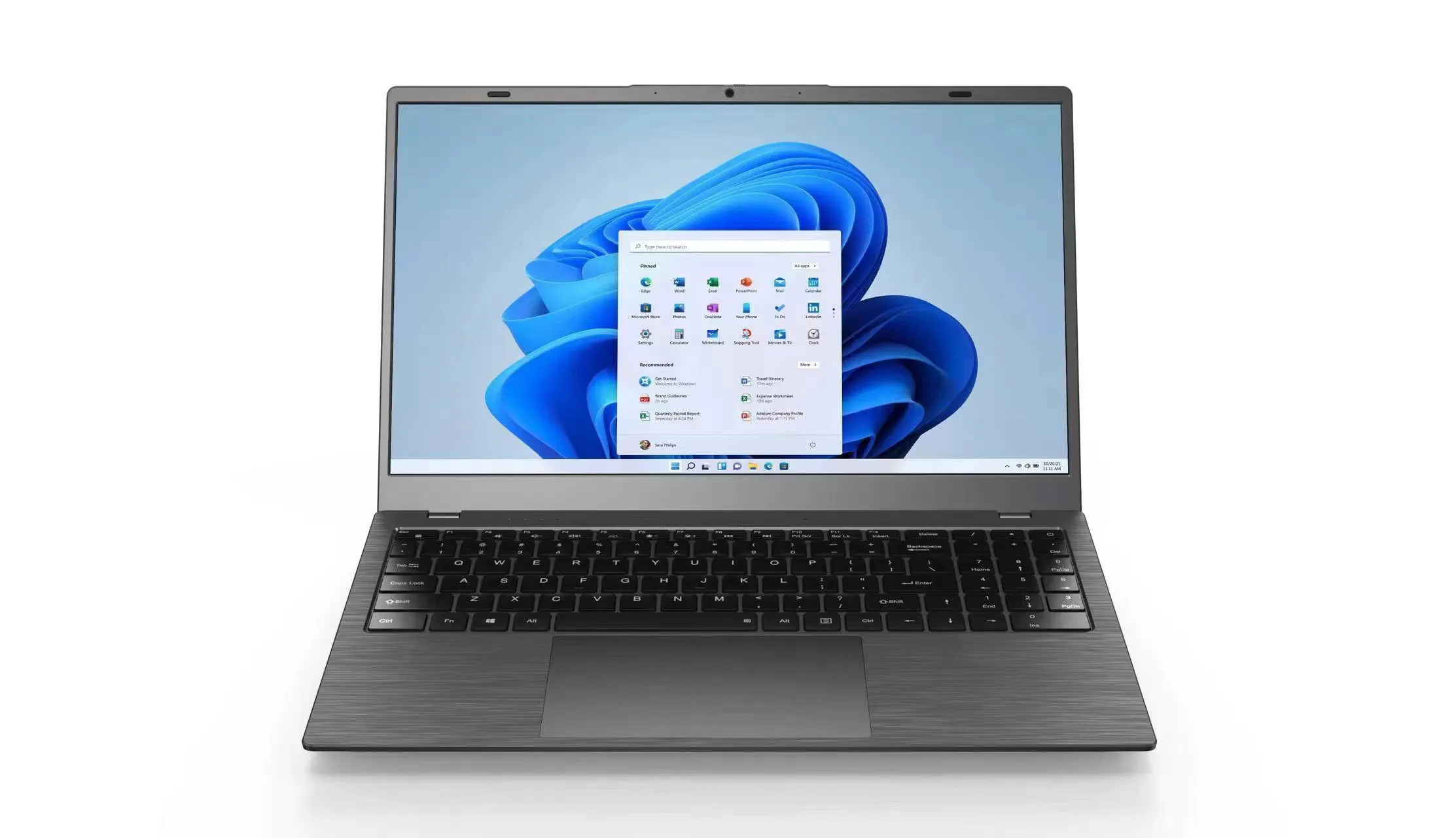
Most Chromebooks ship with 32–64GB of storage because they expect you to keep everything in Google Drive. That's fine until your internet is slow, you're working with large files, or you've used up your free 15GB of Drive. Windows laptops typically start at 128–256GB of local SSD storage and scale far higher. The NXTCORE Lite G141J-N5095 ($199), for example, is configurable with up to 2TB of NVMe SSD — far more local headroom than a cloud-dependent Chromebook, at a similar entry price.
Performance Value
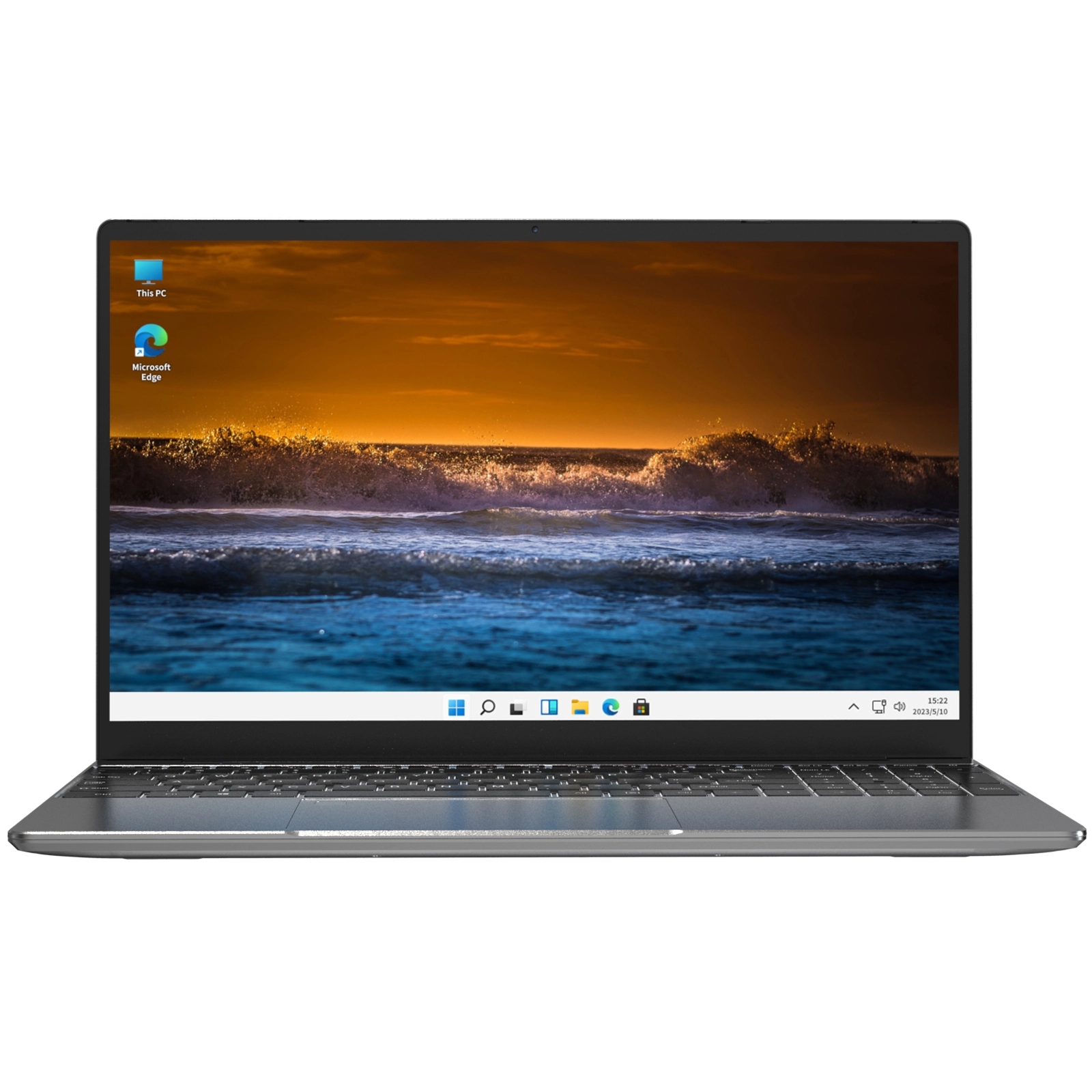
Here's what most Chromebook vs Windows comparisons miss: at the same price point, a budget Windows laptop now gives you noticeably more capability. A $200 Chromebook typically gets you a MediaTek or low-end Intel chip, 4GB RAM, and 64GB eMMC storage. The $199 NXTCORE Lite G141J-N5095, by contrast, is a full Windows 11 machine built around a quad-core Intel Celeron N5095 and a 14.1" FHD IPS touch display, and it's configurable with up to 16GB of DDR4 RAM and up to 2TB of NVMe SSD storage.
The “Is a Chromebook Good Enough?” Checklist
Answer honestly. If all of these are true, a Chromebook might work for you:
- Everything I do lives in a web browser (Gmail, Google Docs, YouTube, Netflix)
- I always have reliable Wi-Fi access
- I don't need to install any desktop software
- I don't game on my laptop beyond casual web or mobile games
- I'm comfortable storing everything in Google Drive
- I won't need the laptop for work that requires specific Windows or Mac software
If even one of those isn't true — and for most people, at least one isn't — a Windows laptop is the safer, more versatile choice.
The Student Angle
Chromebooks are hugely popular in K-12 education because schools can manage them easily and they're hard for kids to break (digitally, at least). But college is different. Many college courses require specific software — MATLAB, SPSS, programming IDEs, design tools — that simply won't run on Chrome OS.
The general advice for students: start with Windows. You won't be limited by anything, and affordable Windows laptops now start at the same price as Chromebooks. For a deeper dive into which components matter, read our laptop specs explained for beginners guide.
The Price Myth: “But Chromebooks Are Cheaper”
This used to be true. It isn't anymore. Here's a real comparison at the $200 price point:
| Spec | Typical $200 Chromebook | NXTCORE Lite G141J ($199) |
|---|---|---|
| Processor | MediaTek MT8183 | Intel Celeron N5095 (quad-core) |
| RAM | 4GB | Up to 16GB DDR4 |
| Storage | 64GB eMMC | Up to 2TB NVMe SSD |
| OS | Chrome OS | Windows 11 |
| Display | 14" HD TN | 14.1" FHD IPS touch |
| Software compatibility | Web + Android apps | Everything |
At the same price you get a full desktop OS, a quad-core processor, a sharp FHD IPS display, and RAM and storage that are configurable well beyond what a typical Chromebook offers — plus the ability to run any software. The Chromebook “price advantage” has essentially evaporated at the budget end. To see more options at this price, browse our best cheap laptops of 2026 roundup.

Hidden Chromebook Costs
Something to consider: because Chromebooks have limited storage, many users end up paying for Google One cloud storage ($20–$100/year). Over a laptop's lifetime that can add $100–$500 to the true cost of ownership. A Windows laptop with a roomy local SSD rarely needs a cloud-storage subscription for typical use.
There's also the Auto Update Expiration (AUE) date. Google guarantees Chrome OS updates for roughly 8–10 years from a device's release (not your purchase date). After that date, the Chromebook stops receiving security updates, which effectively turns it into a security risk. Windows laptops remain securable for as long as the hardware works.
The Verdict: Who Should Buy What
Get a Chromebook if:
- You genuinely only use a web browser and nothing else
- You want a cheap second device for couch browsing
- You're buying for a young child who needs something simple and secure
- You have reliable internet at all times
Get a Windows laptop if:
- You want maximum flexibility and software compatibility
- You're a student, especially college-bound
- You need offline access to your files and apps
- You want better specs at the same price
- You might want to game, even casually
- You use any desktop software for work or hobbies
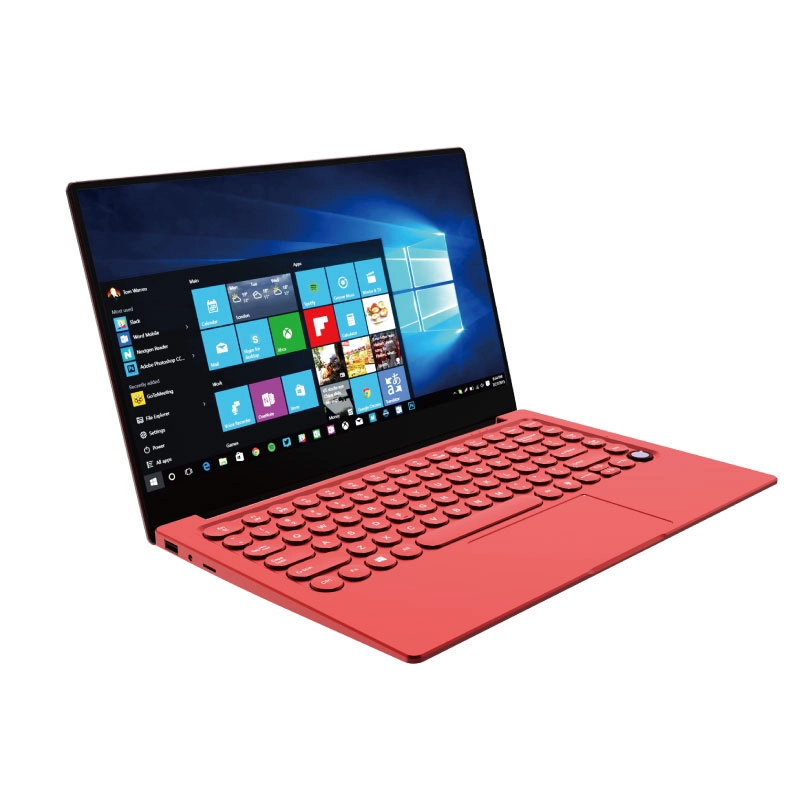
For most people reading this, a Windows laptop is the smarter investment. And with NXTCORE's lineup starting at $179 for the NXTCORE Lite F146-4105 — the same price as a Chromebook — you get dramatically more capability. Browse the full NXTCORE everyday laptop collection to find your match, or step up to the performance range for heavier workloads.
Frequently Asked Questions
Is a Chromebook better than a Windows laptop?
Neither is universally better. A Chromebook is simpler, more secure, and often has longer battery life if you only work in a browser. A Windows laptop wins on software compatibility, offline use, gaming, and local storage — which is why it suits most people.
Are Chromebooks cheaper than Windows laptops in 2026?
Not meaningfully. Budget Windows laptops now start at $179, matching entry Chromebook prices while offering more RAM, more storage, and full software support. The old Chromebook price advantage has largely disappeared.
Can a Chromebook run Microsoft Office or Photoshop?
Only the web versions. Full desktop Office and desktop Photoshop do not run on Chrome OS. If you need those programs, a Windows laptop is the safer choice.
Which is better for students, a Chromebook or a Windows laptop?
For K-12 web-based work, a Chromebook is fine. For college, a Windows laptop is safer because many courses require specific desktop software that Chrome OS can't install.
And if you're weighing which specs actually matter for your needs, don't miss our guide to how much RAM you need in 2026 and our beginner's guide to laptop specs — they'll help you pick the right configuration no matter which platform you choose.