Everyday
  About Company
 Refund Policy
 Privacy Policy
 Terms And Conditions
 Support
 Open Ticket
 Contact Us
 Knowledgebase
 News
News
How to Buy a Laptop Online — Complete Guide for 2026
Ready to buy a laptop online but not sure where to start? You are not alone. With hundreds of models spread across dozens of retailers — Amazon, Best Buy, Walmart, Newegg, and manufacturer sites — the choices can feel overwhelming. This guide walks you through everything you need to know to confidently buy a laptop online in 2026, from choosing the right specs to spotting hidden costs and avoiding common scams.
Step 1: Define What You Need
Before you start browsing, answer three questions: What will you primarily use the laptop for? What is your maximum budget? Does portability matter? These three answers narrow your search dramatically. If you want a deeper primer, our companion guide on laptop specs explained for beginners breaks down every term you will encounter.
- Web browsing, email, and documents: Any laptop with 8GB RAM and an SSD will do. Budget: $179 to $250. The NXTCORE Lite F146-4105 at $179 is a strong entry-level pick.
- Student workloads (research, writing, video calls): Look for 12-16GB RAM and at least 256GB SSD. Budget: $199 to $359.
- Remote work (Office suite, Zoom, multitasking): 12GB+ RAM and a 512GB SSD keep things smooth. Budget: $329 to $459. The NXTCORE Flex S140N at $329 fits this tier.
- Light content creation (photo editing, coding): Intel i3/i5 or AMD Ryzen 5/7, 16GB RAM, 512GB SSD. Budget: $369 to $549.
- Gaming or heavy creative work: A dedicated GPU, 16GB+ RAM, and a high-refresh display. Budget: $700 and up.
Step 2: Understand the Specs That Matter
Laptop specs can be confusing, but only a few actually shape your daily experience. Here is what to focus on when you buy a laptop online. Not sure how much memory to get? See our guide on how much RAM you actually need in 2026.
- Processor (CPU): Intel Celeron and N-series chips are fine for basic tasks. Intel i3/i5 and AMD Ryzen 5/7 handle heavier workloads. Ignore marketing names and look at the actual model number.
- RAM: 8GB is the practical minimum for comfortable use in 2026, and 12-16GB is ideal. Avoid 4GB machines entirely.
- Storage: An SSD is mandatory. Never buy a laptop with eMMC or a spinning HDD in 2026. 256GB is fine for the basics; choose 512GB if you store media files.
- Display: IPS panels offer better viewing angles and color. A 14 to 15.6-inch screen is the sweet spot for portability and usability.
- Battery: Aim for at least 6-8 hours of real-world runtime. Independent reviewers consistently find that manufacturer battery estimates run optimistic, so treat the advertised figure as a ceiling rather than a guarantee.

Step 3: Compare Prices Across Retailers
This is where most people leave money on the table. The same laptop model can vary by $50 to $150 depending on where you buy it. The table below summarizes what to expect from each channel for US laptop shoppers in 2026:
| Where to buy | Typical pricing | Watch out for |
|---|---|---|
| Direct-to-consumer brands | Lowest — no retail markup | Smaller catalogs than mega-retailers |
| Amazon | Competitive on name brands | Third-party sellers, refurbished-as-new |
| Best Buy | Often $50-100 higher | Extended-warranty upsells at checkout |
| Walmart | Hit or miss | Limited budget selection |
| Manufacturer sites | Premium pricing | Slower shipping |
- Direct-to-consumer brands (best prices): Stores like NXTCORE sell directly to you, eliminating retail markups, with a lineup that starts at $179 and averages about $396.
- Amazon (competitive but watch the sellers): Good prices on name brands during sales, but third-party sellers often inflate shipping or list refurbished units as new.
- Best Buy (convenient but higher): Reliable for returns and in-store pickup, though baseline prices typically run $50-100 above direct competitors.
- Walmart (hit or miss): Occasional good deals, especially on Walmart-exclusive models, but a limited budget selection.
- Manufacturer sites (Dell, HP, Lenovo): Customization is nice, but prices are premium and shipping is often slow.
Step 4: Watch Out for Hidden Costs
When you buy a laptop online, the sticker price is not always the final price. Here are the costs that catch US shoppers off guard:
- Shipping fees: Many sellers charge $20 to $50 to ship a laptop, especially third-party Amazon sellers. Always confirm the shipping cost before you check out.
- Sales tax: This varies by state, and some direct sellers have a smaller tax footprint than major retailers.
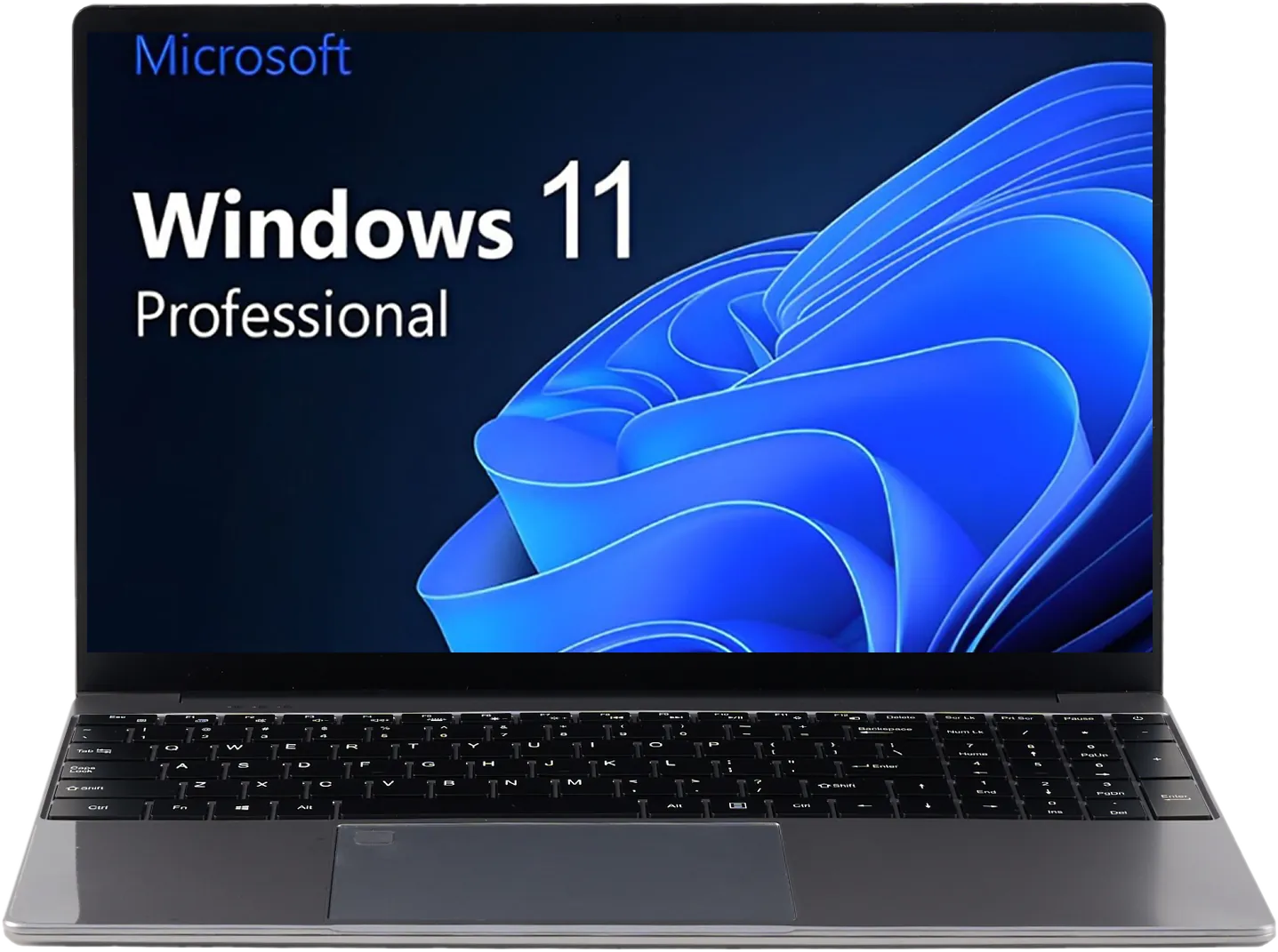
- Windows license: Some ultra-budget laptops ship with FreeDOS or Windows S Mode, which can mean buying an operating system separately. Check the listing to confirm a full Windows license is included.
- Extended warranty upsells: Best Buy and Amazon aggressively push extended warranties at checkout. Decide whether you actually need one rather than adding it on impulse.
Step 5: Check the Return Policy
Buying sight-unseen is the biggest concern when you buy a laptop online, so make sure the retailer has a clear return policy. Amazon offers 30-day returns on most laptops, Best Buy gives you 15 days (30 for members). Whichever retailer you choose, always read the return policy before clicking checkout.
Our Recommendation for US Buyers
For most US shoppers in 2026, the smartest way to buy a laptop online is to go direct-to-consumer. You get better specs per dollar and a simpler buying experience without the markup chain of retail stores. Start with the NXTCORE everyday collection — the NXTCORE Flex S140N at $329 is a great all-rounder — or step up to the performance collection, where the NXTCORE Pro 1030NG7 starts at $369. For more value picks, see our roundup of the best laptops under $500 in 2026.
Frequently Asked Questions
Is it safe to buy a laptop online?
Yes, as long as you buy from a reputable retailer or a direct-to-consumer brand, check the return policy, and use a secure payment method. Reading the seller's reviews and confirming free or clearly stated shipping helps you avoid surprises.
How much should I spend on a laptop in 2026?
For everyday browsing, email, and documents, a well-specced budget laptop between $179 and $359 is plenty. Students and remote workers are comfortable in the $329 to $459 range, while gaming and heavy creative work generally start around $700.
Are direct-to-consumer laptops cheaper than Amazon or Best Buy?
Often, yes. Direct-to-consumer brands skip the retail markup chain, so the same class of hardware tends to cost less. NXTCORE's own lineup, for example, starts at $179 and averages about $396.
What specs matter most when buying a laptop online?
Prioritize an SSD (never eMMC or HDD), at least 8GB of RAM (12-16GB is better), and a current-generation CPU. An IPS display and honest battery expectations round out a laptop that will feel fast for years.
Last updated: July 2026. All prices in USD. Browse the full lineup at the NXTCORE store.