Everyday
  About Company
 Refund Policy
 Privacy Policy
 Terms And Conditions
 Support
 Open Ticket
 Contact Us
 Knowledgebase
 News
News

How to Buy a Laptop Online in Canada — Complete 2026 Guide
More Canadians than ever choose to buy a laptop online in Canada rather than driving to a big-box store — you get better prices, more choice, and the machine arrives at your door. But shopping for a laptop online can feel overwhelming if you do not know what to look for. This guide walks you through every step, from figuring out your needs to comparing specs, choosing a trustworthy retailer, and protecting yourself after purchase.
Step 1: Figure Out What You Need
Before you start browsing, ask an honest question: what will you actually use this laptop for? If the answer is web browsing, email, streaming and office work, you do not need to spend more than $300 to $500 CAD. If you need a machine for video editing, 3D rendering or serious multitasking, budget more. Most people overestimate their needs and overspend as a result.
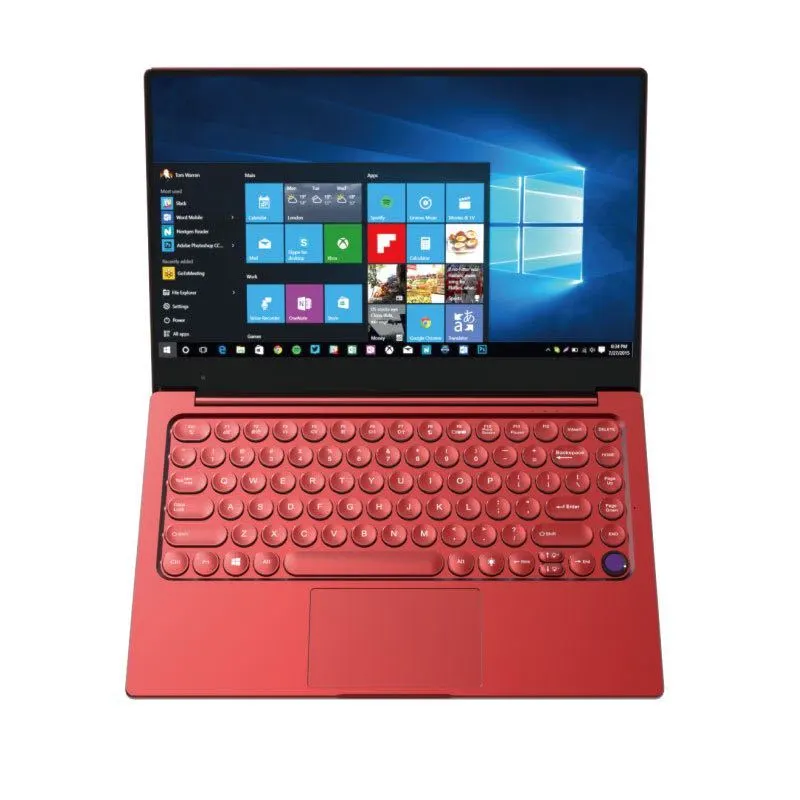
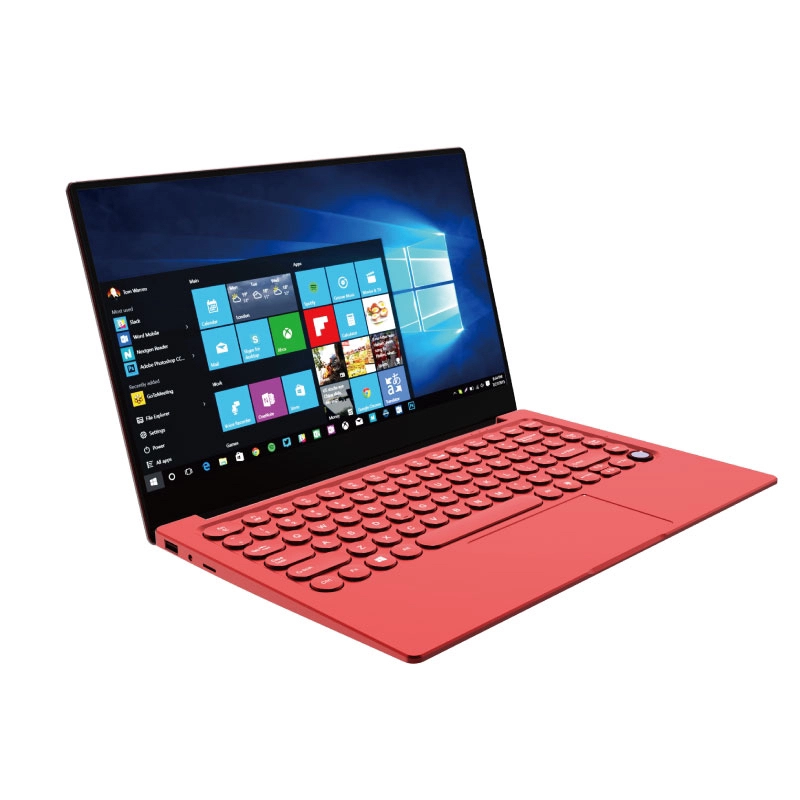
- Everyday use (web, email, Netflix, documents): the NXTCORE Flex S140N at $329 is a strong pick — browse all NXTCORE everyday laptops.
- Tight budget / first laptop: the entry NXTCORE Lite F146-4105 starts at just $179 (about $245 CAD).
- Student workload (research, Zoom, light multitasking): $250 to $500 CAD covers most needs — see our best budget laptops for students in Canada guide.
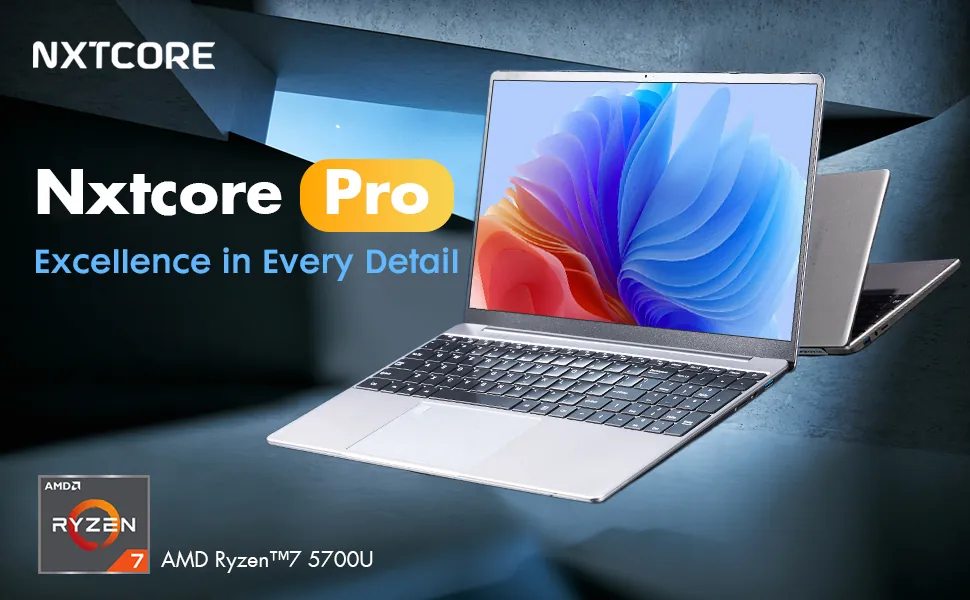
- Professional or performance work (coding, heavier multitasking): the NXTCORE Pro 1165G7 at $549 or the flagship NXTCORE Ultra GLT163Max at $899.

Step 2: Understand the Specs That Matter
Laptop specs can look like alphabet soup. Here is what actually matters when you shop for a laptop online, based on manufacturer specifications and widely published guidance:
- Processor (CPU): Intel Celeron or Pentium for basics; Intel Core i3/i5 or AMD Ryzen 5 for moderate use; Core i7 or Ryzen 7 for power users.
- RAM: 8GB is the practical minimum for a smooth experience in 2026; choose 16GB if you multitask heavily.
- Storage: always pick an SSD over an old HDD. 256GB suits most people; 512GB if you keep lots of files locally.
- Display: 14-inch is the sweet spot for portability; 15.6-inch gives a bigger workspace. Aim for Full HD (1920x1080) at minimum.
- Battery life: look for 6+ hours of real-world use — manufacturer claims are typically optimistic.
- Operating system: Windows 11 Home is standard; Windows 11 Pro adds encryption and business features.
| Use case | Recommended specs | NXTCORE match |
|---|---|---|
| Everyday / browsing | Core i3, 8GB RAM, 256GB SSD | NXTCORE Flex S140N ($329) |
| Student / office | Core i5, 8-16GB RAM, 256GB SSD | NXTCORE Pro 1030NG7 ($369) |
| Performance / pro work | Core i7, 16GB RAM, 512GB SSD | NXTCORE Ultra GLT163Max ($899) |
Step 3: Compare Retailers and Prices
When you purchase a laptop online in Canada you have several options. Here is how the major players generally compare on price, selection and warranty:
- NXTCORE (nxtcore.tech) — direct-to-consumer pricing from $179, free shipping across Canada, and every unit backed by warranty. No retail markup.
- Amazon Canada — huge selection but prices vary widely; watch for third-party sellers with inflated prices or grey-market units lacking Canadian warranty.
- Best Buy Canada — reliable with in-store pickup, though prices for comparable specs often run higher than direct-to-consumer brands.
- Costco Canada — membership required; occasional strong deals but limited selection.
- Canada Computers — good for enthusiasts with competitive pricing, but a smaller online selection than the big retailers.
Step 4: Check Shipping, Returns, and Warranty
This is where many online shoppers get burned. Before you click buy, verify three things: is shipping free, or does it add $20 to $50 to your total? What is the return window? And does the laptop carry a manufacturer warranty that is valid in Canada? At NXTCORE, orders ship free to any Canadian address and every laptop is warranty-backed — always confirm the current return and warranty terms at checkout before you order.
Step 5: Payment and Security
Always order your laptop from a website that uses HTTPS encryption and accepts secure payment methods. Credit cards offer the strongest buyer protection in Canada, and many retailers also accept PayPal or financing. Avoid wire transfers or e-transfers to unknown sellers — those payments are almost impossible to reverse if something goes wrong.
Related NXTCORE Buying Guides
- Best cheap laptops in Canada — top picks under $500
- Best laptops under $500 in Canada — 2026 value picks
- 5 best budget laptops for students in Canada
Ready to Buy?
Shopping for a laptop online does not have to be complicated. Know your needs, compare the specs that matter, choose a reputable retailer with clear return and warranty terms, and pay securely. For the best value per dollar in Canada, start with the entry NXTCORE Lite from $179 and work up from there, or explore the full NXTCORE laptop store.
Frequently Asked Questions
Is it safe to purchase a laptop online in Canada?
Yes — as long as you use a retailer with HTTPS checkout, pay by credit card for buyer protection, and confirm the laptop includes a warranty valid in Canada. Avoid grey-market listings and e-transfers to unknown sellers.
What is the best budget laptop to order online in Canada?
For most everyday users, the NXTCORE Flex S140N at $329 hits the value sweet spot, while the NXTCORE Lite F146-4105 at $179 is a solid ultra-budget starting point.
Do laptops bought online come with a Canadian warranty?
They should, but not always — grey-market or imported units may not be covered locally. Buying direct from a Canadian-shipping retailer like NXTCORE means the warranty applies without cross-border hassle.
How much should I spend on a laptop in 2026?
Everyday users can be well served for $300 to $500 CAD. NXTCORE's lineup spans $179 to $899 (averaging about $396), so you can match spend to your real workload rather than overpaying for features you will not use.