Everyday
  About Company
 Refund Policy
 Privacy Policy
 Terms And Conditions
 Support
 Open Ticket
 Contact Us
 Knowledgebase
 News
News

Best Cheap Laptops for Kids' Homework & Online School 2026
It usually starts with an email from the school: "Students will need a device at home for online assignments and live video classes." And just like that, you're shopping for a laptop your second-grader — or your high-school sophomore — can actually live with. It has to survive a crowded backpack, load Google Classroom without a fight, sit through a video class without freezing, and cost little enough that a knocked-over juice box doesn't become a household crisis.
That's exactly the balance this guide is built around. The best cheap laptops for kids' homework and online school in 2026 start at just $179 from direct-to-consumer sellers like NXTCORE — a full Windows 11 machine with an SSD, 8GB of RAM, a real keyboard, and a webcam, shipped free to the US and Canada. Below we focus on what parents actually care about: durability, easy setup, parental controls, and readiness for the apps schools really use.
Is It Ready for Online School? The App Checklist
Before anything else, a school laptop has to run the software your child's classroom depends on. The good news: almost all of it is browser-based, which is why even a $179 Windows 11 laptop handles online school with room to spare. Here's what to confirm it can do:
- Google Classroom, Docs & Drive — the backbone of most K-12 assignments. All run in Chrome, so any Windows laptop with 8GB of RAM keeps Classroom, a document, and a research tab open at the same time.
- Live video class (Zoom, Google Meet, Microsoft Teams) — a built-in webcam and microphone are essential. Every laptop below includes both, so your child can join a class or a tutoring session on day one.
- District sign-on portals (Clever, ClassLink) — these single-sign-on dashboards are just websites; they work in any modern browser.
- Younger-grade apps (Seesaw, Prodigy, Epic!, ABCmouse) — all offer web versions that run on Windows, so a laptop covers them without an app store.
- Online testing (i-Ready, MAP Growth, state assessment platforms) — these often require a full desktop browser and a stable keyboard, which is where a real Windows laptop beats a phone or a locked-down tablet.
- Microsoft Office — because these ship with Windows 11, kids can install the free web versions of Word, Excel, and PowerPoint, or a school-provided Office 365 account.
Notice what's not required: a gaming graphics card, 16GB of RAM, or a Core i7. Those are for gaming and pro work — not homework. If you're second-guessing the memory question, our guide to how much RAM you actually need in 2026 spells it out.

Kid-Proofing: Helping a Budget Laptop Survive the School Year
Kids are rough on electronics — dropped bags, sticky fingers, and forgotten chargers are all part of the deal. The single smartest move is choosing an inexpensive laptop in the first place, so a scratch or a mishap isn't an expensive heartbreak. Beyond price, a few simple habits keep a cheap laptop alive from September to June:
- Add an inexpensive neoprene sleeve. It cushions the everyday bumps of a backpack — no bulky hardshell case needed.
- Make it a two-hands, closed-lid rule. Teach your child to shut the lid before it goes in the bag and to carry it with both hands. Most cracked screens come from carrying an open laptop one-handed.
- Keep food and drinks at arm's length. A dedicated homework spot away from the dinner table prevents the classic spill.
- Give the child a standard (non-admin) account. Keep the administrator account for yourself so random installs, deleted system files, and changed settings simply can't happen.
- Back schoolwork up to Google Drive or OneDrive automatically. If the laptop is ever lost, broken, or needs a factory reset, the homework survives in the cloud.
For habits that keep any budget machine running smoothly, see our essential laptop care tips.
Setting Up Parental Controls in Windows 11
Because every laptop below ships with Windows 11, you get Microsoft Family Safety built in — no subscription or extra software required. Ten minutes of setup gives you real oversight without hovering over your child's shoulder:
- Create a child account under Microsoft Family Safety. Sign in with your own Microsoft account, add your child, and their laptop is automatically linked to your dashboard.
- Set screen-time limits. Cap daily use and schedule allowed hours so the laptop is a homework tool on school nights, not a midnight rabbit hole.
- Turn on web and search filtering. Block adult content and restrict browsing to kid-appropriate sites in Microsoft Edge.
- Review weekly activity reports. Family Safety emails you a summary of sites visited and apps used — a conversation starter, not spyware.
- Approve app and game installs. Require your sign-off before anything new gets downloaded, so the machine stays a school device.
- Switch on Focus sessions. Windows 11's built-in Focus mode silences notifications during homework blocks.
If your school also assigns a Google account, Google Family Link layers similar controls on top of Chrome and Classroom — the two work side by side.
Our Curated Picks for Kids & Students
We've narrowed NXTCORE's lineup to four models that actually fit a growing student — from a first homework laptop to a high-schooler's workhorse. There's no need to pay for gaming or creator specs a kid will never touch.
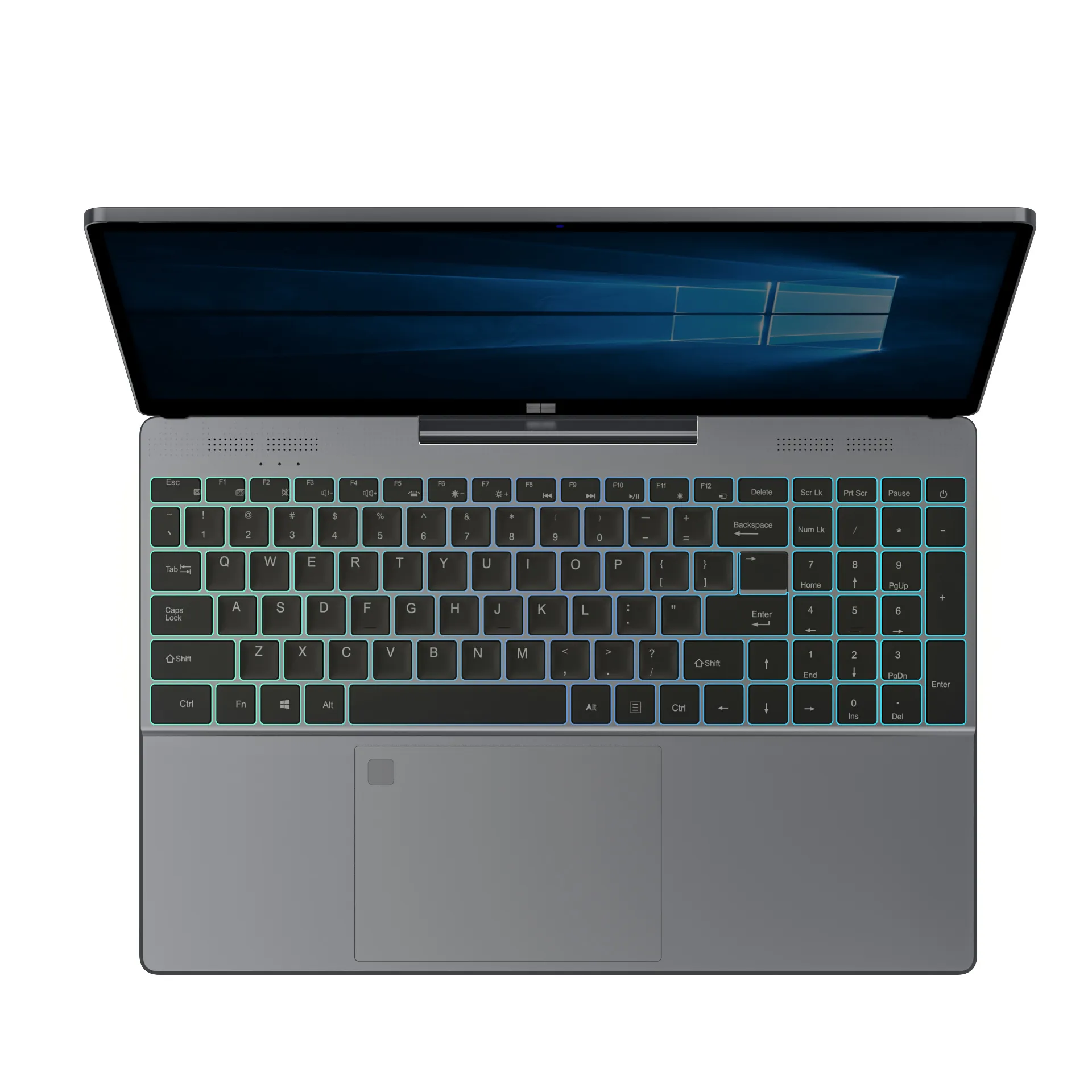
1. NXTCORE Lite F146-4105 — $179 (Best First Laptop)
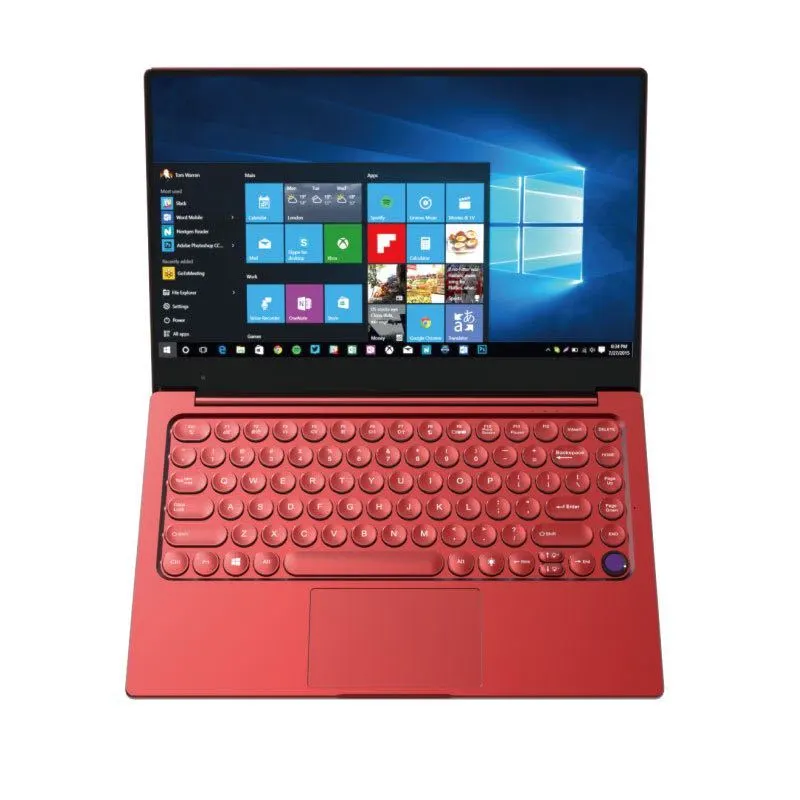
The NXTCORE Lite F146-4105 at $179 is the standout value pick for a child's first school laptop. It does everything homework and online school demand, at a price low enough that a drop, a spill, or a lost charger won't sting.
- Intel Celeron J4105 processor — comfortable with Google Classroom, Docs, Khan Academy, Seesaw, and Zoom
- 8GB of RAM — enough for a browser, a Google Doc, and a live video call at once
- SSD storage — boots in seconds, so an impatient kid actually uses it
- 14-inch display — easy on young eyes for reading and schoolwork
- Windows 11 — full Family Safety parental controls and all the software schools require
- Free shipping to the US and Canada
At $179 it costs less than a base iPad and is far more practical for school — real keyboard, full desktop Chrome, no separate keyboard-case upsell. Best for: elementary and middle-school students and families on a tight budget.
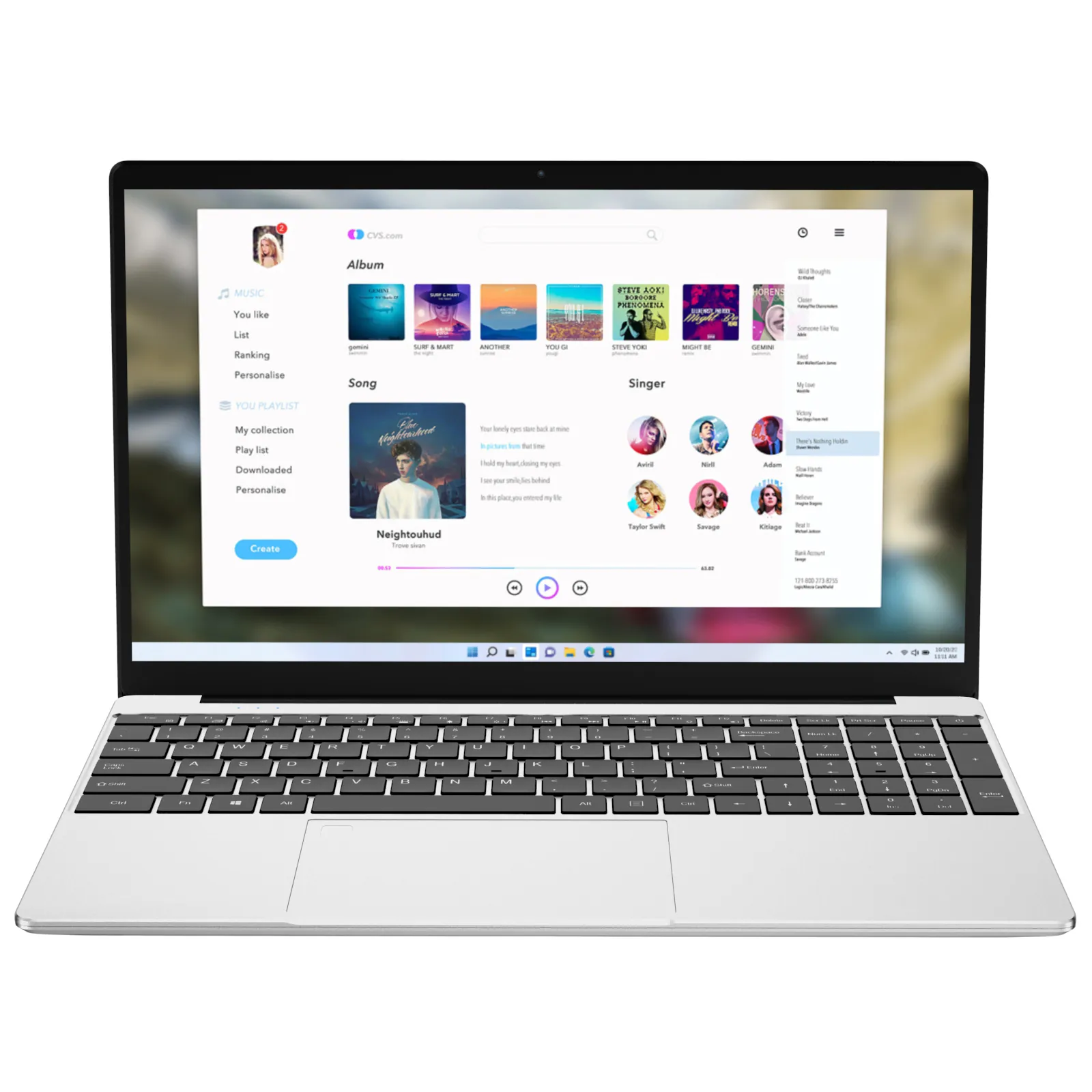
2. NXTCORE Lite F152G-5095 — $219 (A Little More Headroom)
For a busier student who keeps a dozen tabs open, the NXTCORE Lite F152G-5095 at $219 steps up to a quicker Intel N5095 while keeping the same budget-friendly, kid-proof approach.
- Intel N5095 processor — smoother multitasking for heavier browser sessions
- Configurable up to 16GB of RAM with SSD storage — the reliable core that keeps school apps responsive
- 15-inch class display — extra room for research and side-by-side work
- Windows 11 with full parental-control support
- Handles many tabs, Google Docs, and a video class together
- Free shipping to the US and Canada
Best for: upper-elementary and middle-school students who multitask, or families who want a bigger screen on the same tight budget.
3. NXTCORE Flex S140N — $329 (Best for Younger Kids)
Younger children (roughly ages 5–9) often do better with touch. The NXTCORE Flex S140N at $329 is a 2-in-1 detachable — the touchscreen pops off the keyboard into a standalone tablet they can tap and swipe through learning apps, then clicks back on for typing.
- Detachable touchscreen that lifts off into a standalone tablet — tablet mode for Seesaw, Prodigy, and Epic!; reattach the keyboard for typing
- 12GB of LPDDR5 memory and SSD storage for dependable everyday performance
- Windows 11 with a touch-friendly interface and Family Safety controls
- Compact form factor — easy for smaller hands to carry
- One device that flexes between touch learning and keyboard work as your child grows
- Free shipping to the US and Canada
Best for: kids ages 5–10 and families who want a laptop that doubles as a tablet.
4. NXTCORE Pro 1030NG7 — $369 (Best for High Schoolers)
High-schoolers carry heavier loads — AP classes, research projects, beginner coding, college-application portals, and endless tabs. The NXTCORE Pro 1030NG7 at $369 adds performance headroom for that without breaking the budget.
- Faster Intel Core i5 processor for smoother multitasking
- 16GB of RAM with a comfortable display size
- SSD storage for quick, responsive performance
- Windows 11 for full software and parental-control support
- Comfortable with 20+ tabs, Google Docs, and a video class together
- Free shipping to the US and Canada
Best for: high-school, AP/IB, and students starting to code. For heavier-duty options, browse NXTCORE Performance Laptops.
Laptop vs. Chromebook vs. iPad for Kids
Parents weigh these three constantly. Here's a quick comparison based on typical published specs and features:
| Option | Best Points | Limitations |
|---|---|---|
| NXTCORE Windows Laptop ($179–$369) | Runs all school software and testing platforms, real keyboard, built-in parental controls, works K-12 to college | Slightly heavier than a tablet |
| Chromebook | Simple and secure, fast to start | Limited to web/Android apps; some testing and desktop software won't run |
| iPad (with keyboard) | Excellent touchscreen | Costly once you add a keyboard case; weaker multitasking; frustrating for long essays |
As a rule, a Windows laptop offers the best long-term value for school — it carries a child from kindergarten Google Classroom to high-school AP Computer Science without a mid-way device swap. For deeper comparisons, see Chromebook vs. Windows laptop and laptop vs. tablet for school.
How Much Should You Really Spend on a Kid's Laptop?
Here's the honest truth: most parents overspend on kids' laptops. A far pricier model handles homework much the same as a $179 one, because Google Docs, web research, and Zoom simply don't need powerful hardware. The extra money buys brand names and specs a child will never use. For reference, NXTCORE's lineup spans $179 to $899, averaging about $396 — and school work rarely needs the top of that range.
At $179, the NXTCORE Lite F146-4105 costs less than a game console and does something far more valuable for a child's education. And if it's lost or broken — a real possibility with kids — replacing it won't wreck your month. Put the savings toward a college fund, a family trip, or a faster laptop when your child genuinely needs one. Shopping around timing too? Our back-to-school laptop guide covers value picks.
Parents' Frequently Asked Questions
Will a cheap laptop run Google Classroom, Seesaw, and Zoom smoothly?
Yes. These are all browser-based, so even the $179 NXTCORE Lite F146-4105 — with 8GB of RAM and an SSD — runs Classroom, Seesaw, Zoom, and Google Meet comfortably, including keeping a document open during a live class.
Can I set parental controls and screen-time limits on these laptops?
Absolutely. Every model ships with Windows 11, which includes Microsoft Family Safety at no cost. You can set daily screen-time limits, filter web content, approve app installs, and get weekly activity reports — all from your phone or your own PC.
How durable is a $179 laptop for a young child?
No budget laptop is indestructible, but an inexpensive sleeve, a two-hands carrying rule, and a homework spot away from drinks go a long way. The bigger advantage is the price itself: an accident with a $179 laptop is a minor annoyance, not a family emergency.
Is a Windows laptop or a Chromebook better for online school?
A Chromebook is simple but limited to web and Android apps, and some online testing platforms and desktop programs won't run on it. A Windows laptop runs those same web tools plus everything teachers eventually assign, so it tends to serve a child better from elementary all the way through high school.
What age is each of these laptops best for?
Roughly: the Flex S140N ($329) touchscreen suits ages 5–10; the Lite F146-4105 ($179) and Lite F152G-5095 ($219) fit elementary and middle school; and the Pro 1030NG7 ($369) is built for high-schoolers with heavier workloads.
Do these laptops ship to the US and Canada?
Yes. NXTCORE everyday laptops ship with free shipping to both the US and Canada, and prices display automatically in your local currency.
Get Your Child School-Ready
Every child deserves a reliable computer for school — and it doesn't have to mean choosing between their education and your budget. With NXTCORE everyday laptops starting at $179, you get 8GB of RAM, SSD storage, Windows 11 with built-in parental controls, and free shipping to the US and Canada: everything a kid needs for homework, Google Classroom, and live video classes.
Shop NXTCORE everyday laptops from $179 — browse the collection. Need more power for an older student? Explore NXTCORE performance laptops from $369.